

AI Image Editor
Upload a photo and type what should change: a new background, a different color, an object gone, or several photos combined into one. Pick from ten image models, and start free.
Production preview
Three edits, one short prompt each
Each edit is one upload and one short prompt on GPT Image 2.5 Flare at 1K, and the first result it gave us.
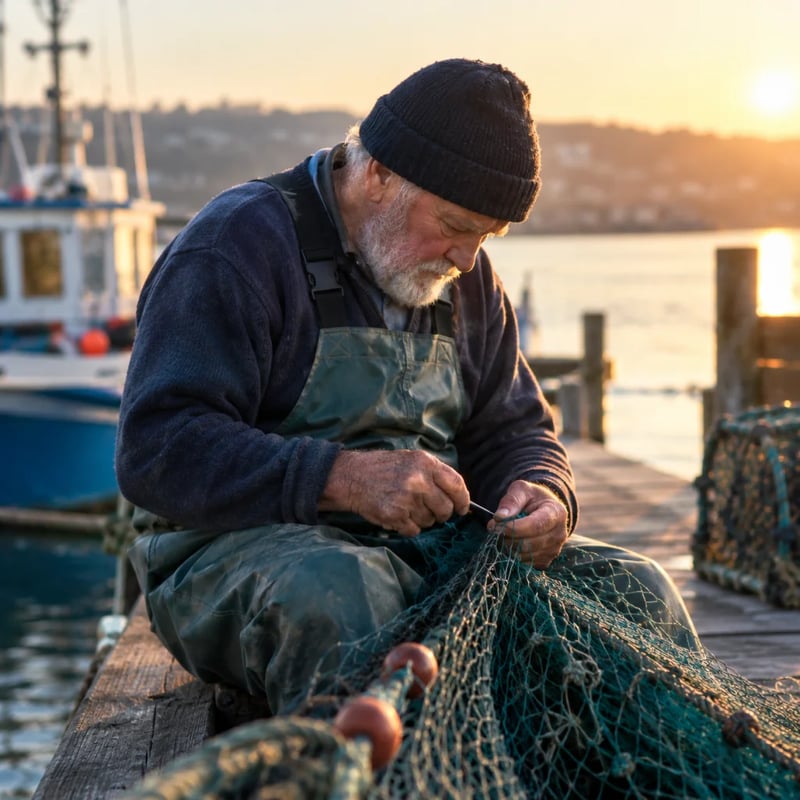
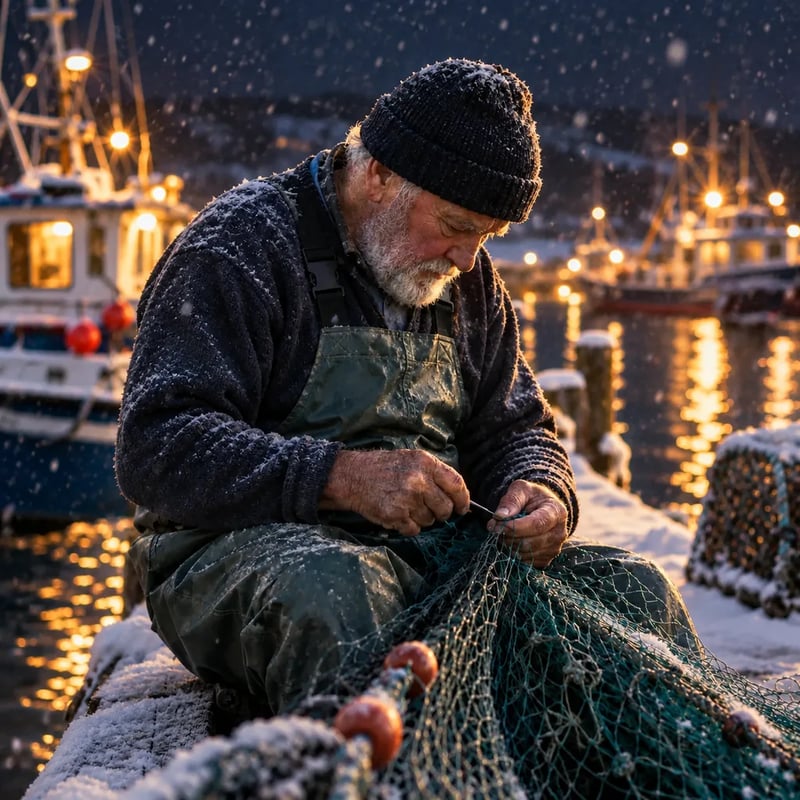
Prompt: "Keep the fisherman exactly as he is. Change the background to a snowy harbor at night, with warm lights from the boats." He kept his face, pose and clothes, and the snow even settled on his hat and shoulders.
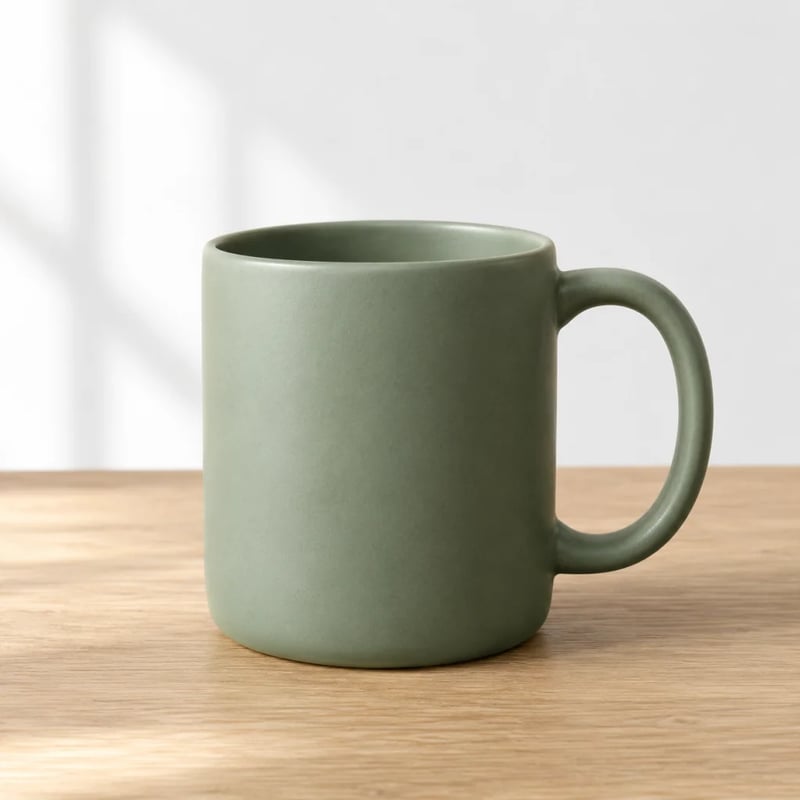
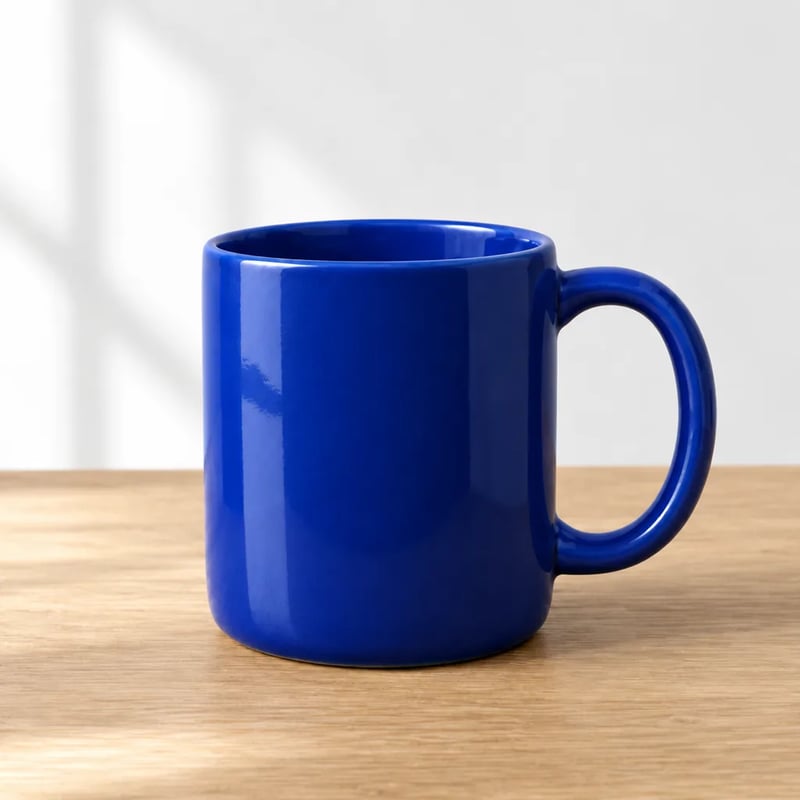
Prompt: "Make the mug glossy cobalt blue. Keep its shape, the handle and the oak table exactly the same." The color and the finish changed; the shape, the handle and the tabletop did not.
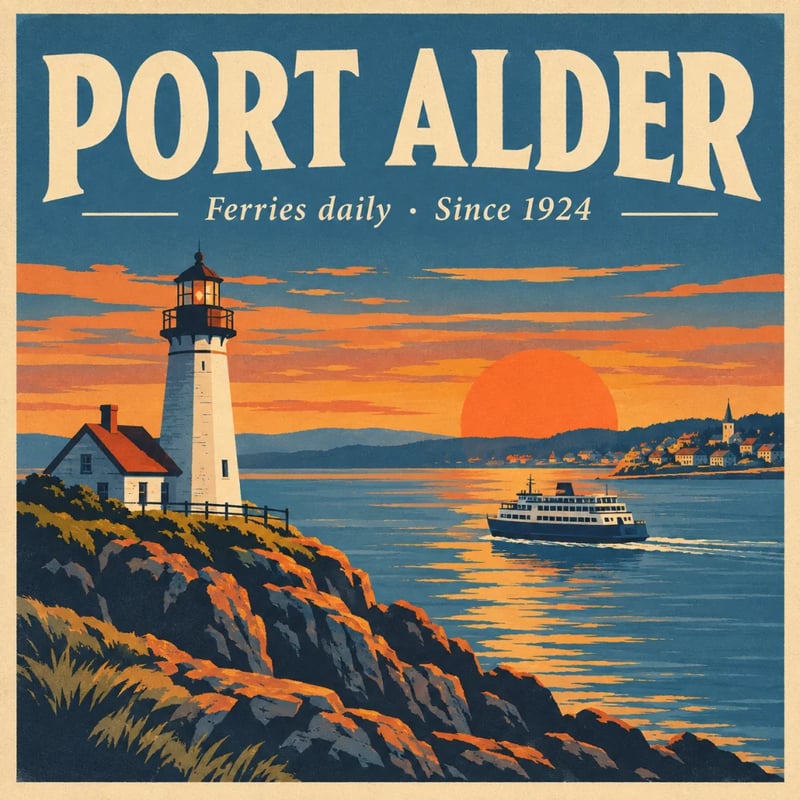
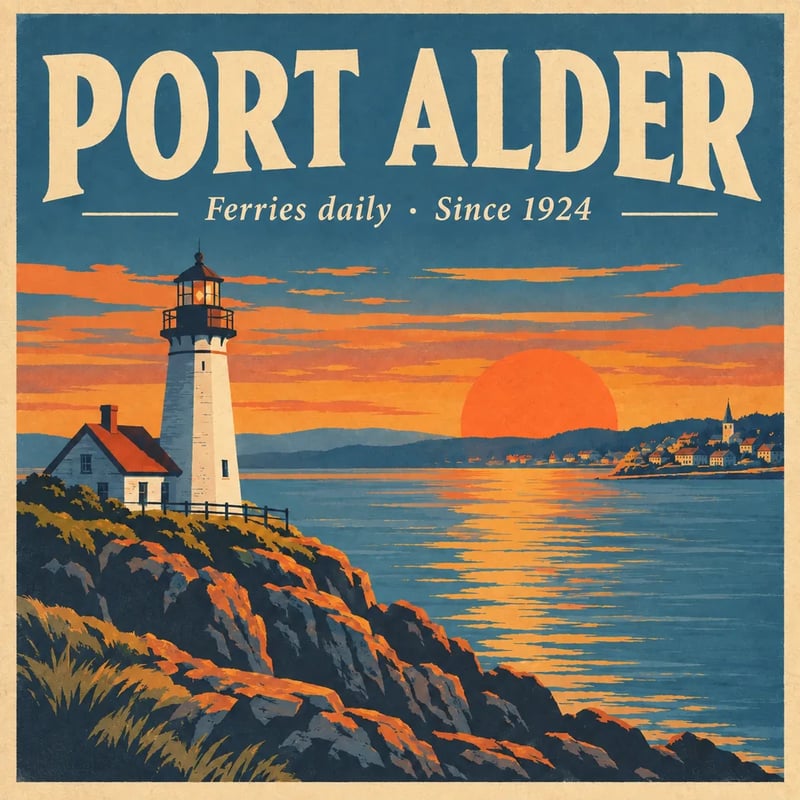
Prompt: "Remove the ferry from the water. Keep everything else exactly the same." The ferry and its wake are gone, and the lettering, the lighthouse and the sunset are untouched.
Which AI model kept the product intact?
Four models got the same uploaded mug and the same prompt, each at its lowest size. Check what happened to the mug itself, not just how good the new scene looks.
Keep the mug exactly as it is. Place it on a wet black rock beside a small waterfall, with morning mist in the background.
The upload was the matte sage green mug from the examples above. Seedream 5 Lite kept it closest to the original; the others kept its shape but added droplets or shrank it.
Seedream 5 Lite
ByteDance · 2KShape, handle and matte finish as they were, with nothing added.
GPT Image 2.5 Flare
OpenAI · 1KSame shape and handle, with water droplets added to the surface.
Nano Banana 2
Google · 1KThe mug's shape held up well, with some wetness around its base.
Grok Imagine
xAI · standard sizeA good scene, but the mug shrank and its handle got thinner.
Which AI model to edit photos with
Every model in this AI photo editor can edit an upload. These five cover most jobs. Credits are per edit at each model's lowest size.
| Seedream 5 LiteByteDanceAbout Seedream 5 Lite | GPT Image 2.5 FlareOpenAISee its tests | Nano Banana 2.1GoogleSee its tests | Nano Banana 2Google | Grok ImaginexAI | |
|---|---|---|---|---|---|
| Good for | Keeping a product as it is (closest in our mug test) | Exact wording, and cut-outs on a transparent background | The newest Nano Banana, for multi-photo edits up to 4K | Everyday edits, including 8:1 or 1:8 shapes, for less than 2.1 | Low-cost changes; keeps the shape of your upload |
| In our edit tests | Closest to the original mug | Mug kept, water droplets added | Not in the mug test | Mug shape held, some wetness at the base | Mug came out smaller |
| Images per edit | Up to 14 | Up to 16 | Up to 14 | Up to 14 | Up to 5 |
| Credits per edit | 6 at 2K | 6 at 1K | 20 at 1K | 8 at 1K | 4 |
Fixes that need no prompt
For the most common jobs, a tool does the work from your upload alone. Each opens in the studio and shows its credits before you run it.
How to edit a photo with AI
The AI image editor works the same way with every model, and the edits above were written like this.
- 1
Upload your photo
Upload the picture you want to change. To combine pictures, upload several at once.
- 2
Say what changes and what stays
For example: "Change the background to a beach. Keep the person exactly the same." Naming what must stay helps the model leave it alone.
- 3
Pick a model and generate
Choose a model from the table above. If the first result moves something it should not, run it again or try another model.
AI image editor FAQ
You can start free. A new account gets 10 credits, enough for one edit on Seedream 5 Lite at 2K or GPT Image 2.5 Flare at 1K (6 credits each), or several edits on a lower-cost model such as Turbo Image (2 credits each). Larger sizes and more edits use credits from a pack or a plan. Free images carry a watermark.
Yes. Upload up to 16 images with GPT Image 2.5 Flare, or up to 14 with Seedream 5 Lite and Nano Banana 2.1, and describe how they fit together. In our three-photo test on the Nano Banana 2.1 vs GPT Image 2.5 page, both models kept the person, the mug and the lighthouse recognizable.
Name every part that must stay, such as the shape, the label and the finish, and check those first when the result comes back. In our mug test Seedream 5 Lite changed the least, so try your product on it and on one other model.
Editing changes part of a picture and keeps the rest. Image to image uses your upload as a reference for a new picture, such as the same scene in another style. The same models do both; the difference is in what you ask for.
Yes. For marks on images you own or have the rights to use, such as a date stamp on your own photo, the watermark tool above does it without a prompt. Leave watermarks on stock photos and other people's work in place.
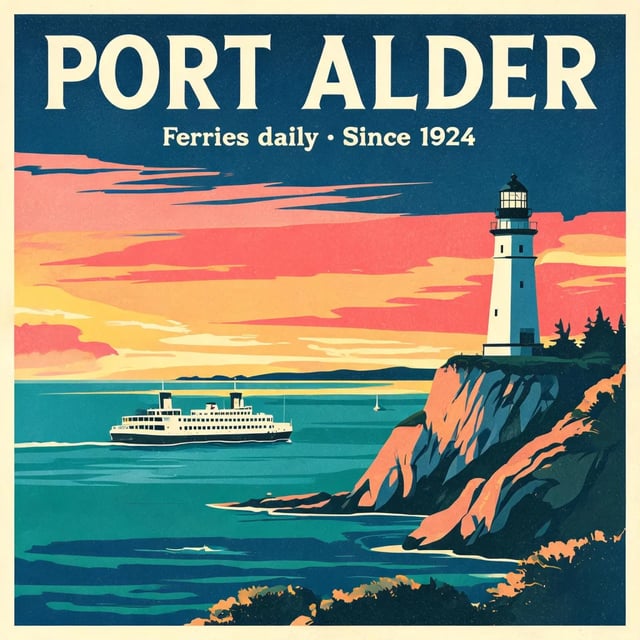
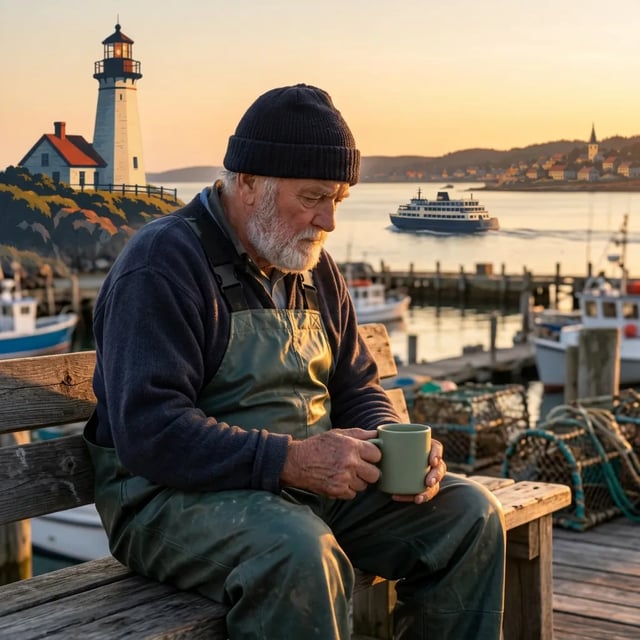
Upload a photo and say what to change
A short prompt is enough. Name what should change and what should stay.