
Product photos
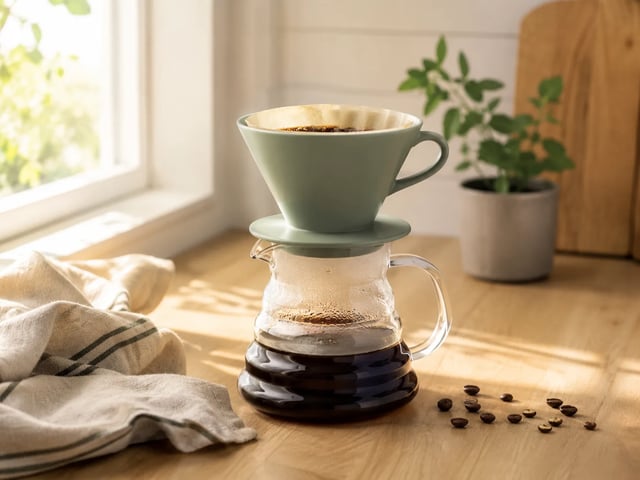
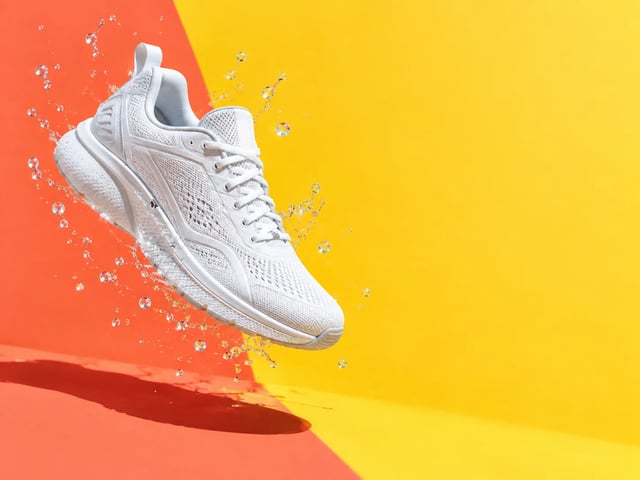
Start from one clean product photo and place it in new settings: a kitchen counter, outdoors, seasonal colours. Image to image keeps the product recognisable, but check every result against the real item before it goes into a listing.
Write a prompt or upload a picture, pick a model, then send the same prompt to another model and compare the two. Image models from Google, OpenAI, ByteDance and xAI share one prompt box, with renders up to 4K.
Production preview
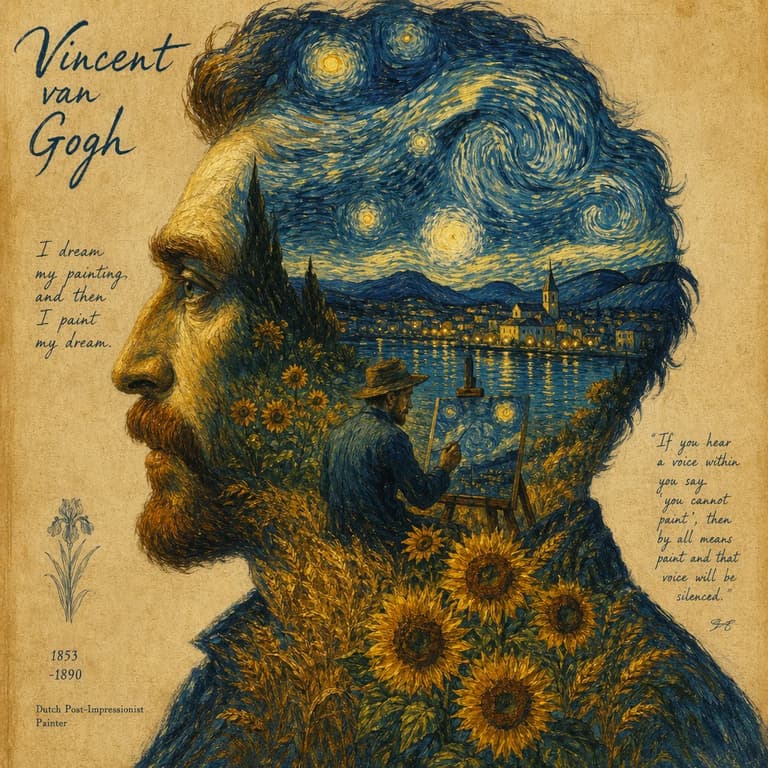
Every model here does text to image and image to image. Credits are per image and depend on the resolution you pick; the picker shows the price before you submit. Free credits run at each model's lowest resolution; anything above it needs a paid plan.
| NewGPT Image 2.5 FlareUse it | GPT Image 2Use it | Nano Banana ProUse it | Nano Banana 2Use it | Nano Banana 2 LiteUse it | Nano BananaUse it | Seedream 5 LiteUse it | Grok ImagineUse it | Turbo ImageUse it | |
|---|---|---|---|---|---|---|---|---|---|
| Good for | Everyday default: social posts, product shots, keeping one character the same across a set | Readable text inside the image, photoreal detail, precise edits | Complex scenes, brand work, editing with several reference images | Balanced quality and speed | Fast, cheap drafts and thumbnails | Quick casual edits and experiments | Photoreal everyday images at high resolution | Cinematic looks and style variety while brainstorming | The cheapest way to try ideas; text in drafts |
| Highest resolution | 4K | 4K | 4K | 4K | Standard size | Standard size | 3K | Standard size | Standard size |
| Credits per image | 6 at 1K, 10 at 2K, 16 at 4K | 6 at 1K, 10 at 2K, 20 at 4K | 20 at 1K or 2K, 25 at 4K | 8 at 1K, 15 at 2K, 20 at 4K | 4 | 4 | 6 at 2K or 3K | 4 | 1 (text to image), 2 (image to image) |
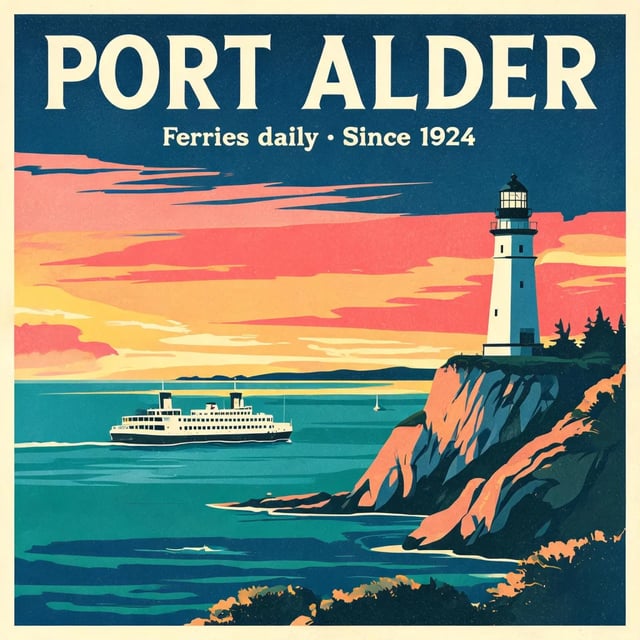
See four models make the same poster, portrait, product shot and photo edit, then pick the one for your job.
AI Image Studio is one generator with two ways in, and every model accepts both. Your prompt stays in the box when you change models, so comparing two results takes one click and no retyping.
Describe the shot the way you would brief a photographer: subject, setting, light, mood. If the first result is close, change the sentence instead of starting over.

Upload a photo, sketch or earlier render and say what should change. The new image is built from your picture, so the subject usually stays recognisable while the style, background or light changes. Check each result before you use it.

Finished images are saved in your library with the prompt and model that made them, so you can rerun a good setup later.

Start from one clean product photo and place it in new settings: a kitchen counter, outdoors, seasonal colours. Image to image keeps the product recognisable, but check every result against the real item before it goes into a listing.
Try several versions of one idea before spending ad budget, then rerun the winner at a higher resolution. Every image keeps its prompt and model, so the next round starts from what worked.
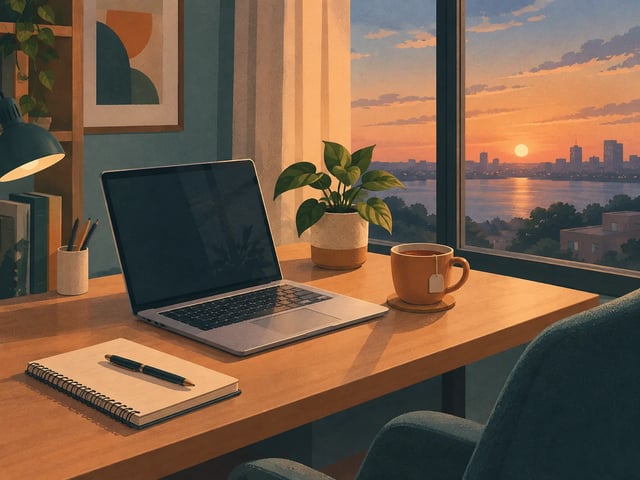
Headers, diagrams and covers that look like one series. To match the last piece, upload the previous image as the reference instead of starting from a blank prompt.
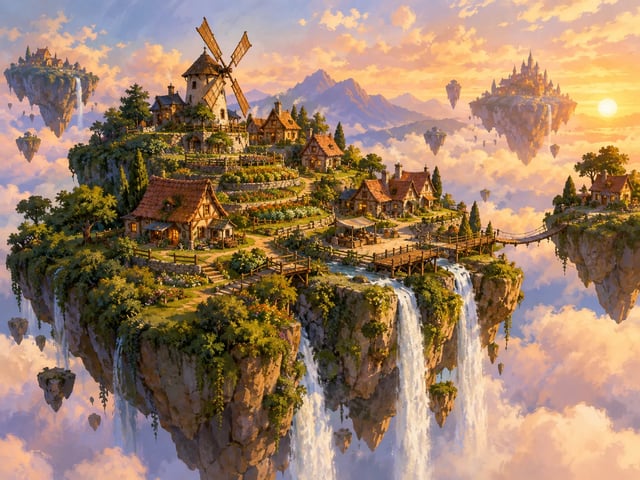
Upload a rough sketch and let a model push it further before you open a design tool. Running two models on the same brief often settles a direction faster than talking about it.
Every account gets 10 free credits when it signs up. That covers a first image on every model except Nano Banana Pro. Free images run at each model's lowest resolution, carry a watermark, are for personal use only, and stay in your library for 30 days. Paid plans, either a monthly or yearly subscription or a one-time credit pack, remove the watermark, unlock every resolution up to 4K, and include commercial use.
Enjoy Limited-Time 30% OFF!
New models, tools and improvements, newest first. Each update says what changed and where to try it.
Google's newest image model is now in the image generator, next to Nano Banana 2.
Open a result to see everything you can do with it, and find models by name or maker.
Send a support request from your account, attach screenshots and follow the reply in one place.
You can start for free. A new account gets 10 credits, enough for an image on every model except Nano Banana Pro. For example, GPT Image 2.5 Flare costs 6 credits at 1K and Turbo Image costs 1. Every image costs credits, including on the free tier. Free images are watermarked, run at each model's lowest resolution, and are for personal use. Buy a pack or subscribe when you need more.
For posters, labels and signs, start with GPT Image 2: readable lettering is its strength, and it handles several languages. Turbo Image also renders text well and costs 1 credit, so it is good for drafting a layout first. To check which model gets your text right, run the same prompt through both.
No. AI Image Studio is an independent site and is not affiliated with Google. You can use Google's Nano Banana Pro, Nano Banana 2, Nano Banana 2 Lite and Nano Banana image models here, next to models from OpenAI, ByteDance and xAI.
On a paid plan, yes. Commercial use is included, subject to our terms and to what each model provider permits. Images made with free credits are for personal use only. You are still responsible for clearing trademarks, likenesses and copyrighted material that appear in your prompt or upload.
It depends on the model. GPT Image 2.5 Flare, GPT Image 2, Nano Banana Pro, Nano Banana 2.1 and Nano Banana 2 go up to 4K, and Seedream 5 Lite up to 3K. The other models have a single standard size. Free credits run at each model's lowest resolution; anything above it needs a paid plan.
On the free tier, images stay in your library for 30 days. With an active subscription they are kept. If you cancel, you have 30 days to download them.
Signing up gives you 10 free credits. Write a prompt or upload a picture, then compare models side by side.