

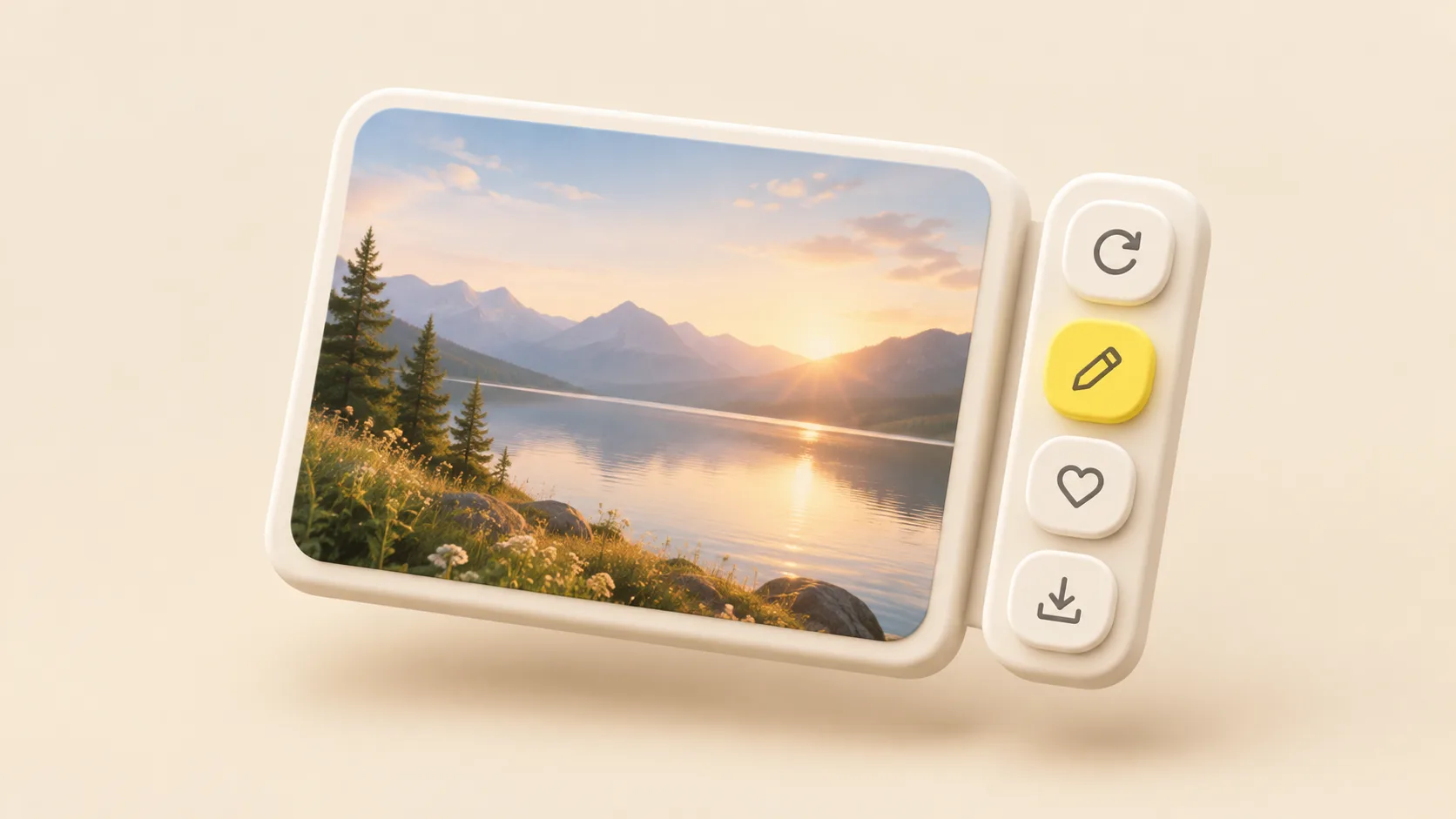
Open a result in the image generator and a panel now sits beside it with every next step: regenerate, edit the prompt, use the image as a reference, run a quick edit or a free tool, add it to favorites or download it. The prompt and settings behind the image are right there too. On a phone, the same actions open as one sheet of icons.
The model list is easier to scan as well. Models are grouped by maker, each with a one-line description, and a search box finds one by name. On a phone, the list slides up from the bottom of the screen.