
AI Effects
Pick an effect, upload one photo and get the result. There is no prompt to write: each AI effect already knows the look, from a Ghostface horror still to an action figure box or a short clip of you waving.
Halloween AI effects
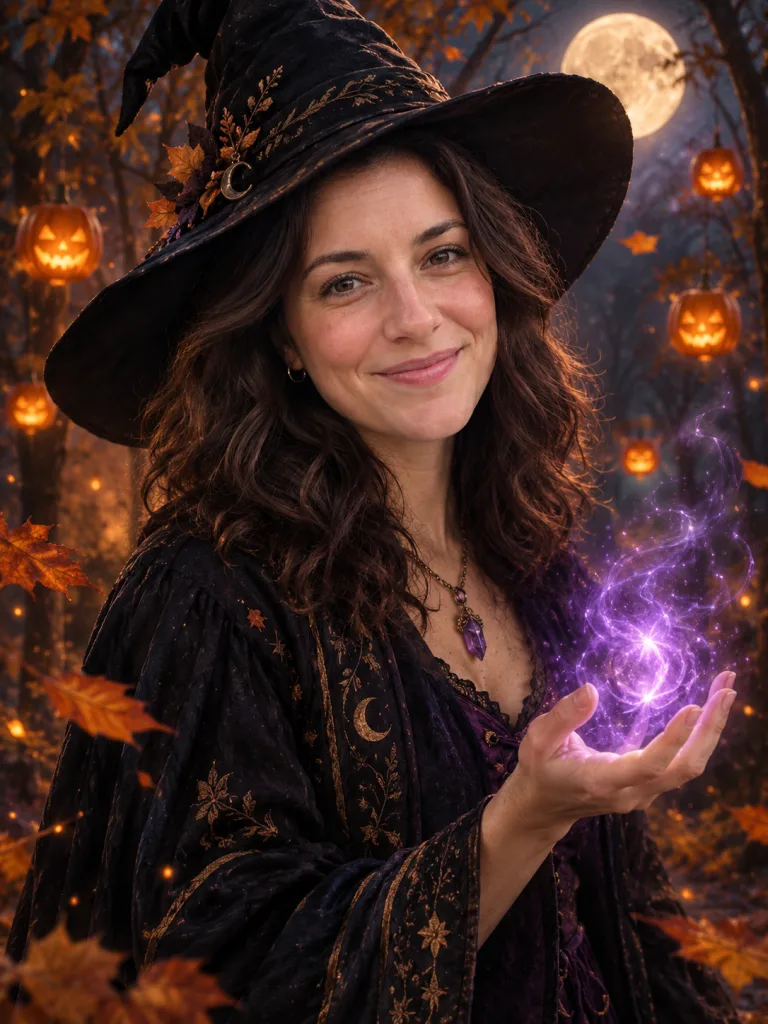
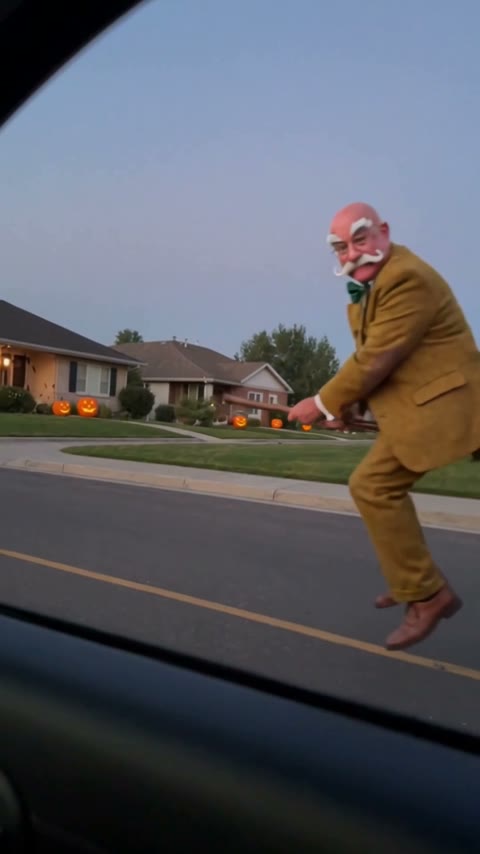
A horror-movie still, a witch, a vampire, a broom ride or a full transformation clip.
AI portrait effects
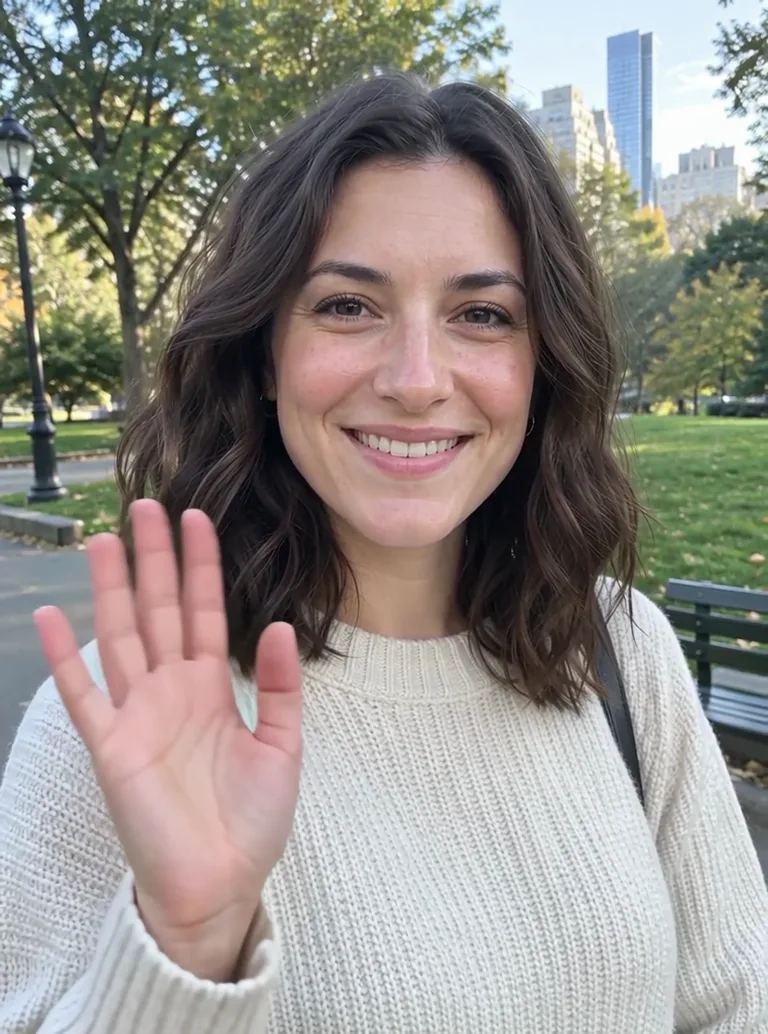
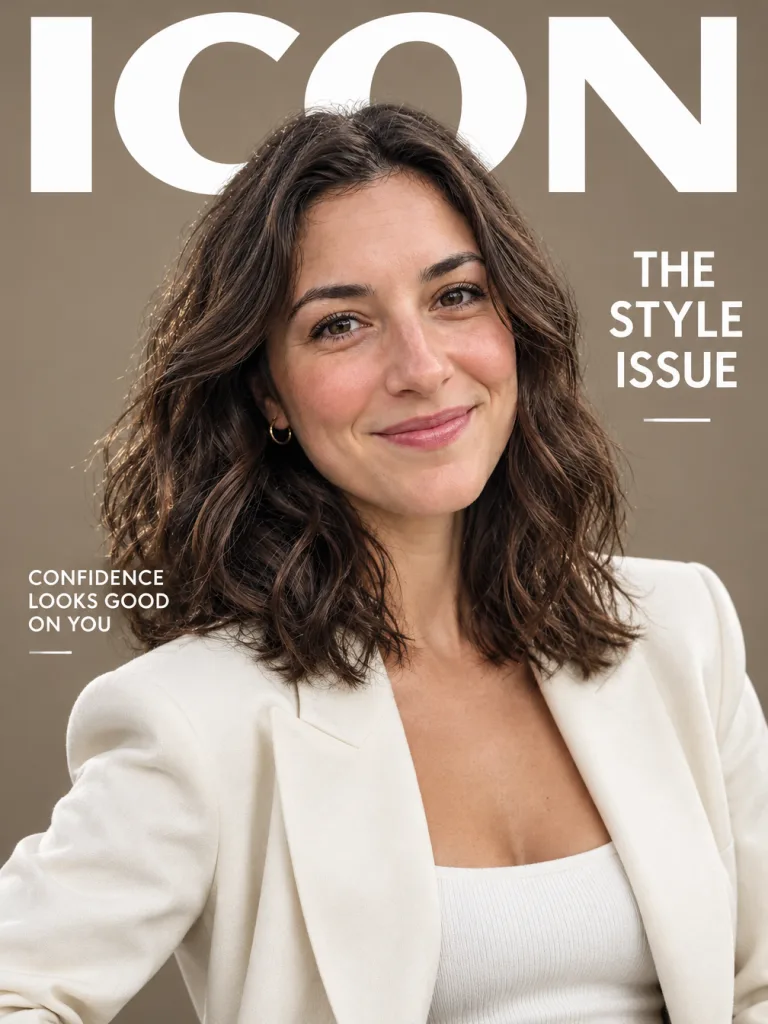
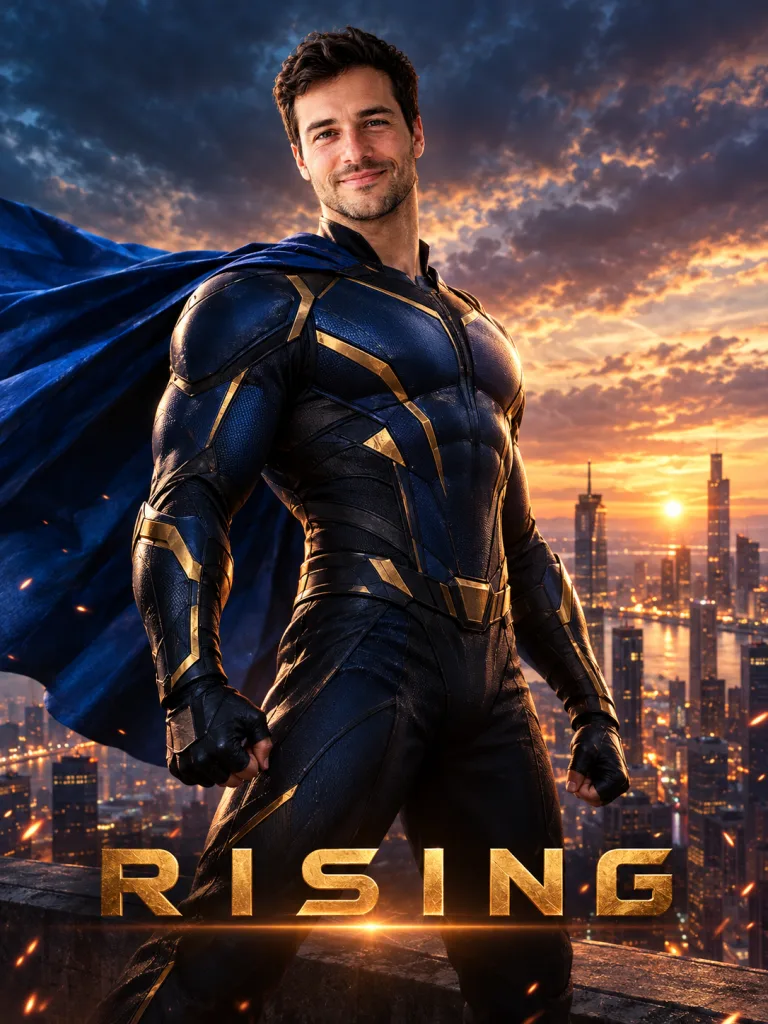
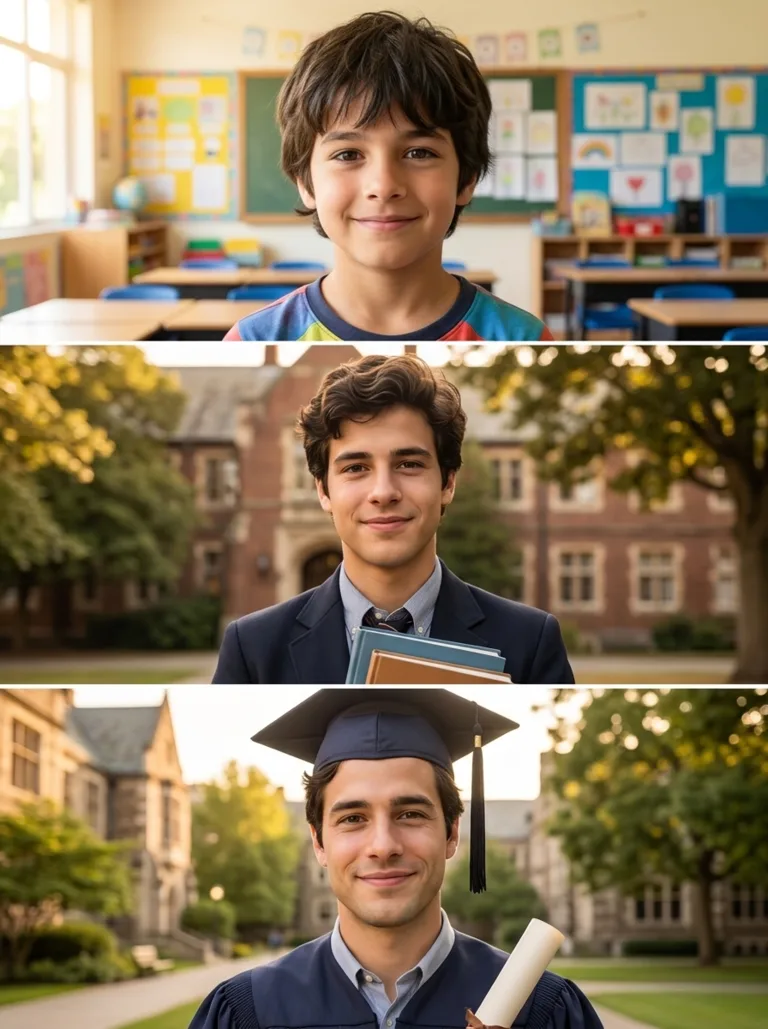
Headshots, magazine covers, 90s yearbook photos, superhero posters and short clips of you.



AI art style effects
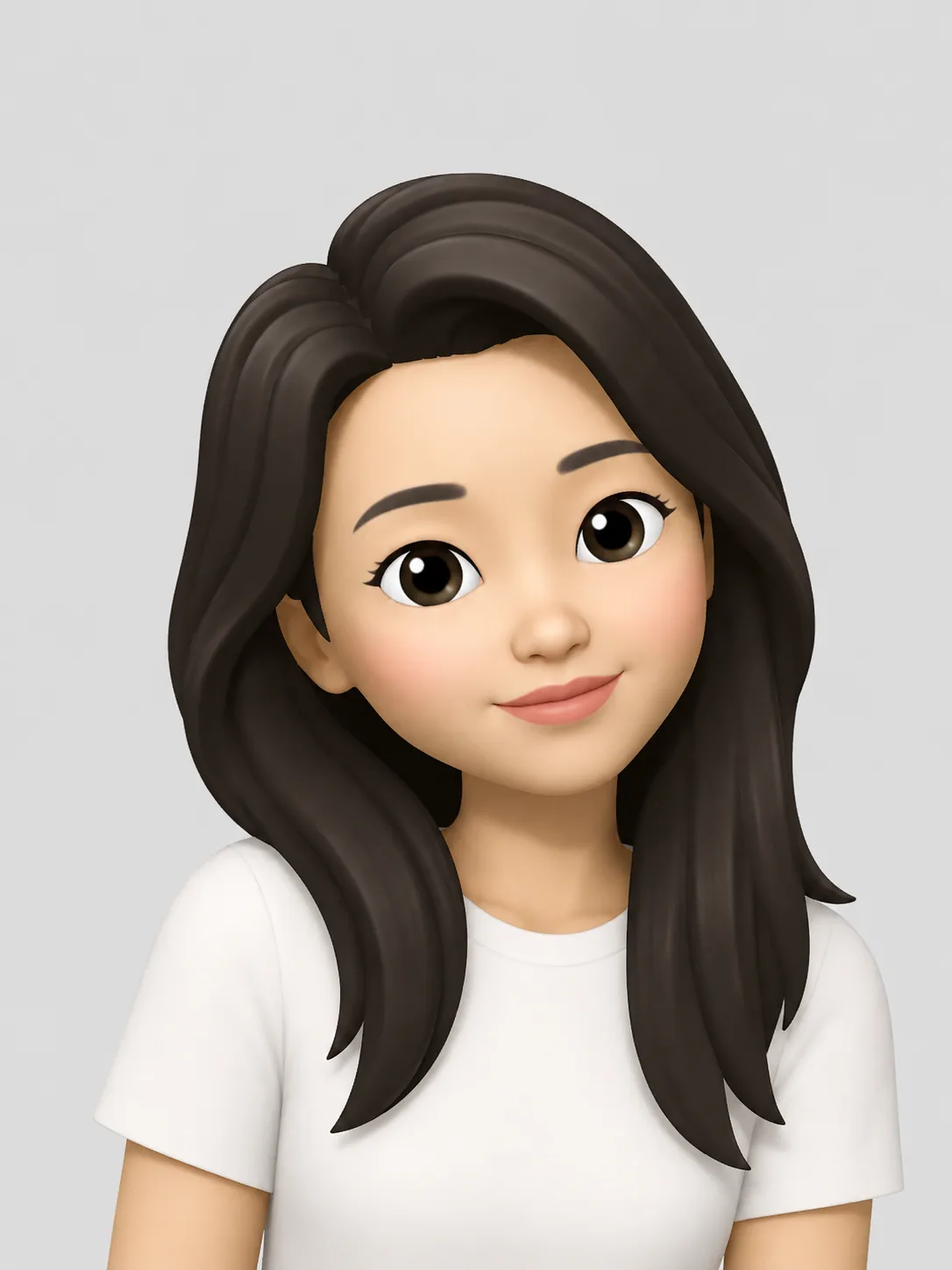
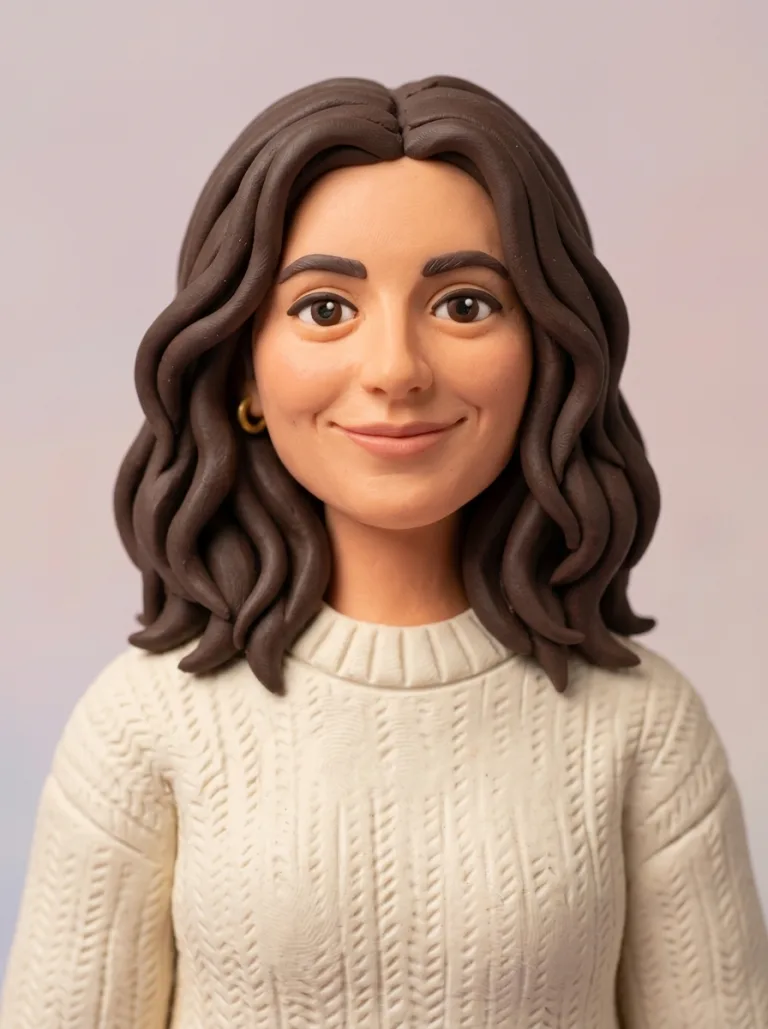
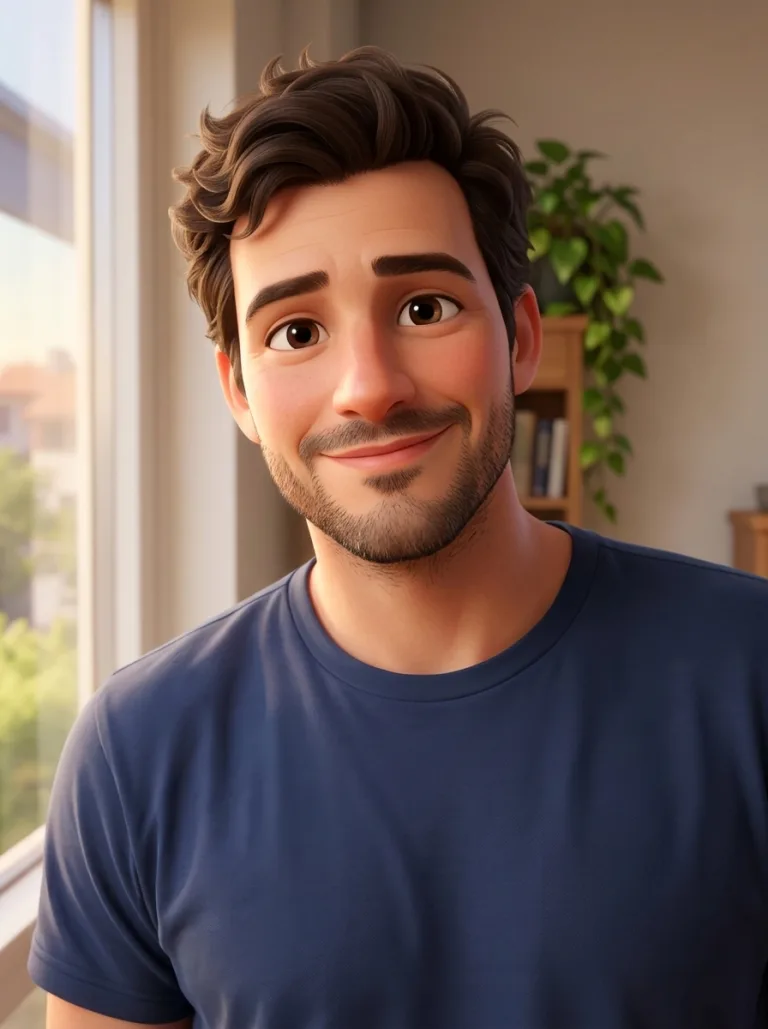
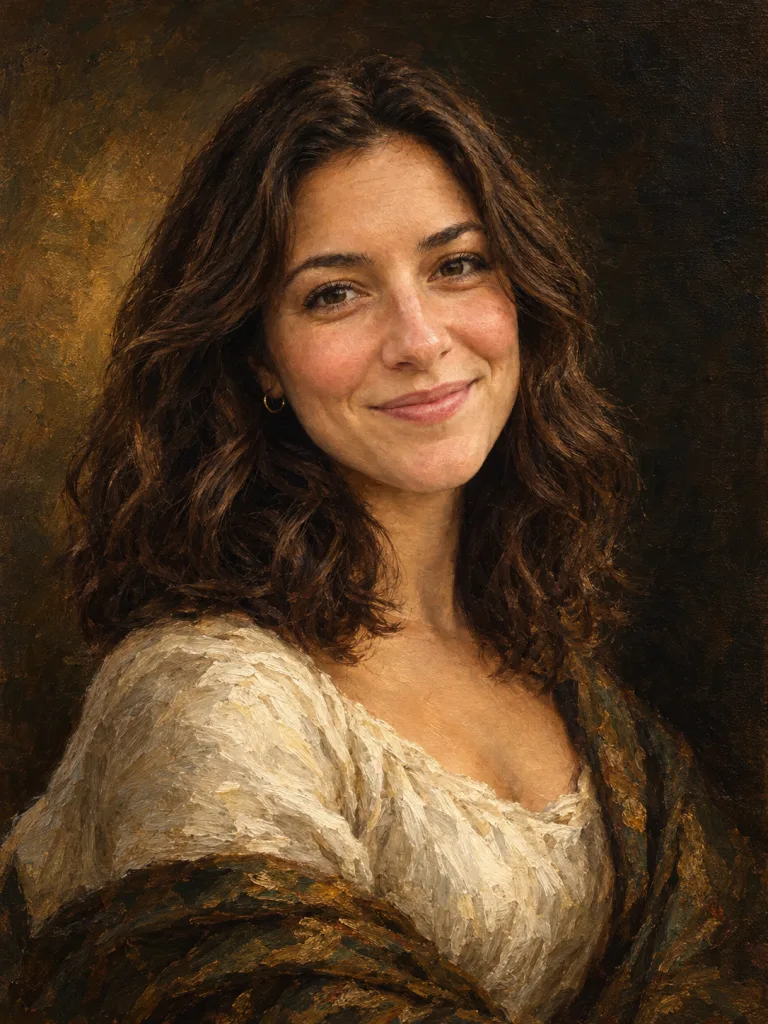
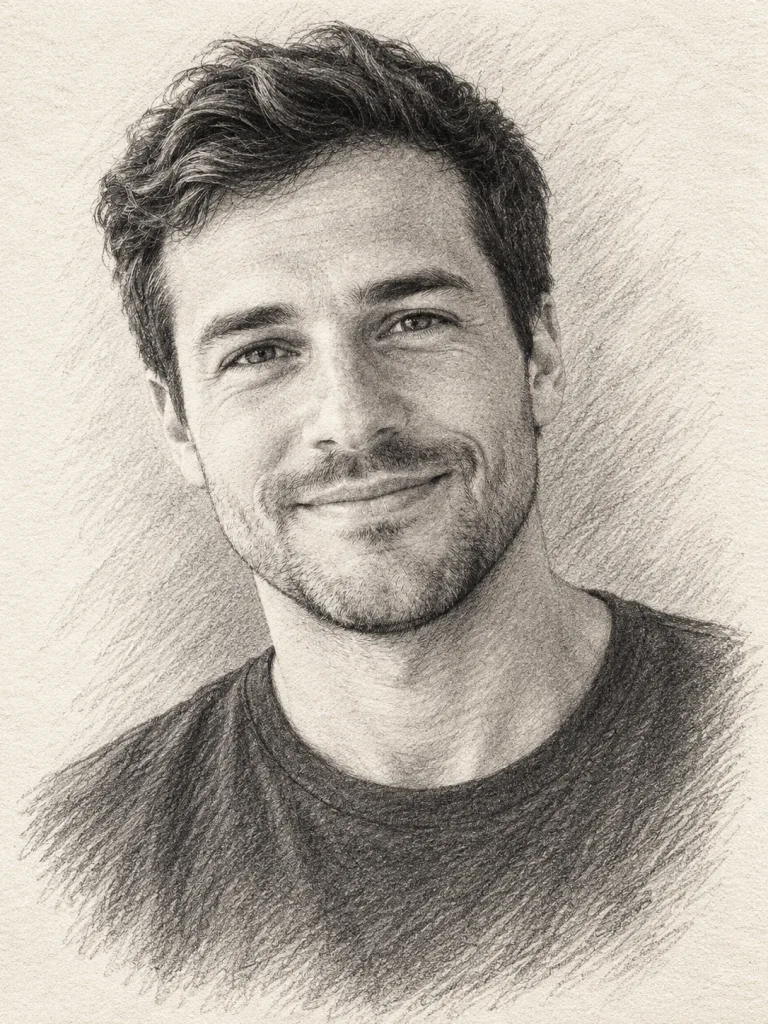
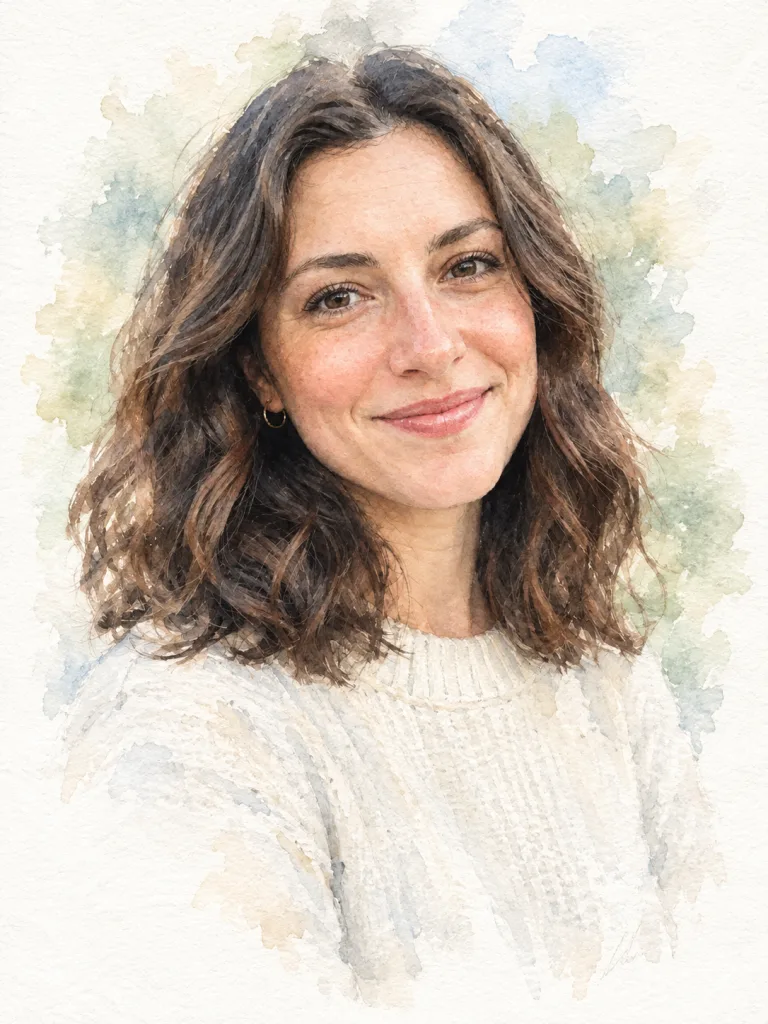
Your photo as an oil painting, a pencil sketch, a watercolor, a 3D cartoon or a clay figure.
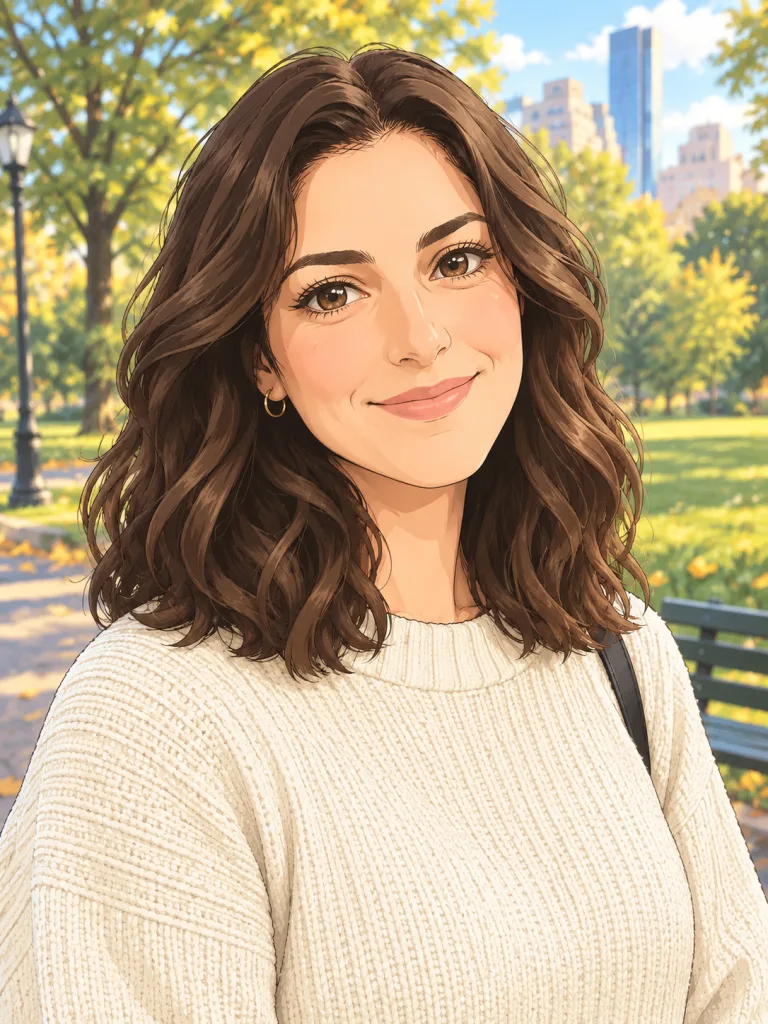
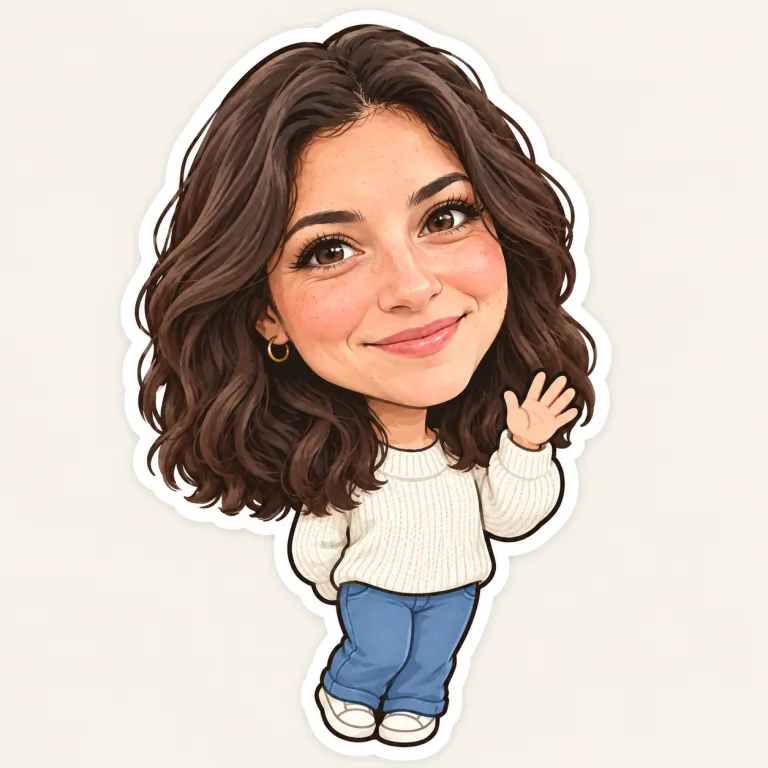
Anime AI effects
An anime portrait of you, or a chibi sticker.
Viral AI video effects
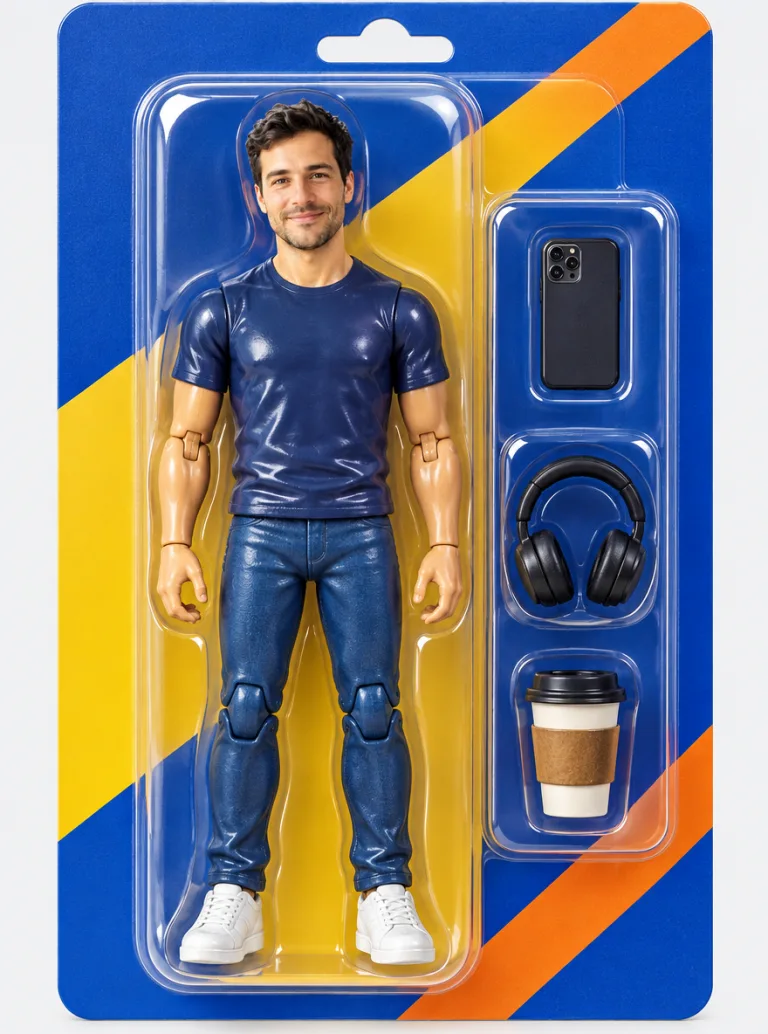
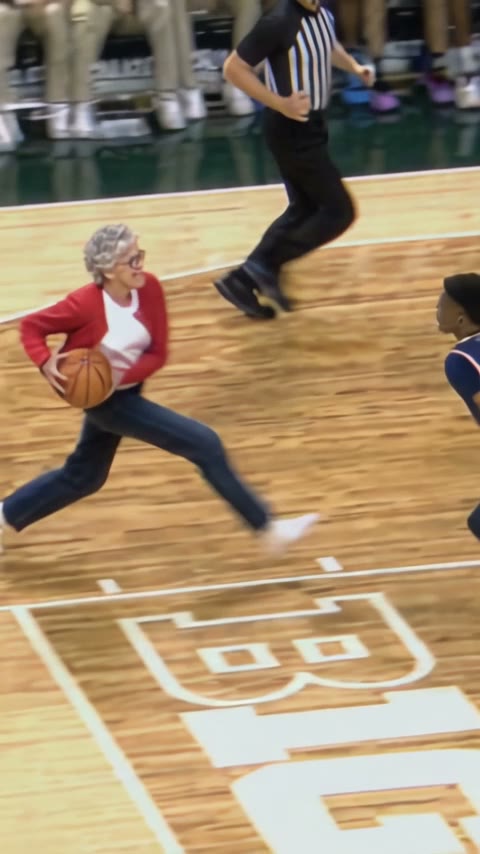
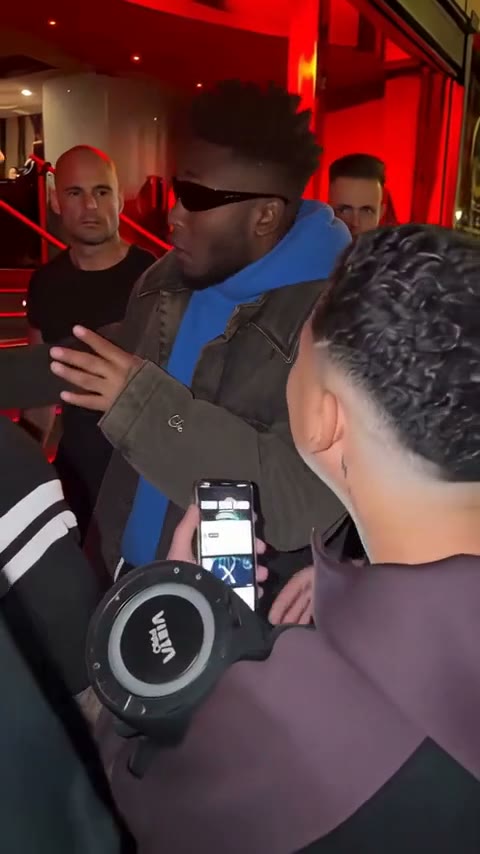
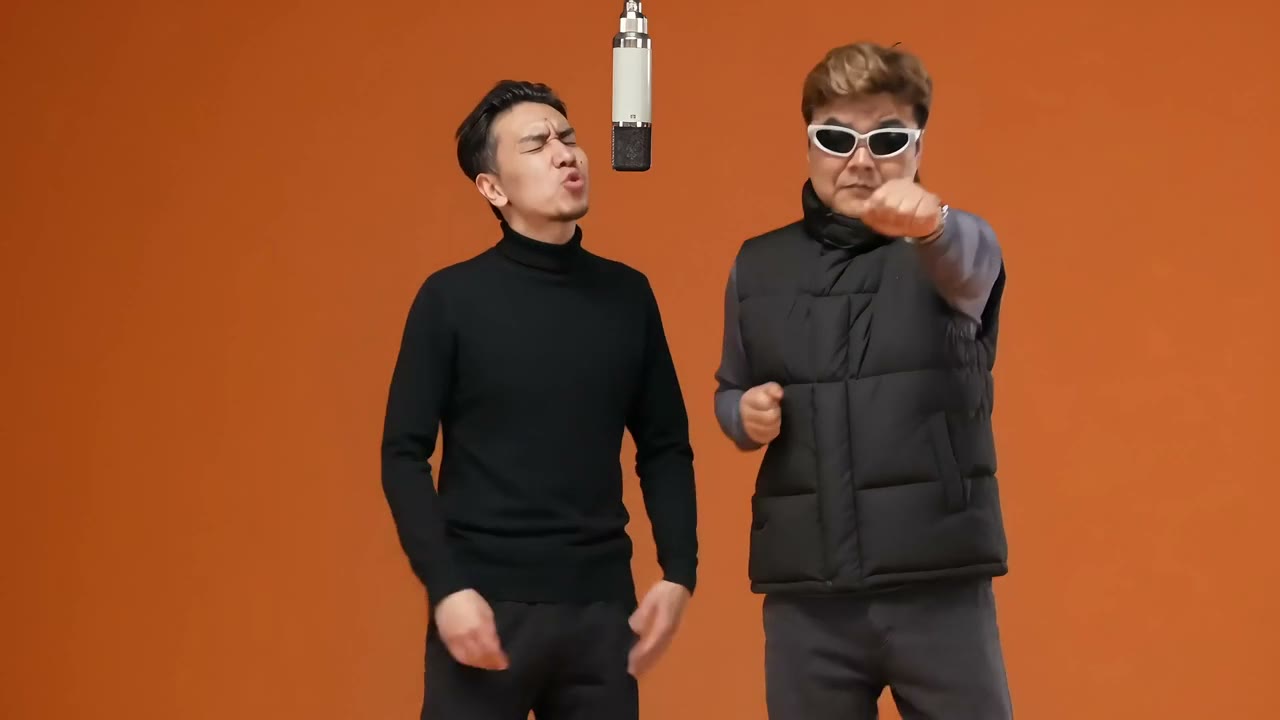
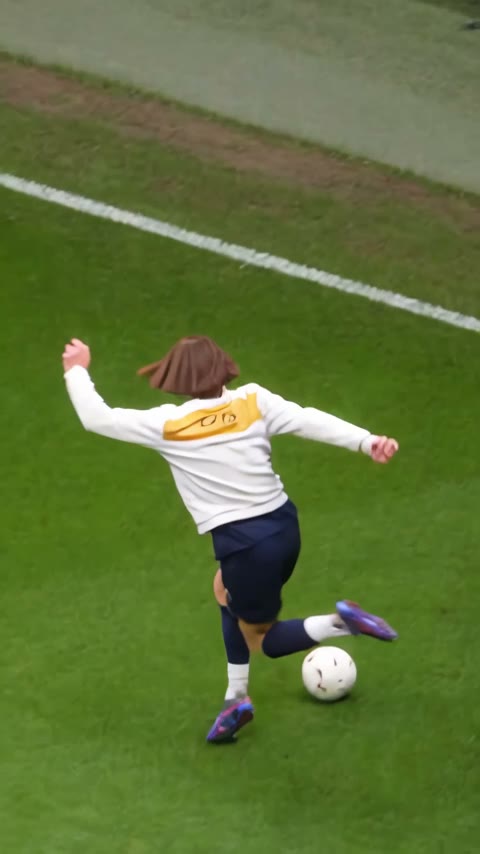
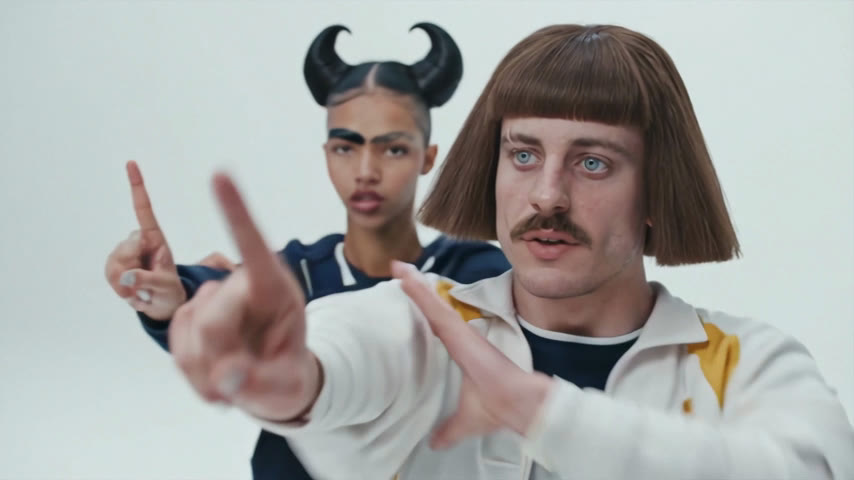
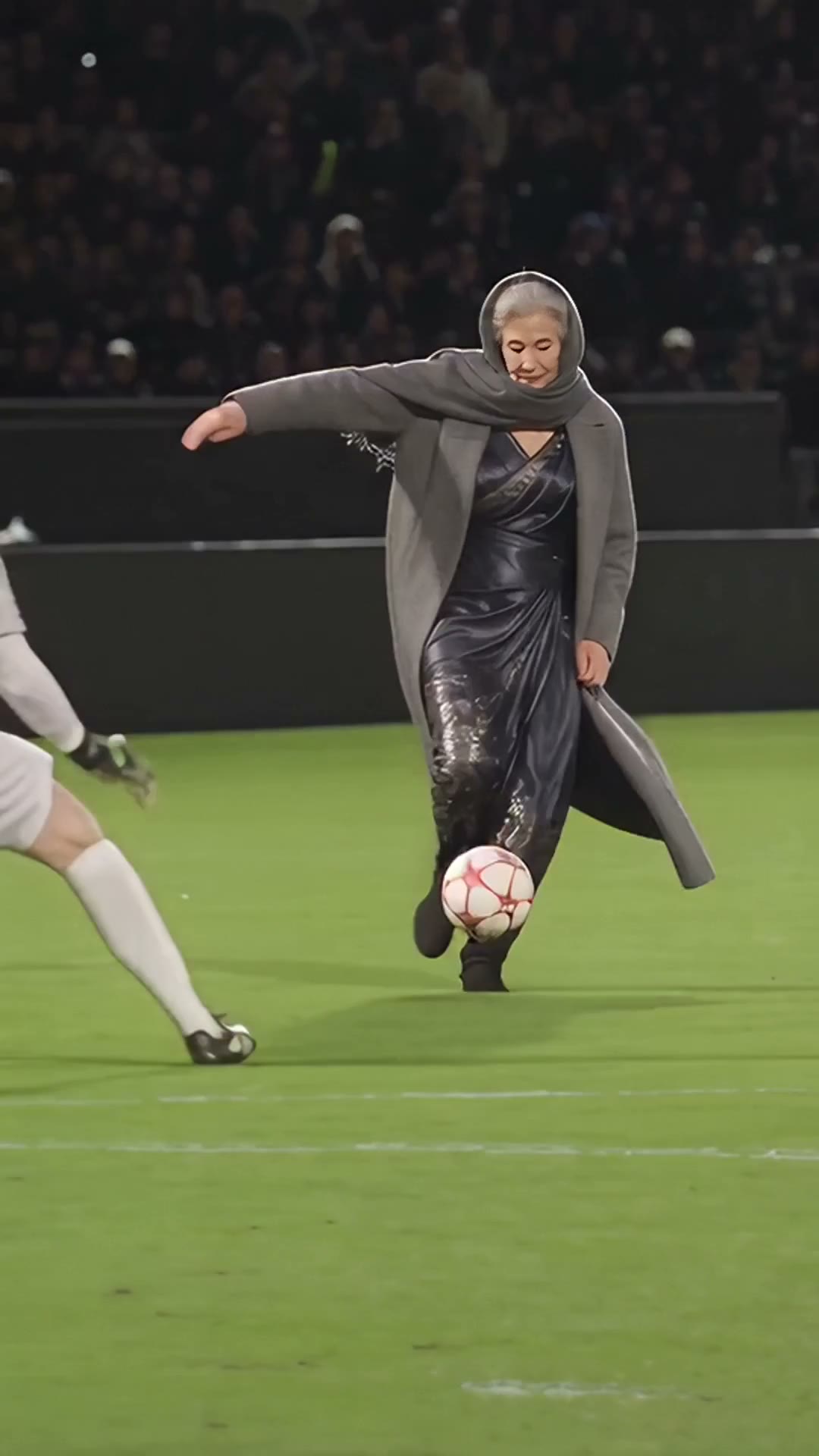
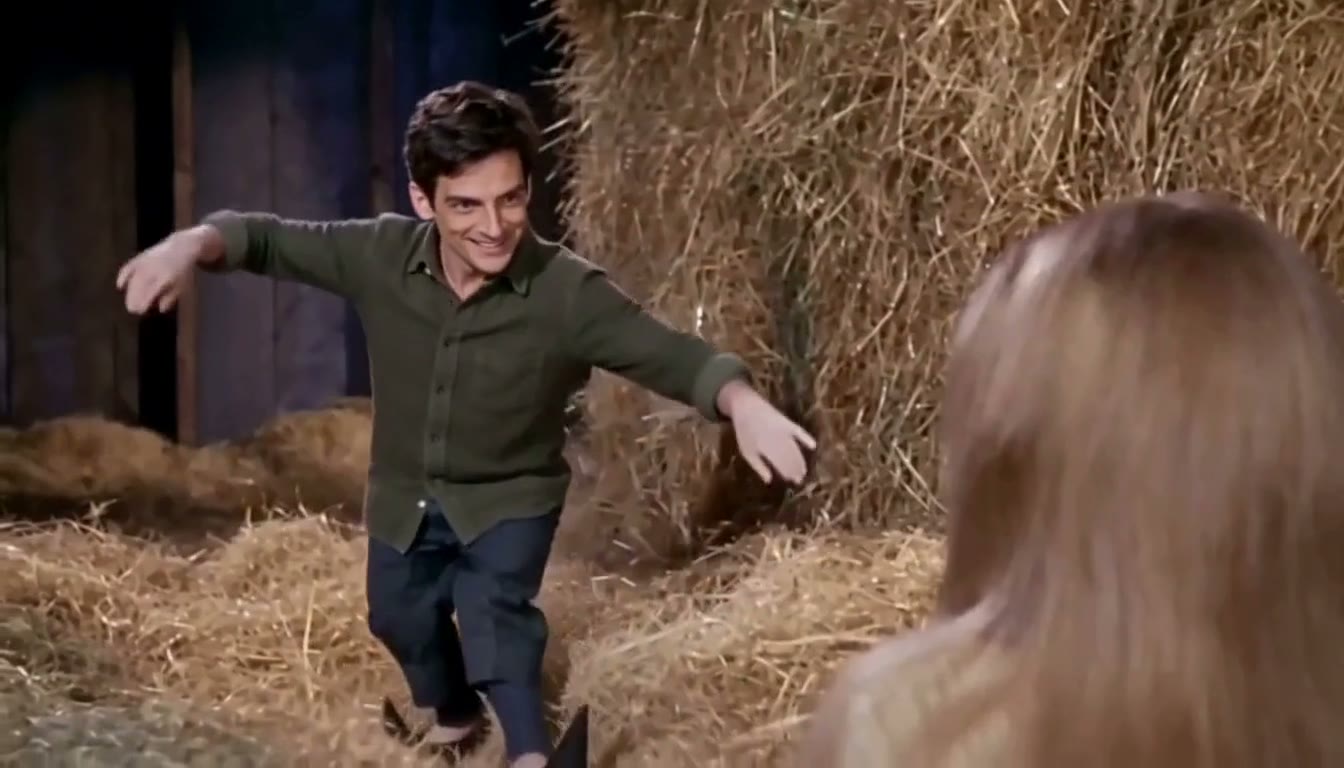
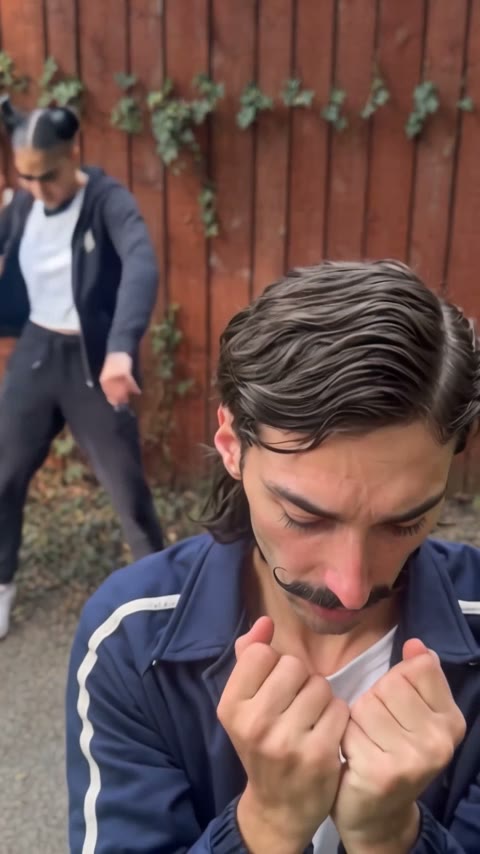
Meme clips like Hotel Lobby and Bulin 47, dance and football clips, and an action figure in its box. Some clips have room for a friend too.
AI effects for pets
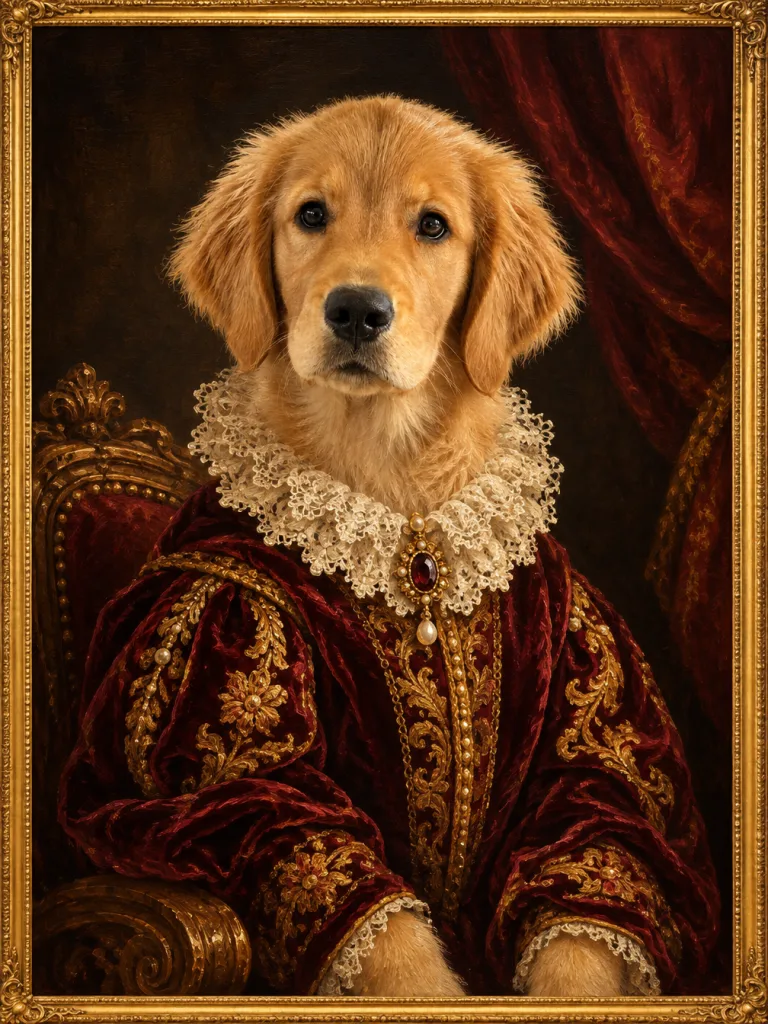
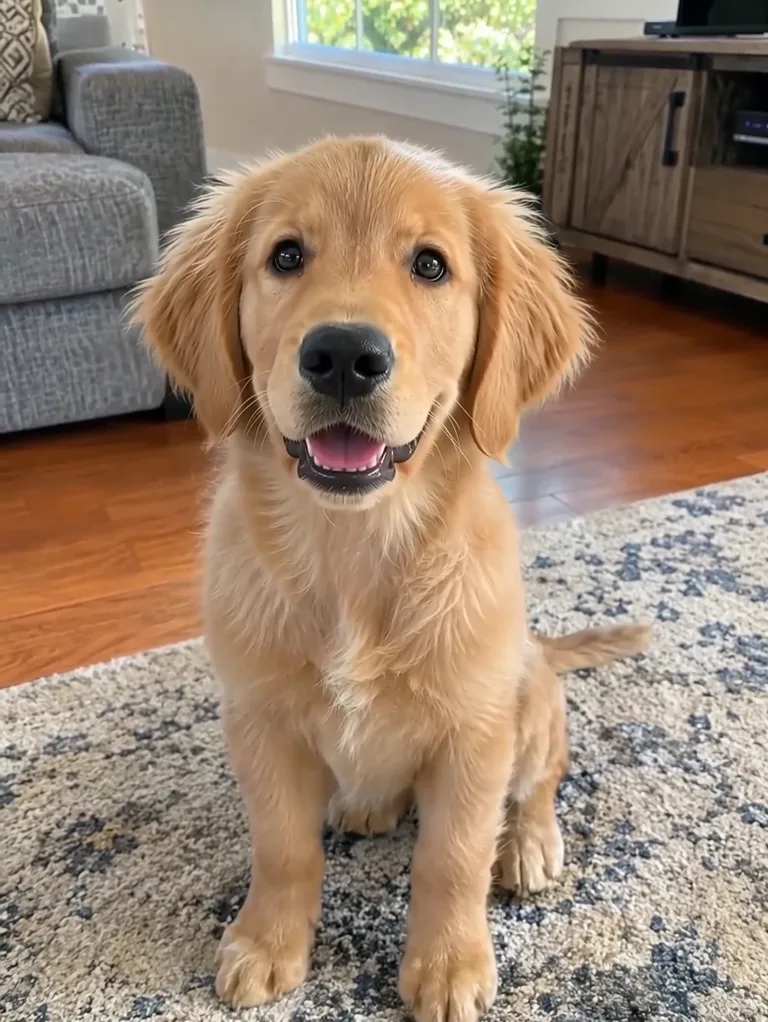
A royal portrait of your pet, or a short clip of it looking happy.
What are AI effects?
A ready-made look that you apply to your own photo, with nothing to write.
An AI effect is a finished recipe for one kind of picture or clip. The scene, the style, the lighting and the framing are already set, so all you bring is a photo. Upload it, run the effect, and you get the result, still recognisably you.
Photo effects give you a new picture, such as a Ghostface horror still or a clay figure. Video effects turn the same kind of photo into a short clip, such as a wave hello or a Halloween transformation. If you want to describe your own change instead, the AI image editor takes a photo and a written prompt.
AI effect guides
Each page explains one effect, shows real results and runs the effect right there.
Ghostface AI
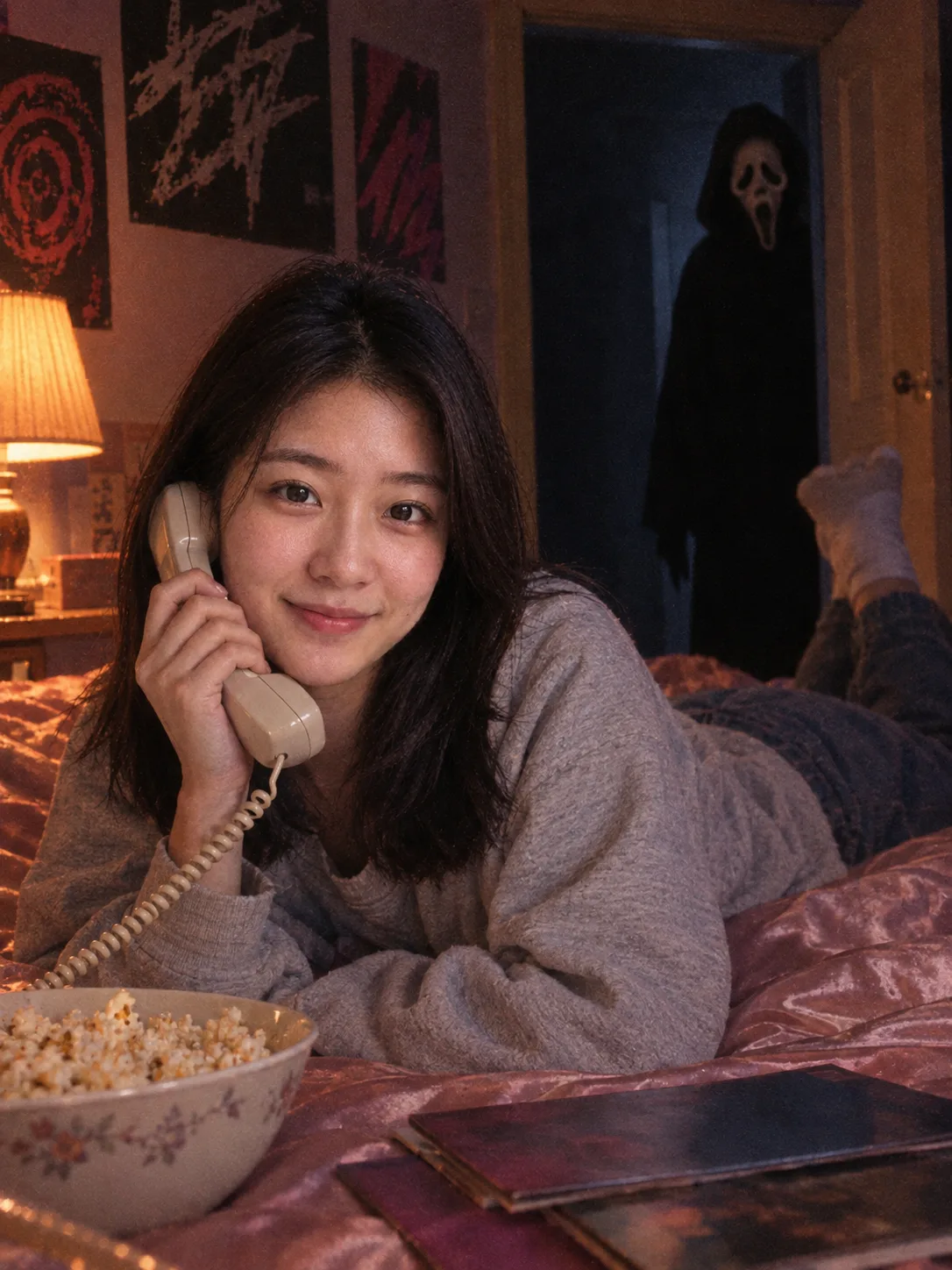
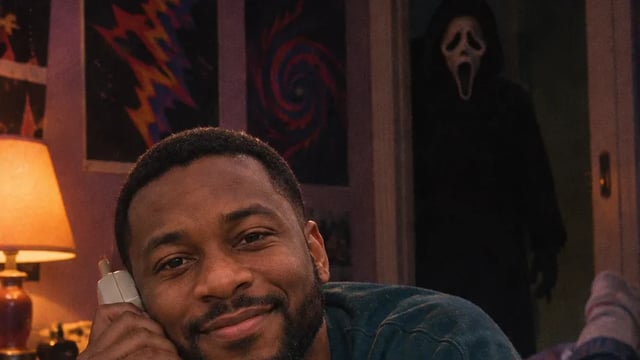
Put Ghostface behind you in a 90s horror still: phone call, Polaroid or mirror selfie.
AI Halloween Costume Generator
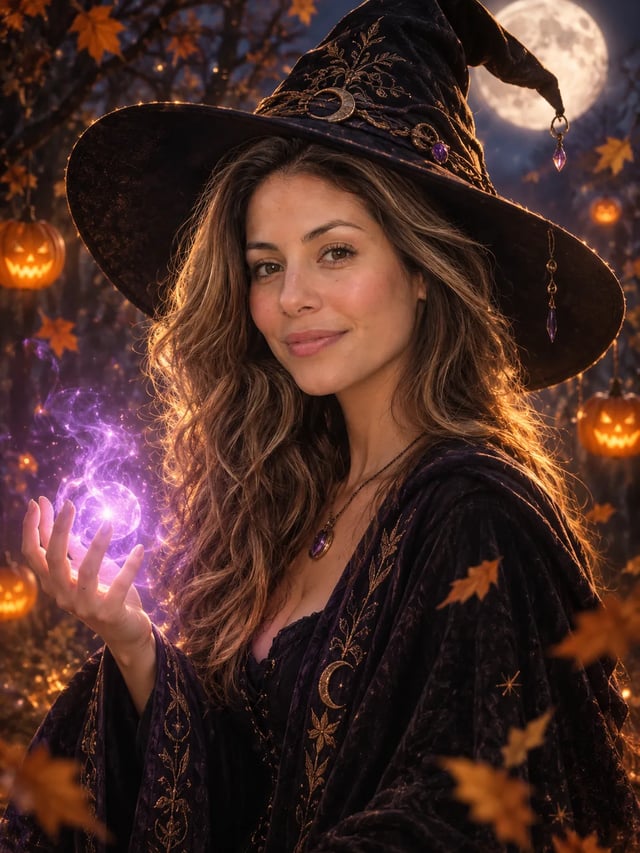
Try a Halloween costume on your own photo before the party. Pick a costume, upload one photo and get a finished portrait with your face in it. There is no prompt to write.
AI Vampire Filter
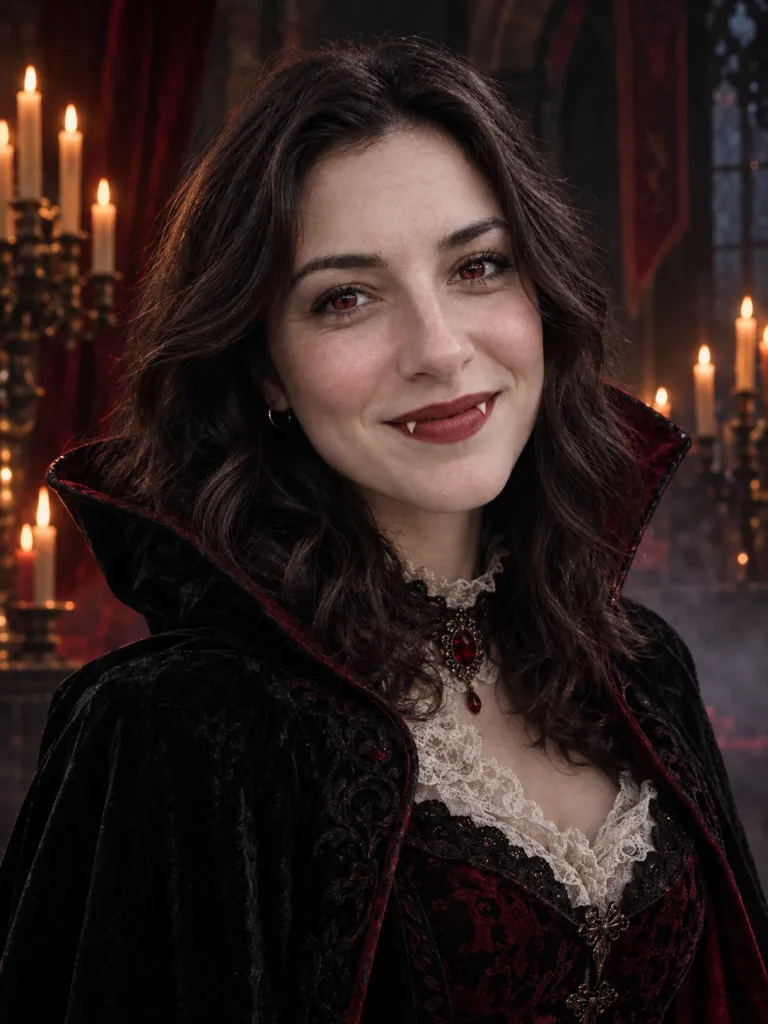
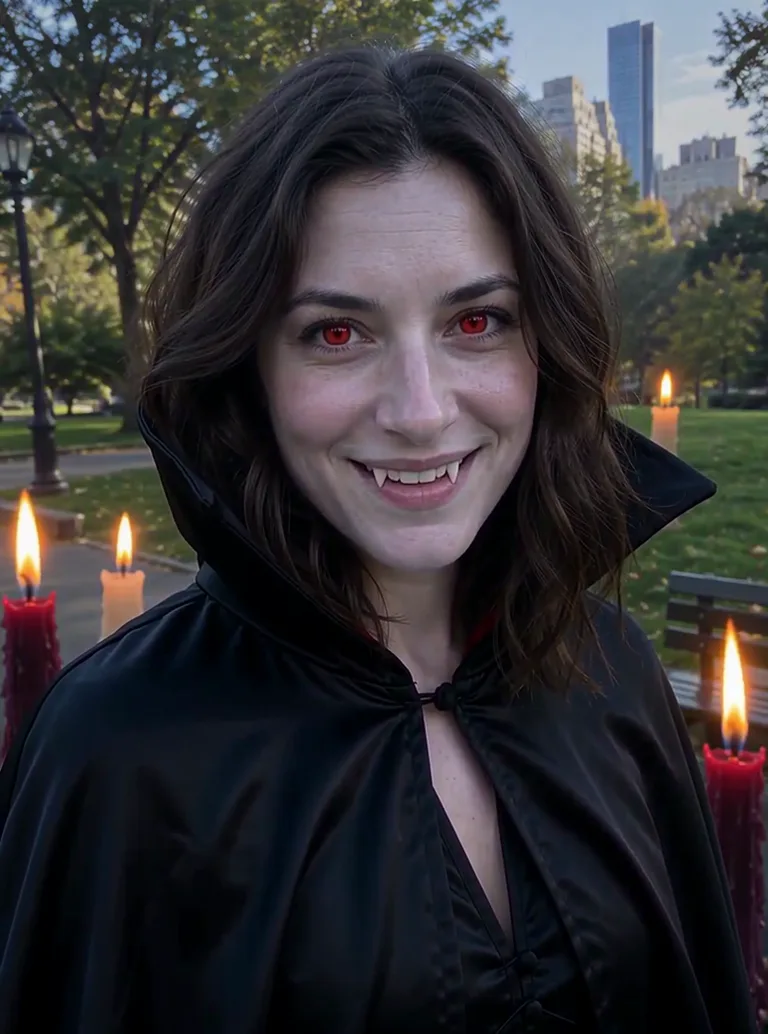
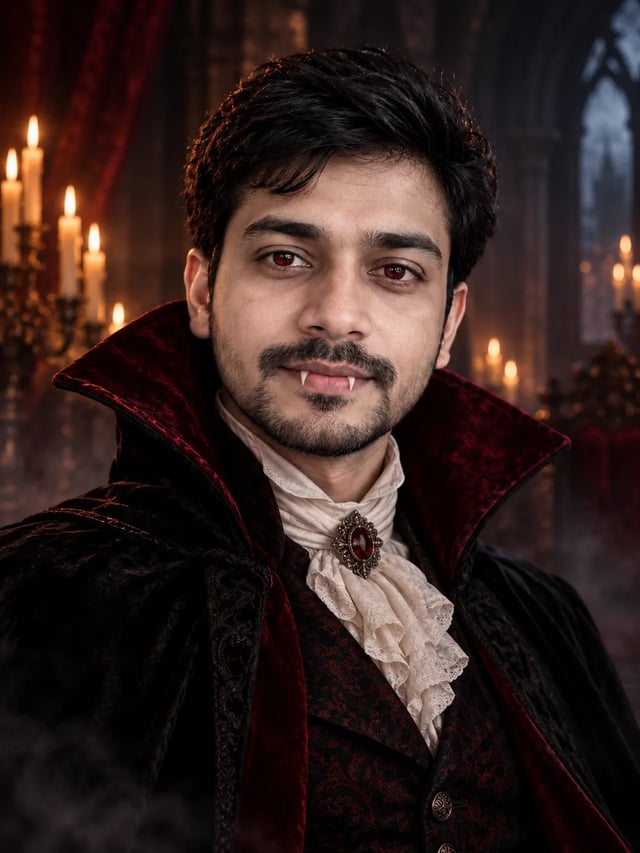
Turn your photo into a gothic vampire portrait with one upload. Pale skin, crimson eyes, fangs and a velvet cloak, still with your own face, and nothing to type.
How to use an AI effect
Every effect works the same way, photo or video.
- 1
Pick an effect
Open any card above. Each one shows an example of what it makes.
- 2
Upload one photo
A clear photo with the face toward the camera works best. Pet effects take a photo of your pet.
- 3
Run it and download
The price is on the Generate button before you start. Photo effects take a minute or so; video effects take a few minutes.
AI effects FAQ
Price, prompts, your face and video.
New accounts get 10 free credits, enough to try a photo effect. Each effect shows its price in credits on the Generate button before you run it, and video effects cost more than photo effects. Pictures made before your first purchase carry a watermark; buy any plan or credit pack and it comes off those pictures too.
No. The look is built into each AI effect, so you only upload a photo. A few effects also take a short optional wish, such as a mirror selfie or a red hoodie.
The effects are built to keep you recognisable, with your face, skin tone and hair from the photo, while the scene, style or clothes change around you. Style effects such as anime or clay redraw your face in that style. A clear, front-facing photo gives the best match.
AI photo effects give you a new still picture. AI video effects turn your photo into a short clip. Both start from your photo; some clips let a friend join with a second one.
Yes. They run in the browser on a phone or a computer, and you can download the result to post it.
Pick an AI effect and try it on your photo
One upload, no prompt. Your face stays yours.