
Ghostface AI Photo Generator
Put Ghostface behind you with one upload. There is no prompt to write: choose a photo of yourself and get a late-90s horror still with your own face in it.
Your photo
JPG / PNG / WebPNo photo handy? Try a sample
Use a clear photo where the face is visible.
Refunded if it fails
What is the Ghostface AI trend?
A selfie turned into a scene from a 90s slasher film, with the Scream killer right behind you.
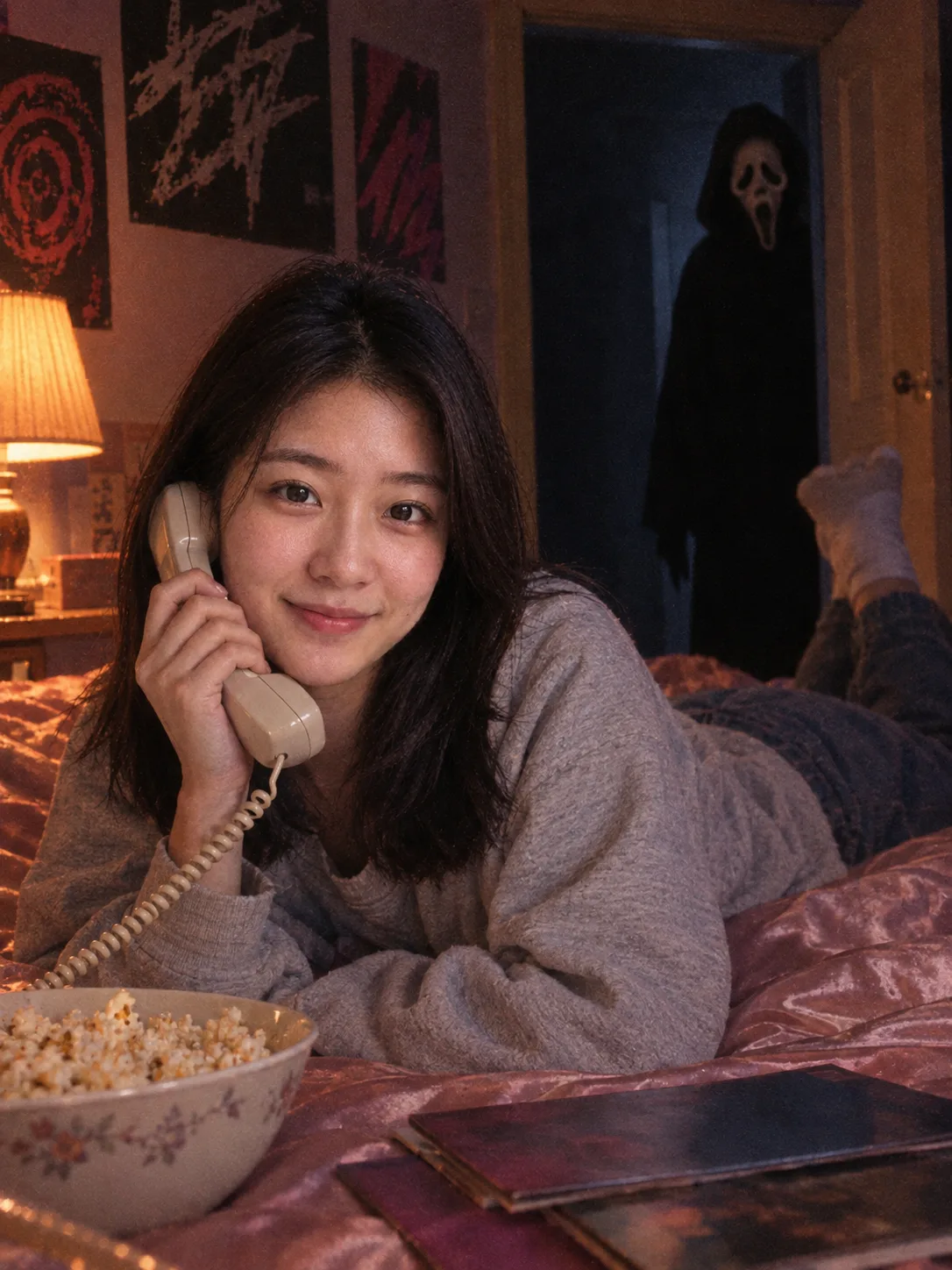
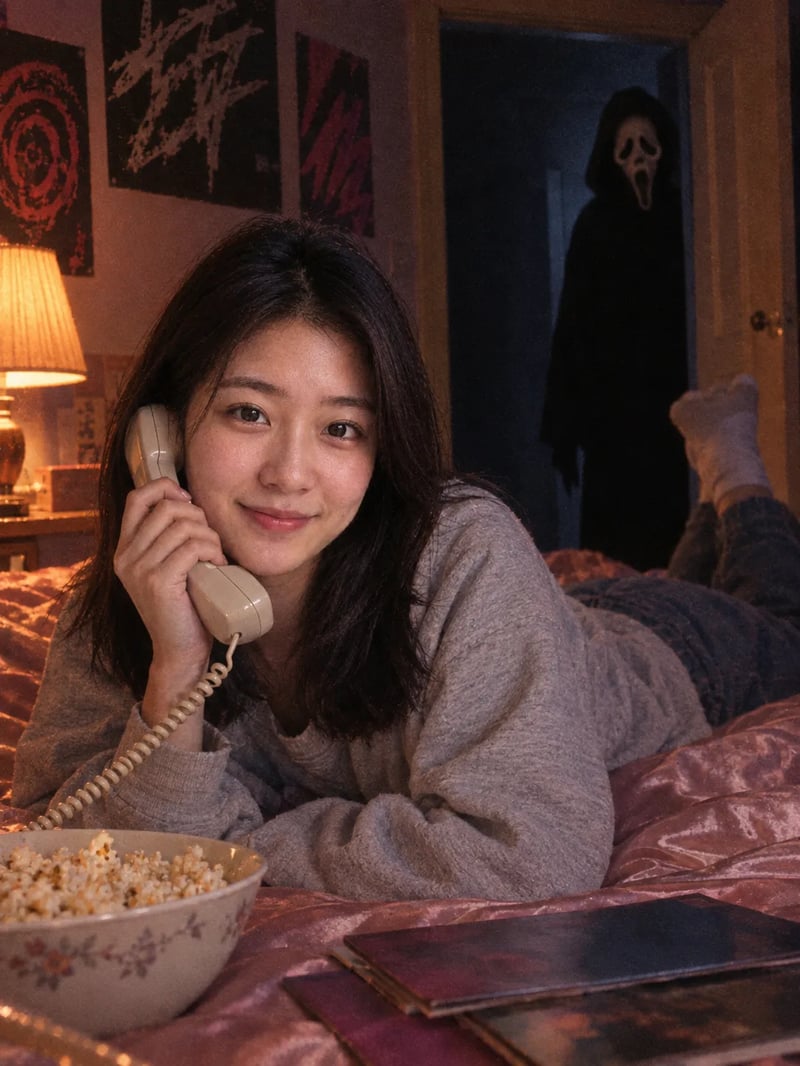
Ghostface AI photos are selfies turned into a still from a late-90s horror movie. The classic version took off in late September 2025, made mostly with Google Gemini prompts: you lie on a satin bed in a teenage bedroom, holding a corded phone, while Ghostface, the masked killer from the Scream films, watches from the dark doorway.
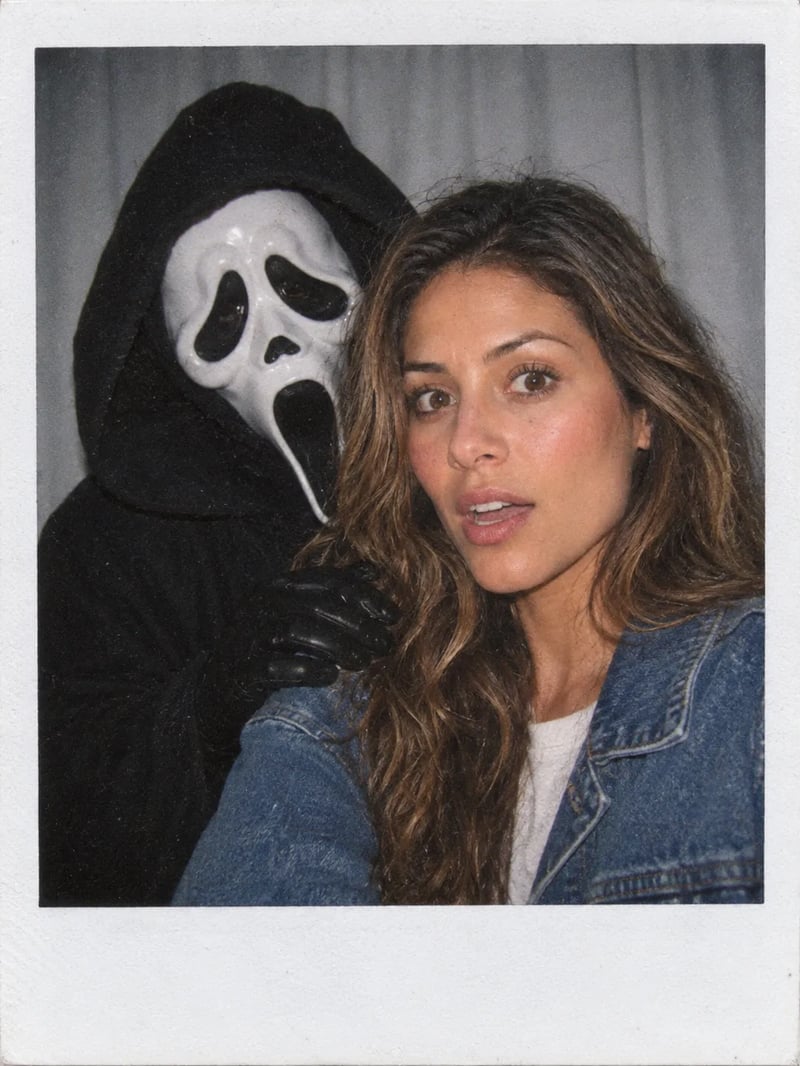
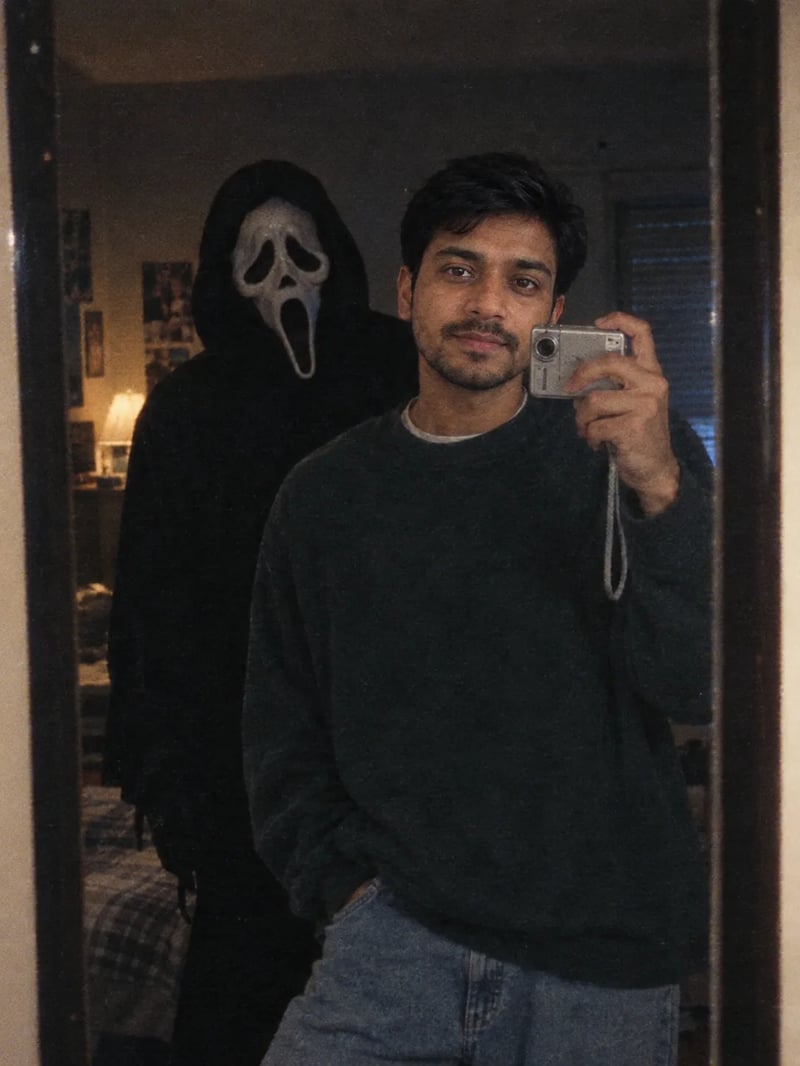
It spread on TikTok and Instagram Reels, and people soon made their own twists: a Polaroid with Ghostface leaning on their shoulder, a mirror selfie with him standing behind them. Most guides ask you to paste a long prompt into a chatbot and hope it keeps your face. This Ghostface AI generator has the prompt built in, so you only bring the photo.
Three Ghostface AI scenes from one selfie
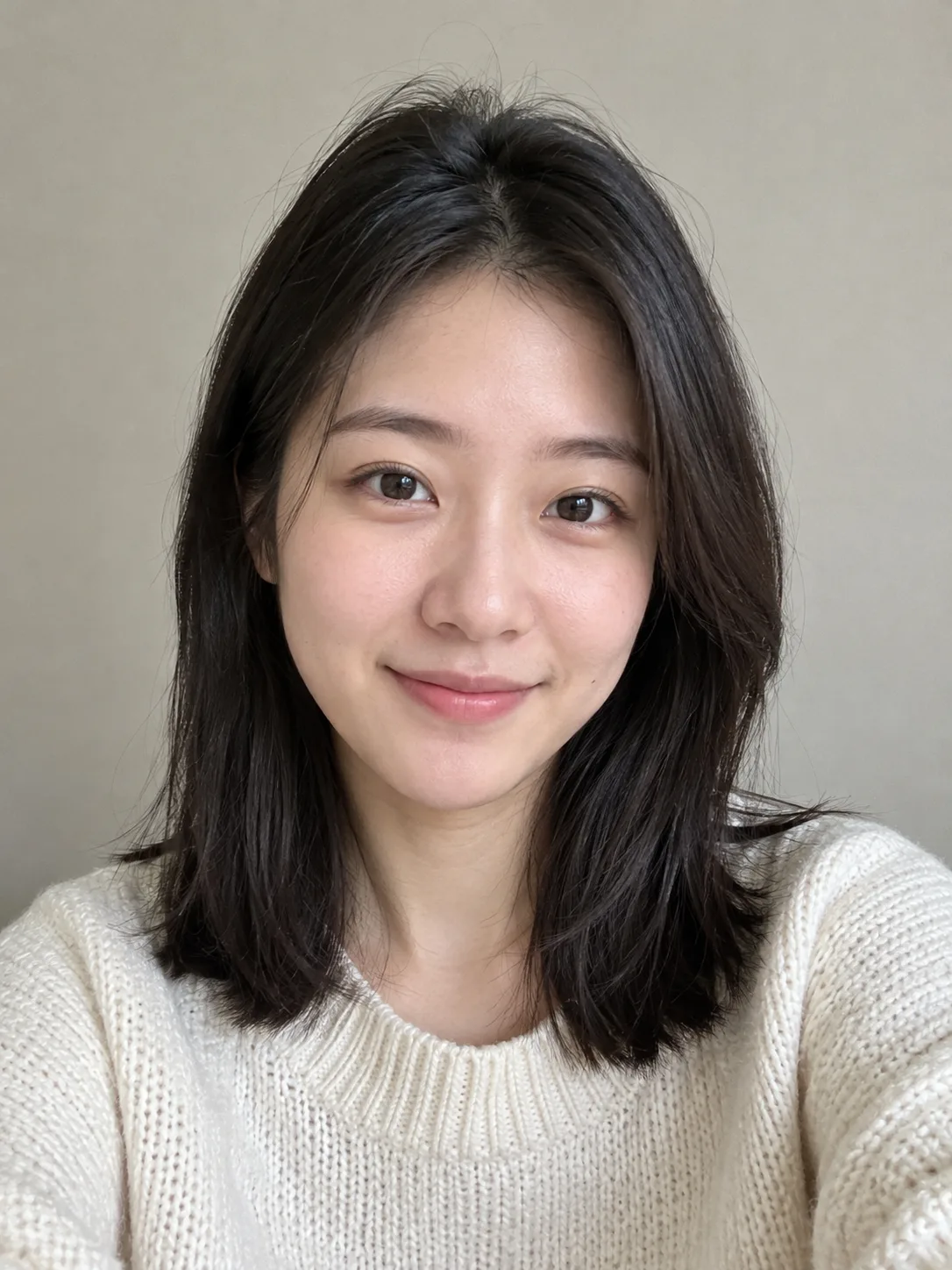
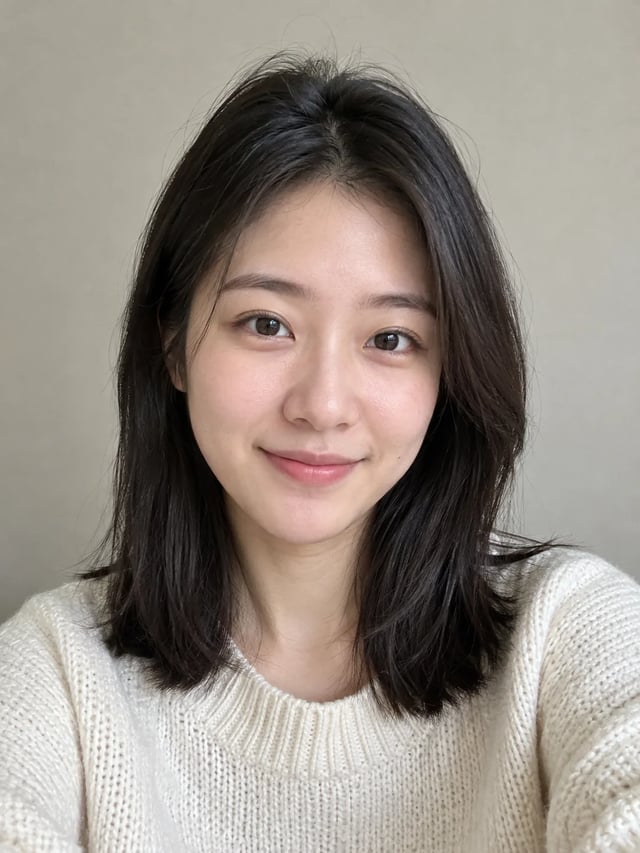
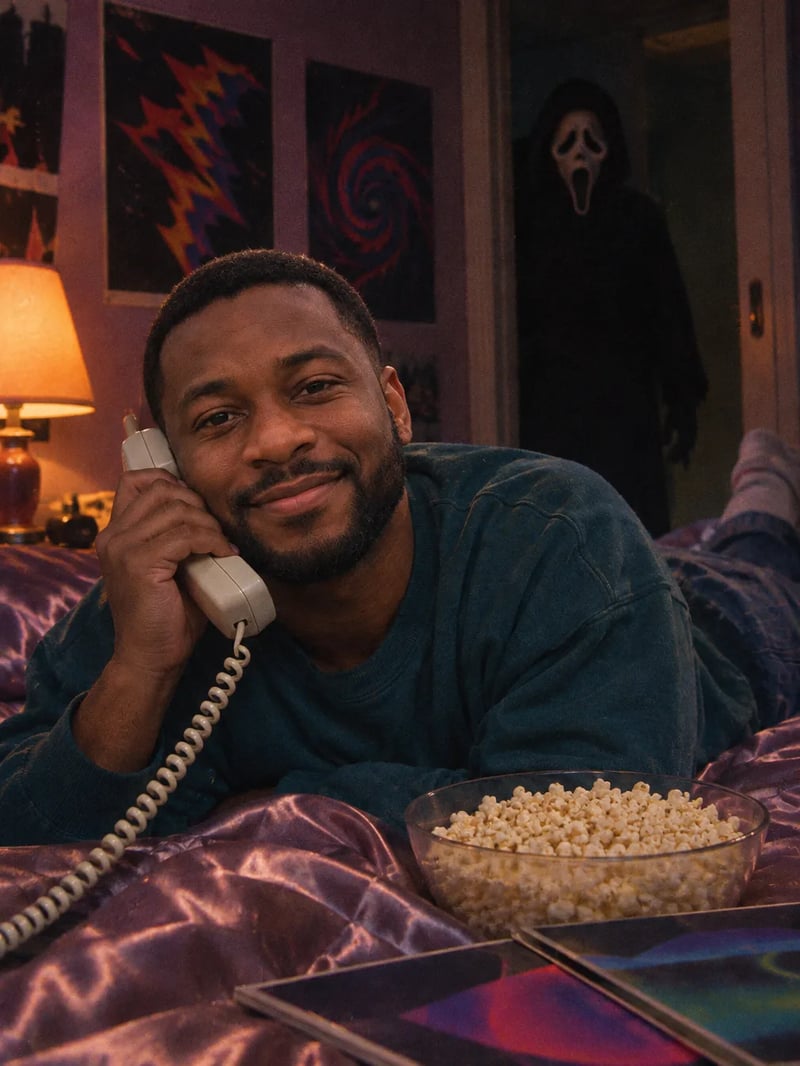
Each run picks one of three scenes: the classic bedroom call or one of two popular twists. All three came from the same sample photo, first result each time.
Your photo
Bedroom phone call
Scene
The bedroom phone call: you on a satin bed with a corded landline, popcorn and magazines, and Ghostface half in shadow in the hallway doorway.
What changes in your Ghostface AI photo, and what stays
The effect builds the room, the clothes and the light around you, and keeps you looking like you.
Made to keep your face
The effect is built to keep your face, features, skin tone and hair as they are in your photo. The bed, the outfit, the film grain and the lamp light are what change, so the picture reads as you in a horror movie, not a stranger who looks a bit like you.
Pick the scene, or let it surprise you
Leave the wishes box empty and each run picks the bedroom call, the Polaroid or the mirror selfie. Want a specific one? Describe it, such as "a Polaroid with harsh flash". Want something new? Write "in a retro movie theater" or "in a 70s kitchen", and the effect keeps Ghostface right behind you.
Grainy, Y2K and spooky, not gory
Every Ghostface AI photo comes out like a late-90s film still: grain, warm lamp light or harsh flash, in 3:4 for a feed post. Ghostface stays eerie and a little playful. The effect asks for no knife and no blood, so the picture is easy to post where anyone might see it.
How to make a Ghostface AI photo
Three steps, and the middle one is optional.
- 1
Upload a clear photo of yourself
One person, face toward the camera, good light, no sunglasses. A plain selfie is enough.
- 2
Add a wish, if you have one
Describe a scene or a detail, such as "a mirror selfie with a digital camera" or "wearing a red hoodie". Leave it empty to get one of the three scenes.
- 3
Generate, download and post
Your Ghostface AI photo appears next to your upload. Download it and post it to TikTok, Instagram or your group chat.
Ghostface AI, Scream AI filter or a Gemini prompt?
Three names for the same picture, and how this one differs.
You'll see it called Ghostface AI, an AI Ghostface generator or a Scream AI filter. All three mean the same picture: your face in a Scream-style scene with Ghostface behind you.
With Gemini you write the scene yourself, check whether your face drifted, and run it again. Here the scene, the grain and the masked figure are part of the effect, and your photo is the only thing you bring.
Ghostface AI FAQ
Price, your face and posting it.
New accounts get 10 free credits, enough for one Ghostface AI photo. Each photo costs 10 credits. Pictures made before your first purchase carry a watermark; buy any plan or credit pack and it comes off those pictures too.
It is built to keep your face, features, skin tone and hair the same. The scene, your clothes and the light change around you. A clear, front-facing photo gives it the most to work with.
Yes. Describe it in the wishes box, for example "a Polaroid with harsh flash" or "in a retro movie theater". Left empty, each run picks the bedroom call, the Polaroid or the mirror selfie.
The effect puts one person in each photo. For a couple or a group, make one photo each and post them together as a carousel.
Yes. Download the picture and post it wherever you like. It comes out in 3:4, which fits an Instagram or TikTok feed post.
Most versions read something like: "Turn this photo into a grainy late-90s film still. Keep my face exactly the same. I'm lying on a satin bed holding a corded phone, and Ghostface from Scream stands half in shadow in the doorway behind me." This effect has that scene built in, plus the Polaroid and mirror versions, so you can skip the prompt.
No. AI Image Studio is not affiliated with or endorsed by the Scream films, Paramount, Spyglass or Fun World, the maker of the Ghost Face mask. Every example above was made with this effect on generated sample people, not real people.
More AI effects and photo tools
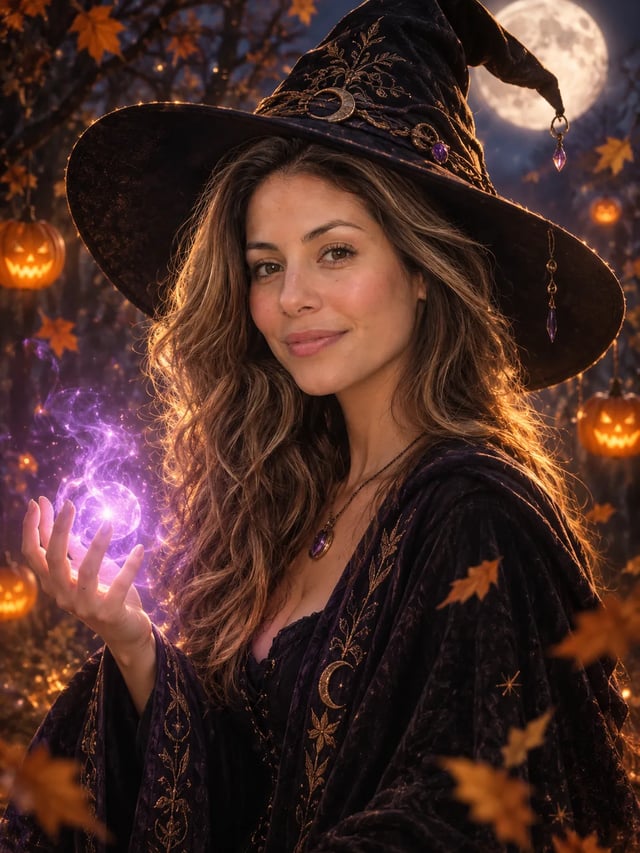
AI Halloween Costume Generator
Try a Halloween costume on your own photo before the party. Pick a costume, upload one photo and get a finished portrait with your face in it. There is no prompt to write.
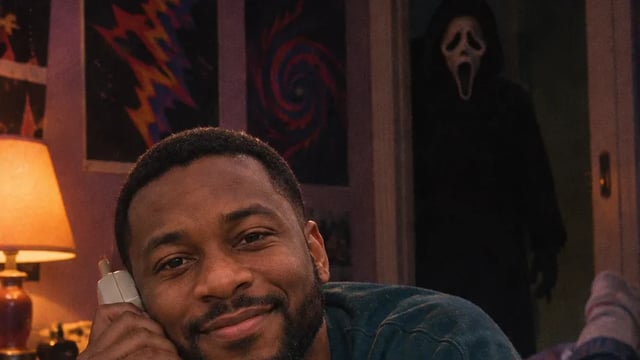
AI Effects
Pick an effect, upload one photo and get the result. There is no prompt to write: each AI effect already knows the look, from a Ghostface horror still to an action figure box or a short clip of you waving.
AI Image Editor
Upload a photo and type what should change: a new background, a different color, an object gone, or several photos combined into one. Pick from ten image models, and start free.
Make your Ghostface AI photo
One selfie, no prompt. Ghostface will be right behind you.