
AI Halloween Costume Generator
Try a Halloween costume on your own photo before the party. Pick a costume, upload one photo and get a finished portrait with your face in it. There is no prompt to write.
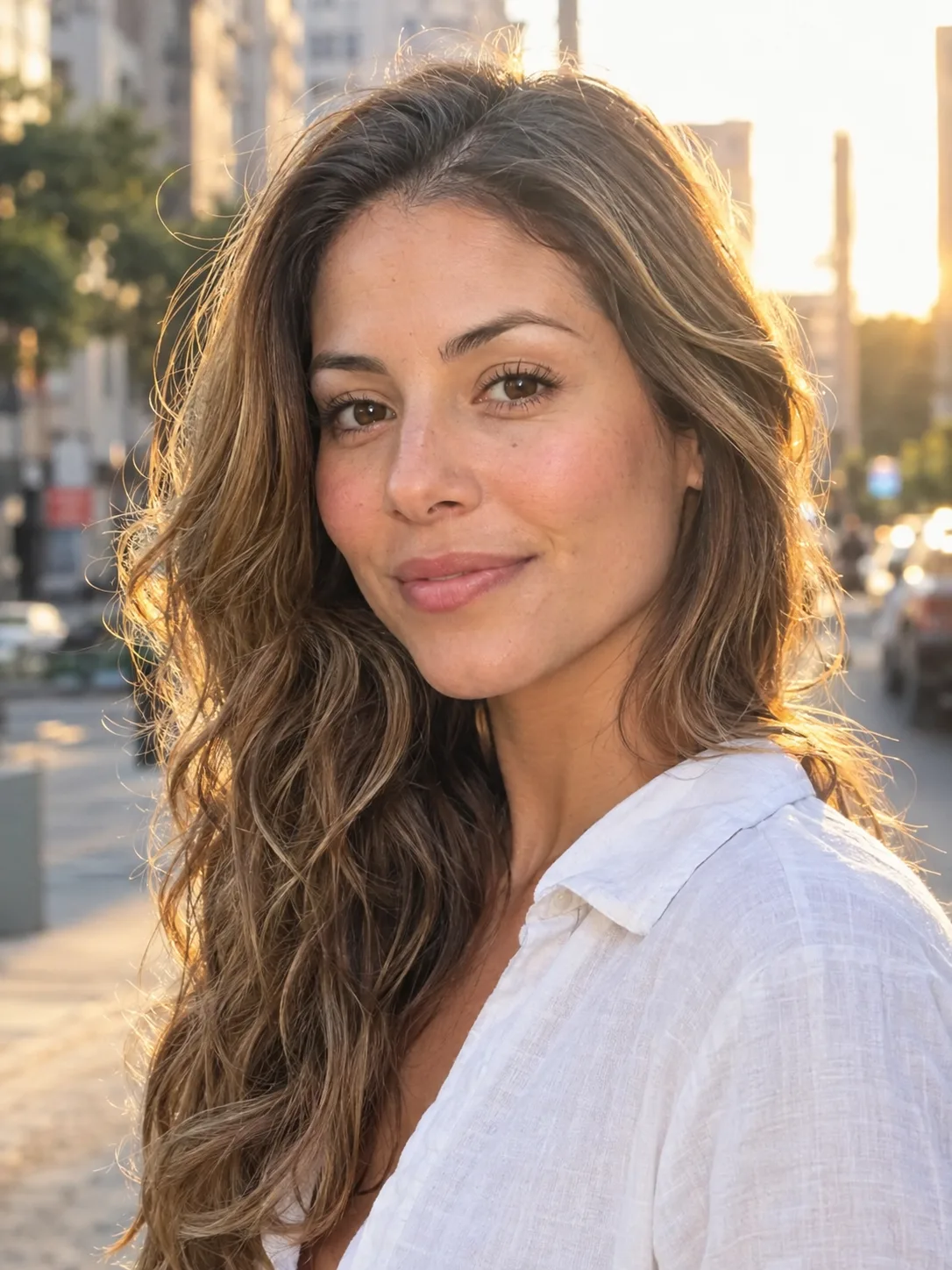
Your photo
JPG / PNG / WebPNo photo handy? Try a sample
Use a clear photo where the face is visible.
Refunded if it fails
More AI Halloween costumes and effects
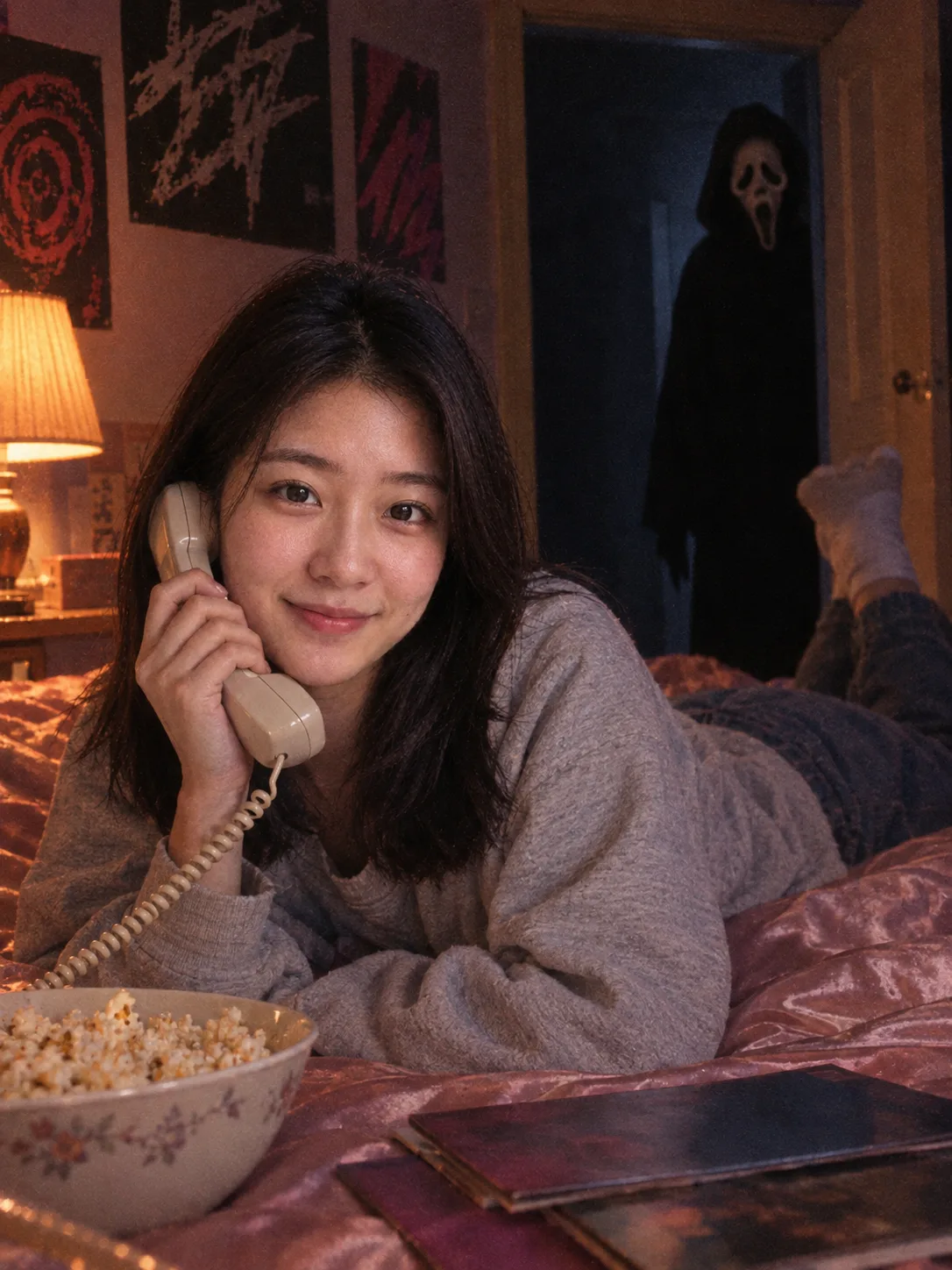
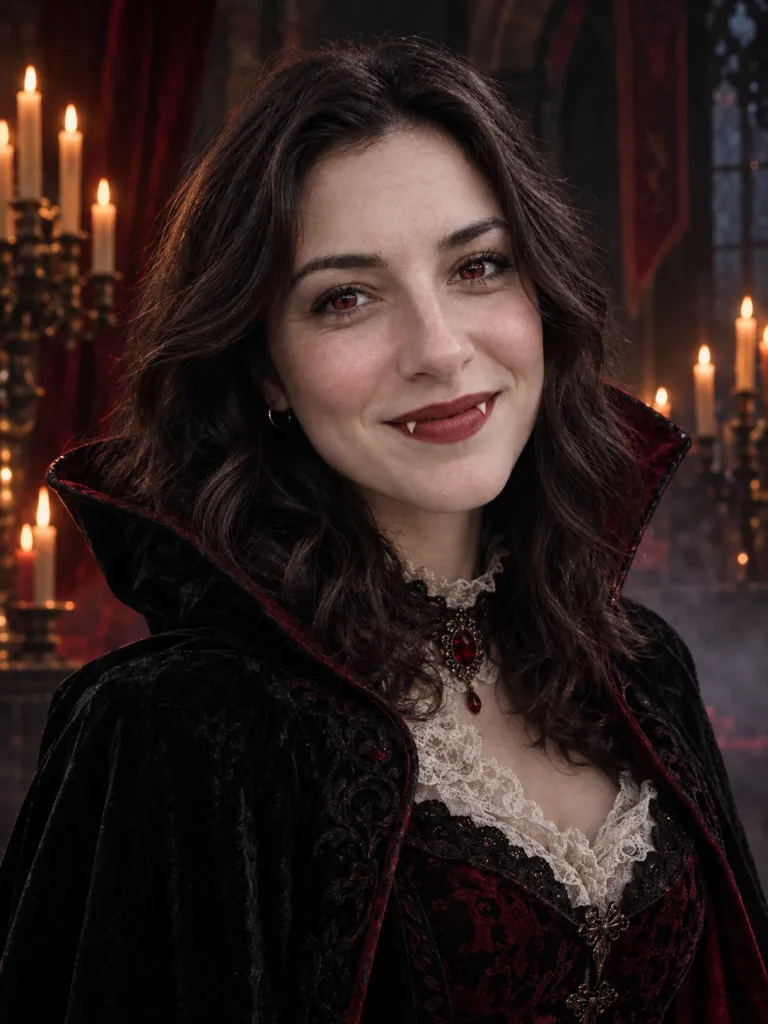
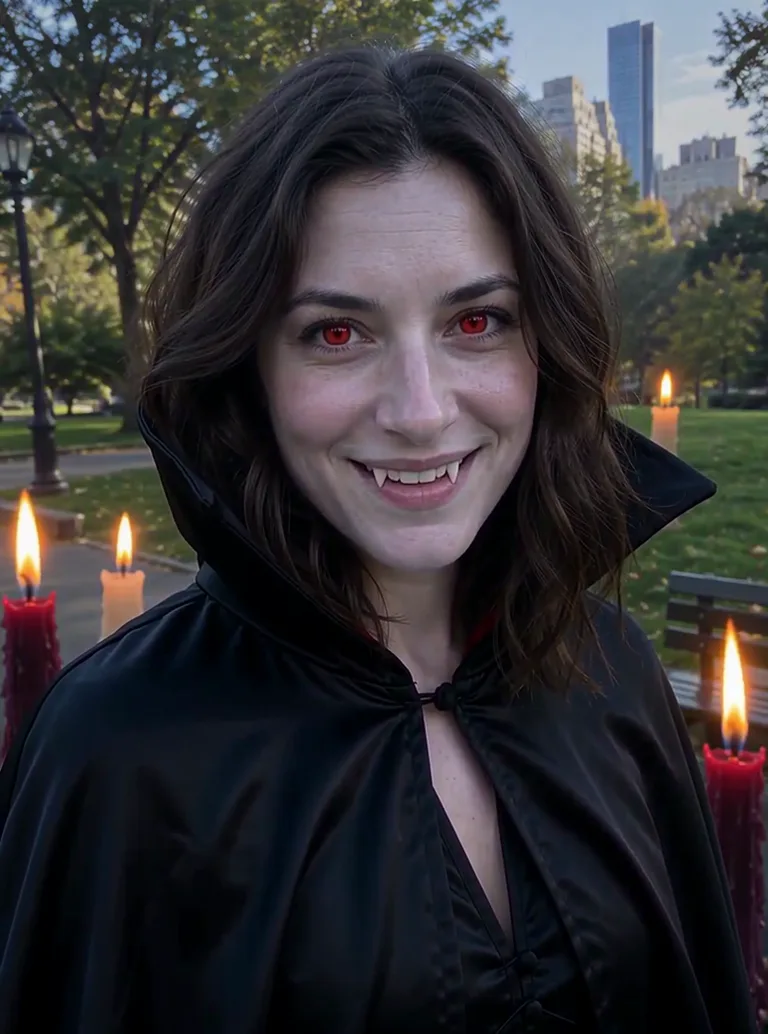
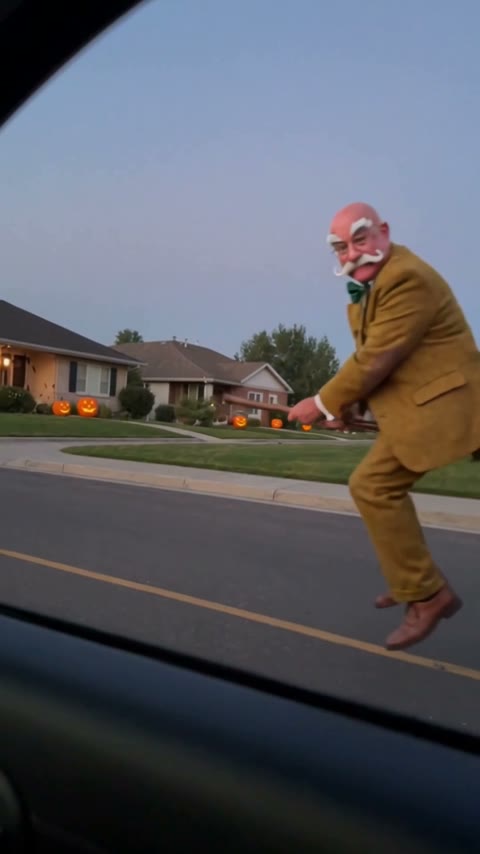
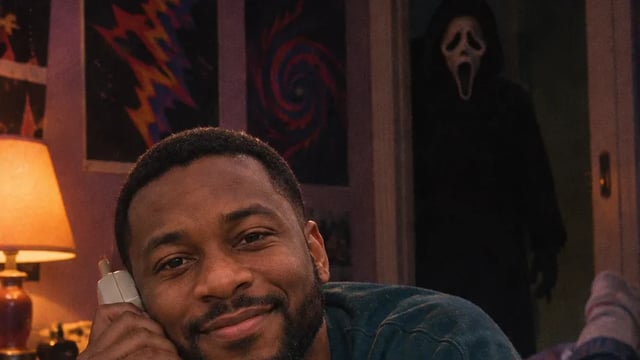
A vampire, a Ghostface horror still, a clip that turns you into a vampire and a witch's-broom ride past a car window.
Costumes you can try with AI
Each AI Halloween photo is a finished look. You bring the photo, the effect brings the outfit, the setting and the light.
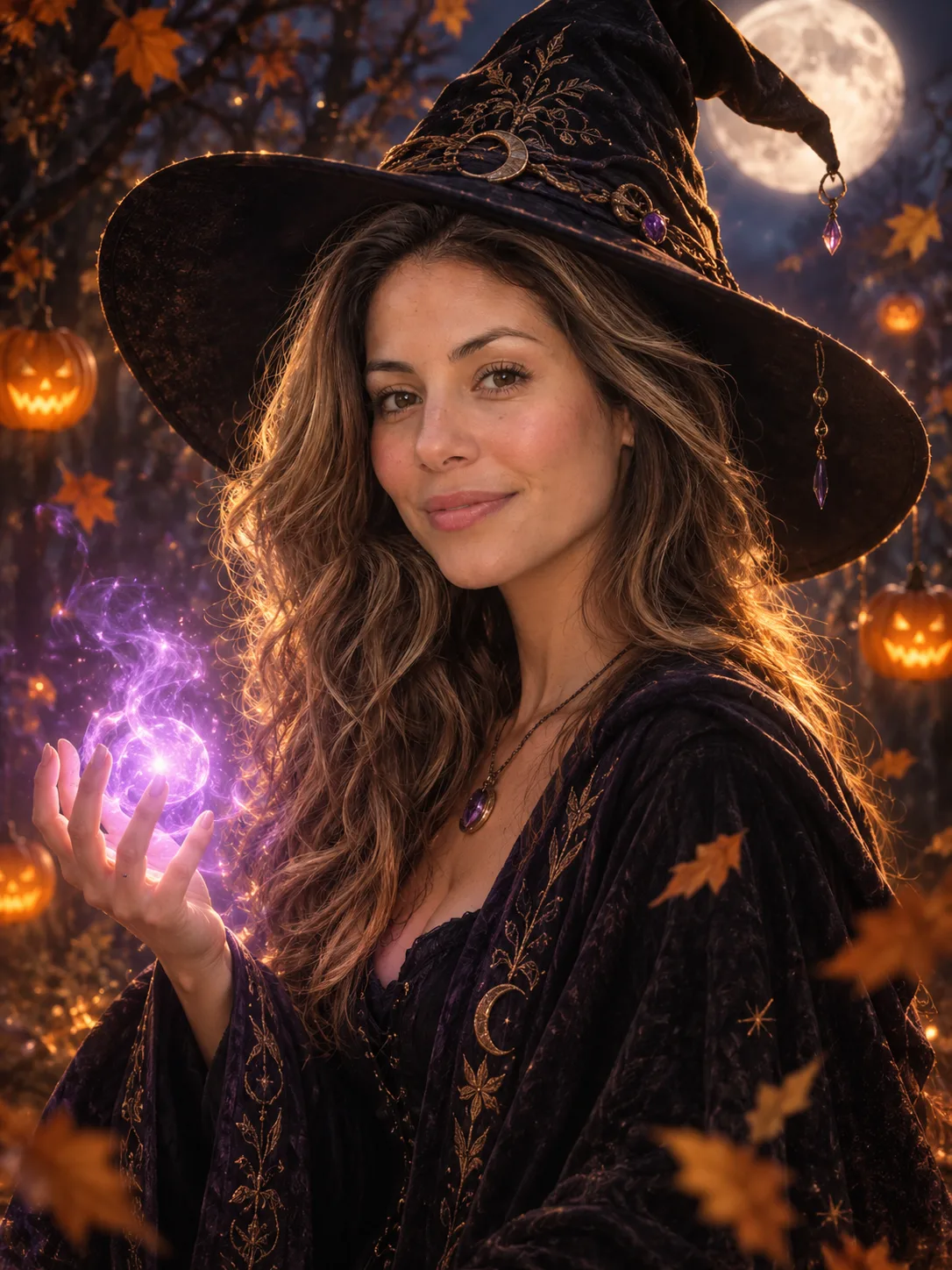
Witch
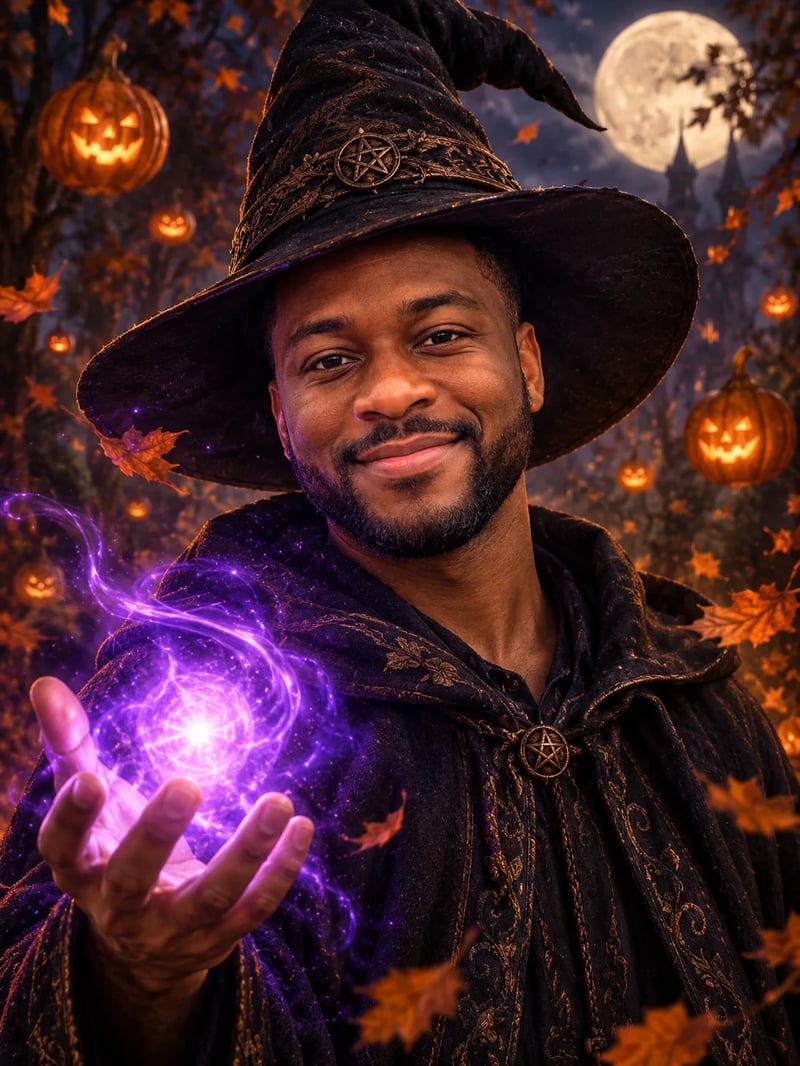
A wide-brimmed pointed hat, dark embroidered robes and a glowing purple spell in your hand, in an autumn forest under a full moon with pumpkin lanterns. It runs right here in the generator above.
Vampire
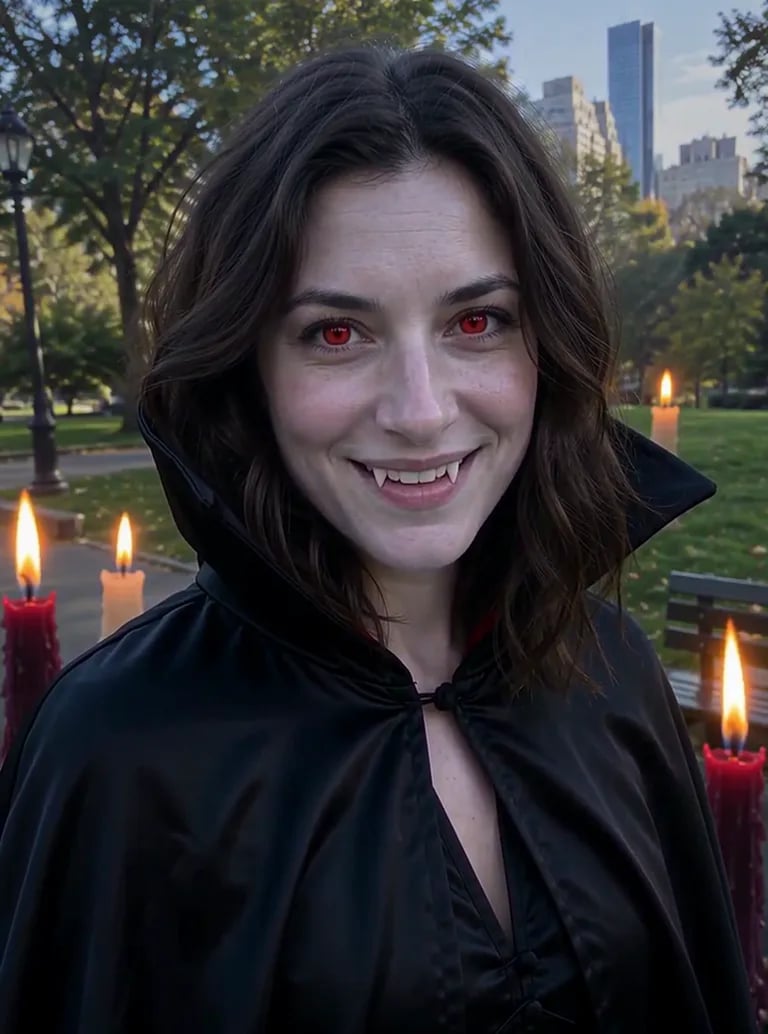
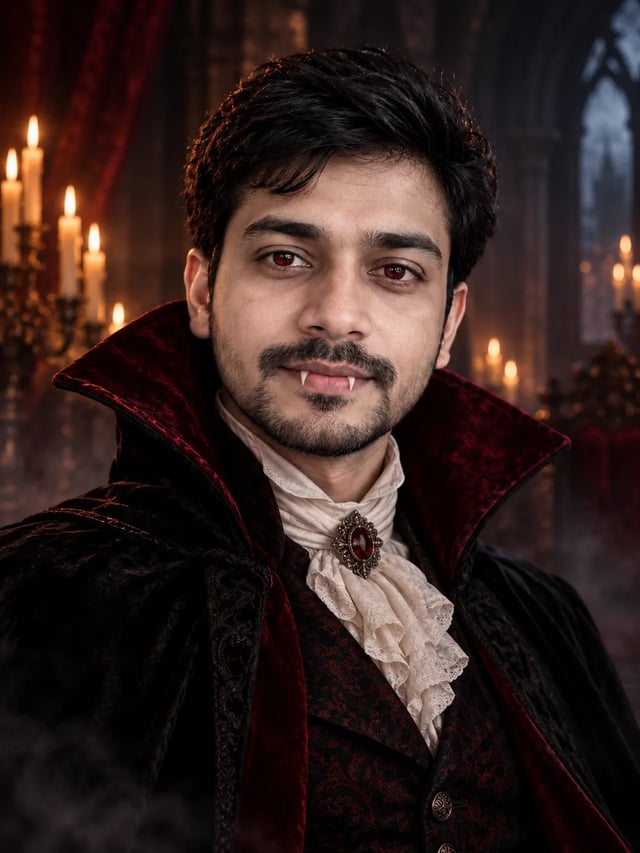
Pale skin, crimson eyes, small fangs in a slight smile and a high-collared velvet cloak, in a candlelit castle. Classy and spooky rather than gory.
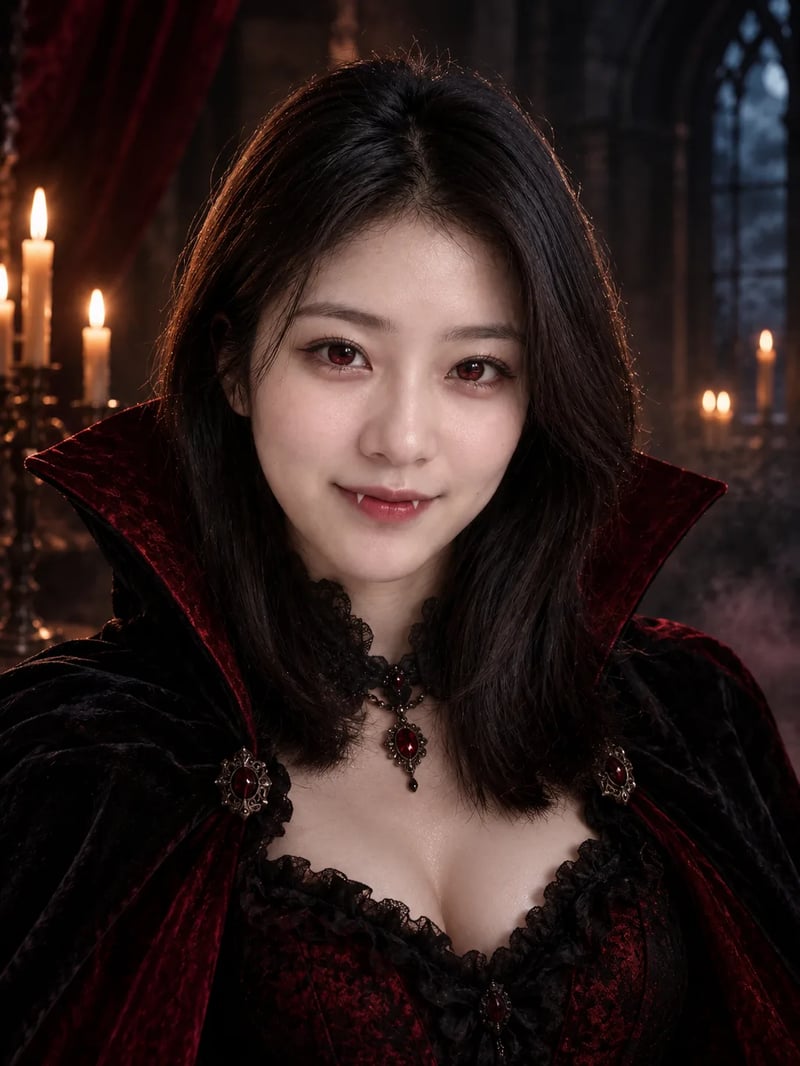
Vampire transformation clip
The same costume as a short video: purple smoke swirls up around you, your clothes turn into a vampire cloak and you finish with a slow smile.
How to make an AI Halloween costume photo
Every costume works the same way.
- 1
Pick a costume
Use the witch in the generator above, or open another costume from the list.
- 2
Upload one photo of yourself
One person, face toward the camera, good light. A plain selfie is enough.
- 3
Generate and download
The portrait appears next to your photo in about a minute. Download it for your profile, a party invite or a post.
What photo works best for an AI Halloween costume?
The effect keeps your face, so give it a clear one.
Use a recent photo with your face toward the camera, in daylight or soft indoor light. Take off sunglasses and keep your hands away from your face. Head and shoulders are enough: the costume, the hat and the scene are drawn around you, so you do not need a full-body shot.
Each costume is made for one person. For a couple or a group costume, make one picture each and post them side by side.
AI Halloween costume guides
Costume pages with examples and the generator built in.
AI Halloween costume FAQ
Price, your face and which costumes you can try.
New accounts get 10 free credits, enough for one costume photo. Each costume shows its price in credits on the Generate button, and the transformation clip costs more than a photo. Pictures made before your first purchase carry a watermark; buy any plan or credit pack and it comes off those pictures too.
The costumes are built to keep you recognisable, with your face, features and hair from the photo, while the outfit, the setting and the light change around you. The vampire makes your skin paler on purpose.
A witch and a vampire as photos, a vampire transformation as a short clip, a Ghostface horror still, and a short clip of you riding a witch's broom. The list above shows every Halloween effect on the site.
The costumes here are finished looks, so you cannot type a different one into them. For your own idea, the AI image editor takes your photo and a short description such as "dress me as a pirate on a ship at night".
Yes. Download it and post it wherever you like. Photos come out in 3:4, which fits a feed post.
Try a Halloween costume on your photo
One photo, no prompt, ready before the party.