
AI Vampire Filter
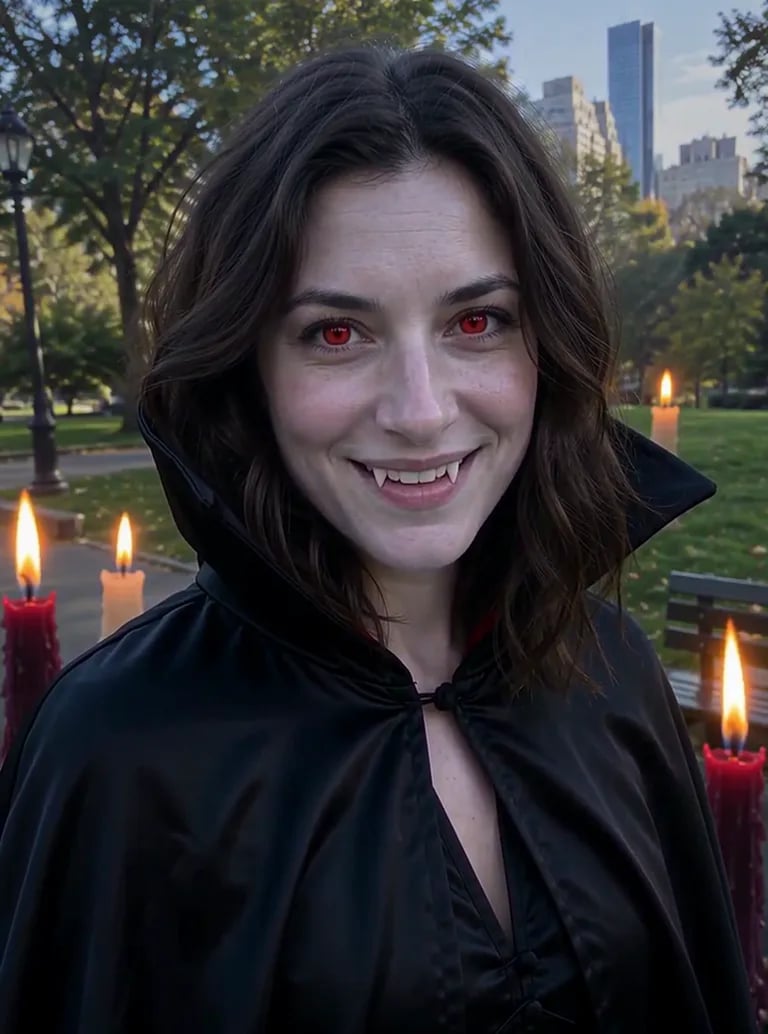
Turn your photo into a gothic vampire portrait with one upload. Pale skin, crimson eyes, fangs and a velvet cloak, still with your own face, and nothing to type.
Your photo
JPG / PNG / WebPNo photo handy? Try a sample
Use a clear photo where the face is visible.
Refunded if it fails

What the AI vampire filter changes
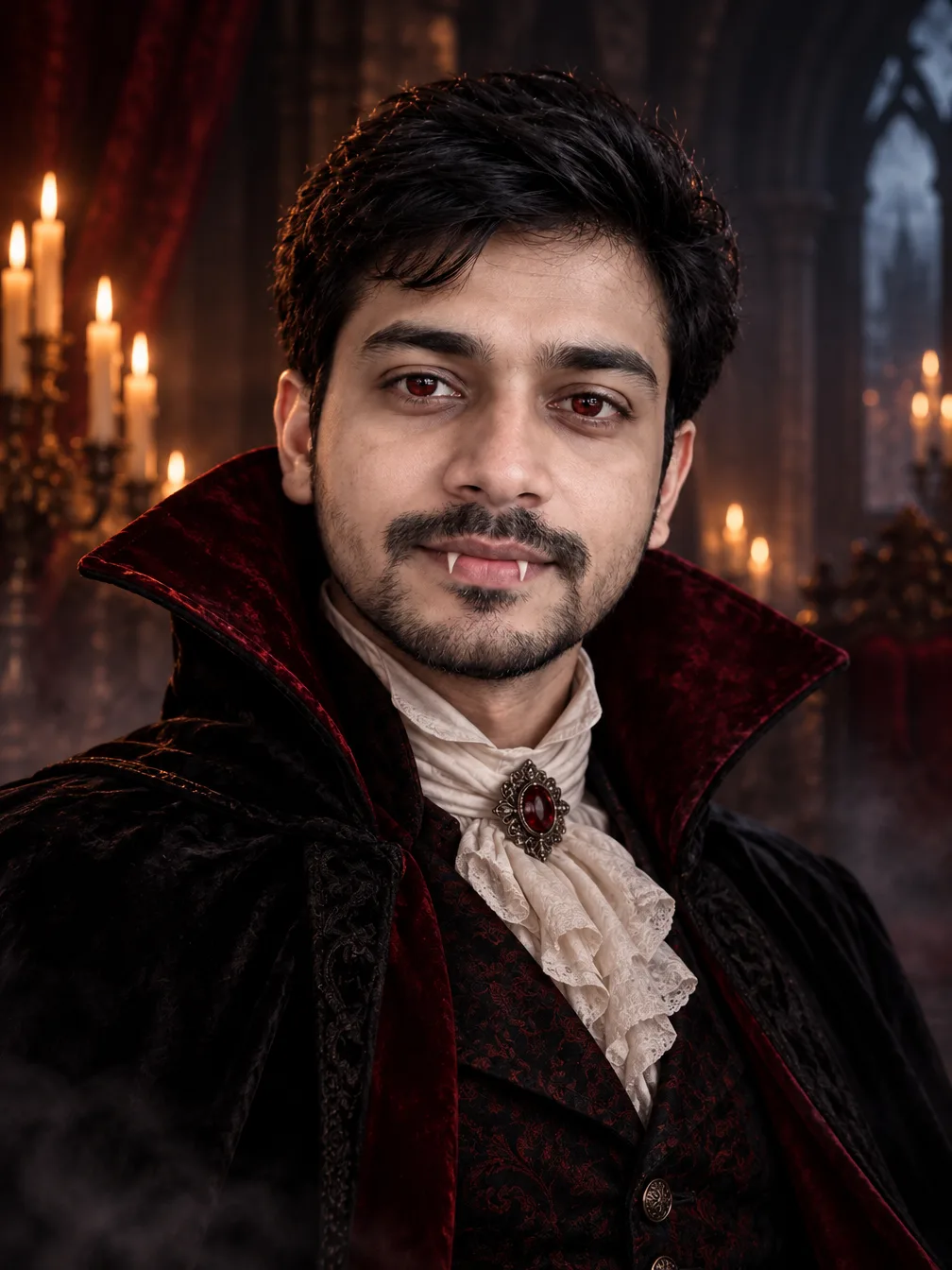
Your face stays recognisable; the skin, the eyes, the outfit and the room turn vampire.
Pale skin, crimson eyes and small fangs
The filter gives you porcelain skin, a hint of red in the eyes and a glimpse of fangs, then dresses you in a dark velvet high-collared cloak over Victorian clothes. The look is classy and atmospheric, not gory.
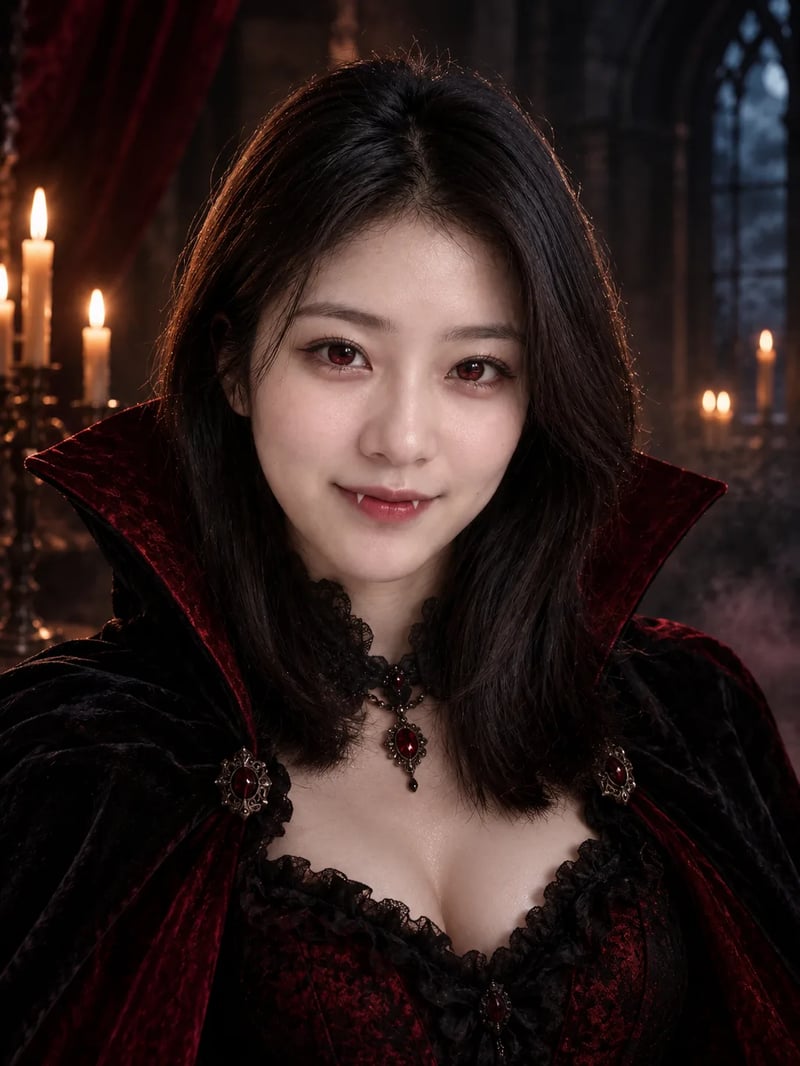
A candlelit castle around you
Every portrait is set in a moody castle hall with candles, soft fog and deep reds and blacks, lit like a film still. It comes out in 3:4, ready for a profile picture or a Halloween post.
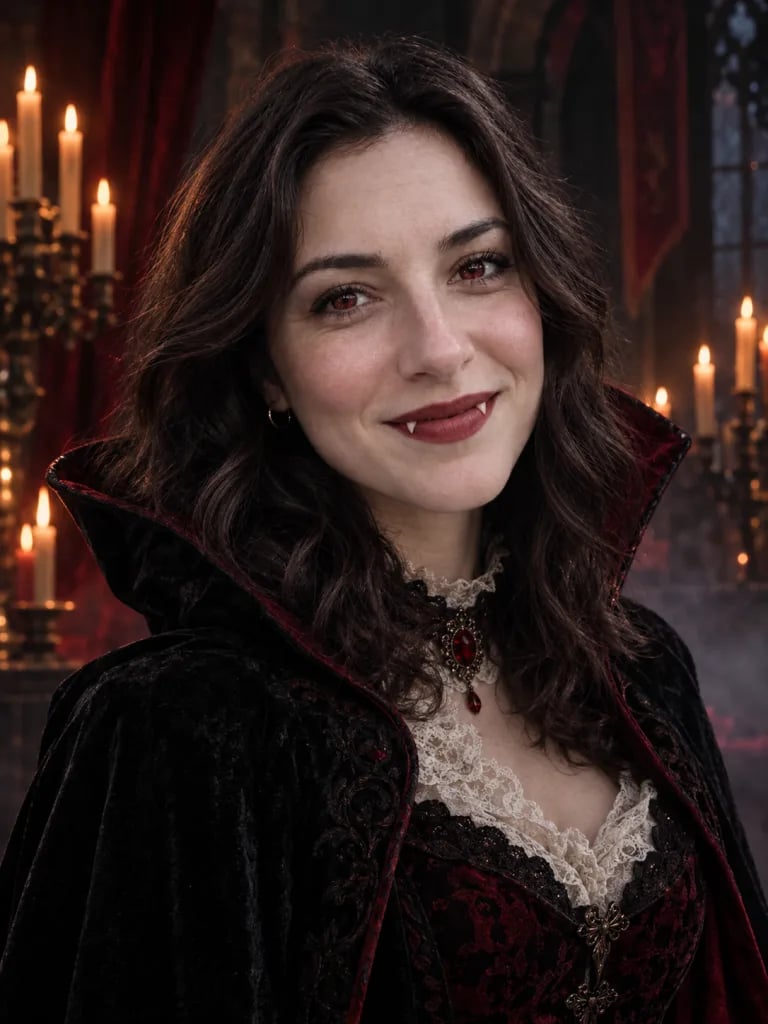
Want it moving? The transformation clip
For a video instead of a still, the Halloween transformation effect shows you becoming the vampire on camera.
How to use the AI vampire filter
Three steps and about a minute.
- 1
Upload a clear photo of yourself
One person, face toward the camera, good light, no sunglasses.
- 2
Generate
The price shows on the Generate button before you start. There is nothing to type.
- 3
Download and post
Your vampire portrait appears next to your photo. Download it and post it.
AI vampire filter FAQ
Price, your face and the video version.
New accounts get 10 free credits, enough for one vampire portrait. Pictures made before your first purchase carry a watermark; buy any plan or credit pack and it comes off those pictures too.
It is built to keep you recognisable, with your face shape, features and hair from the photo. Your skin turns pale and your eyes get a red tint, which is part of the vampire look.
No. It makes a classy gothic portrait with small fangs and candlelight, with no blood or wounds.
Yes. The Halloween transformation effect turns your photo into a short clip of you becoming a vampire. It costs more credits than the photo.
It is made for one person per photo. For a group, make one portrait each.
More AI Halloween costumes
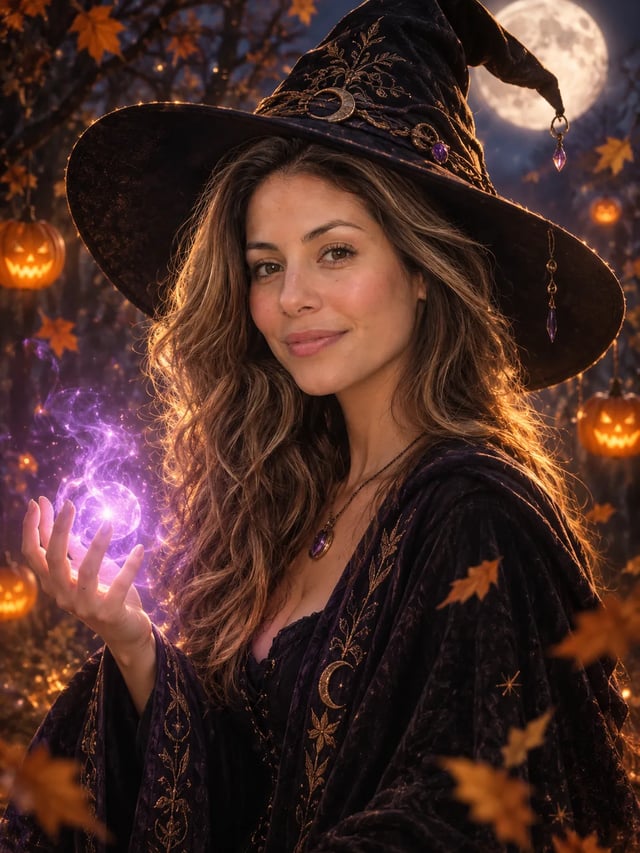
AI Halloween Costume Generator
Try a Halloween costume on your own photo before the party. Pick a costume, upload one photo and get a finished portrait with your face in it. There is no prompt to write.
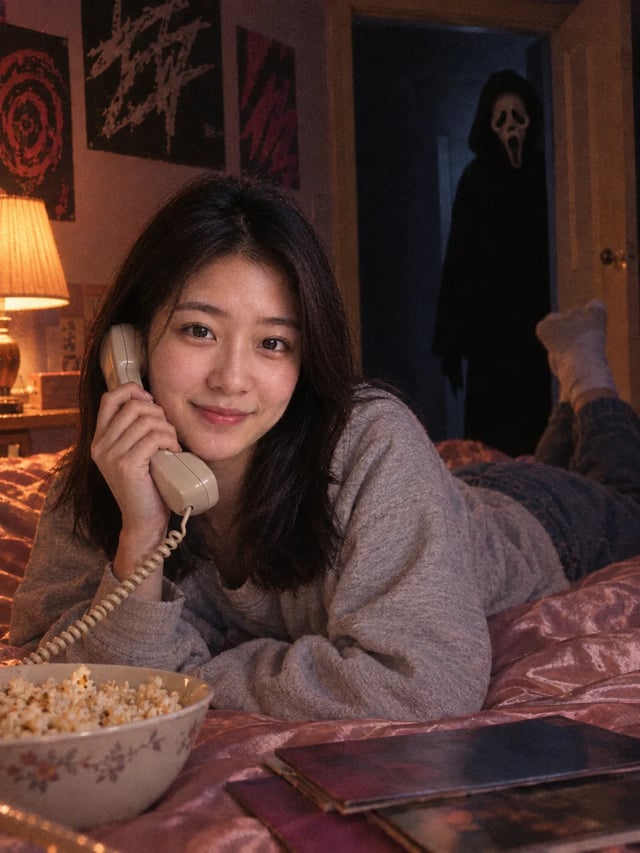
Ghostface AI Photo Generator
Put Ghostface behind you with one upload. There is no prompt to write: choose a photo of yourself and get a late-90s horror still with your own face in it.
Turn your photo into a vampire
One upload, no prompt, about a minute.