

Jean Phil Filter: Get the Blond Bob Look
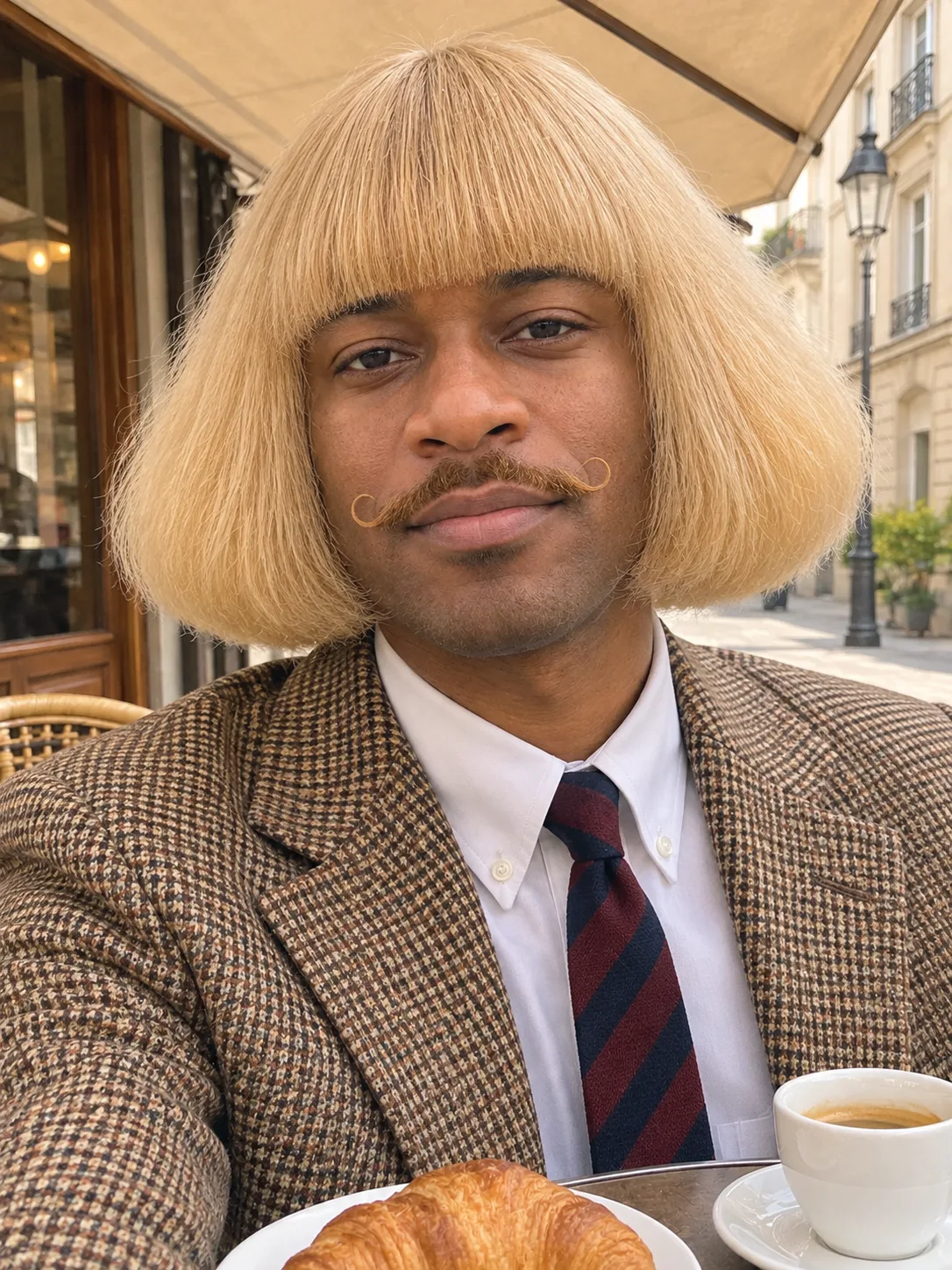
Upload one photo and get the viral Jean Phil look on your own face: the big fluffy blond bob, the curled mustache, the houndstooth jacket and the dead-serious stare. No prompt to copy.
Your photo
JPG / PNG / WebPNo photo handy? Try a sample
Use a clear photo where the face is visible.
Refunded if it fails

What is the Jean Phil filter?
The look of the blond-bobbed man in a houndstooth jacket, put on your own face.
Since September 2026, short clips of Jean Phil (Jean Philanthrope) have spread across TikTok and Instagram: a man with a huge, fluffy blond bob, a thin curled mustache and a brown houndstooth jacket stands somewhere ordinary, then breaks into silent shadowboxing with a completely straight face. People soon wanted to see themselves with the same look.
A Jean Phil filter is an AI photo effect that gives you that look while keeping your own face. It changes your hair, adds the mustache and dresses you in the jacket and tie. Most guides hand you a long prompt to paste into an image editor. Here the look is built into the effect, so you only bring the photo.
Three Jean Phil scenes, one picked per run
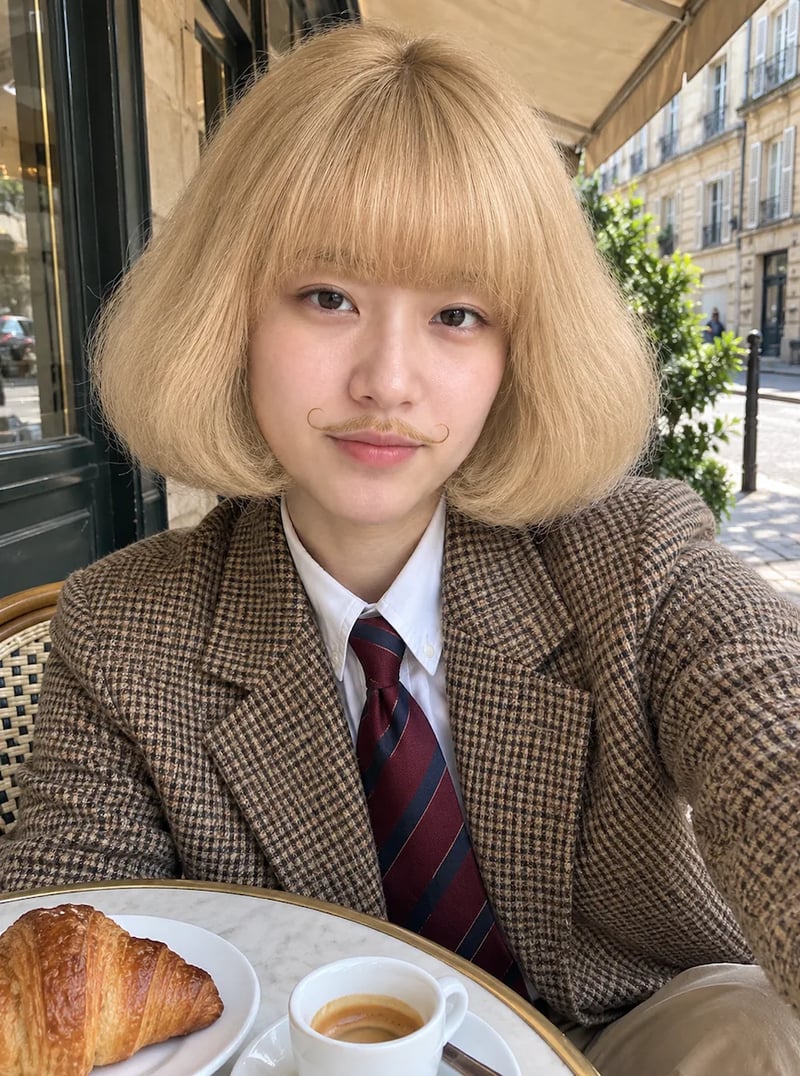
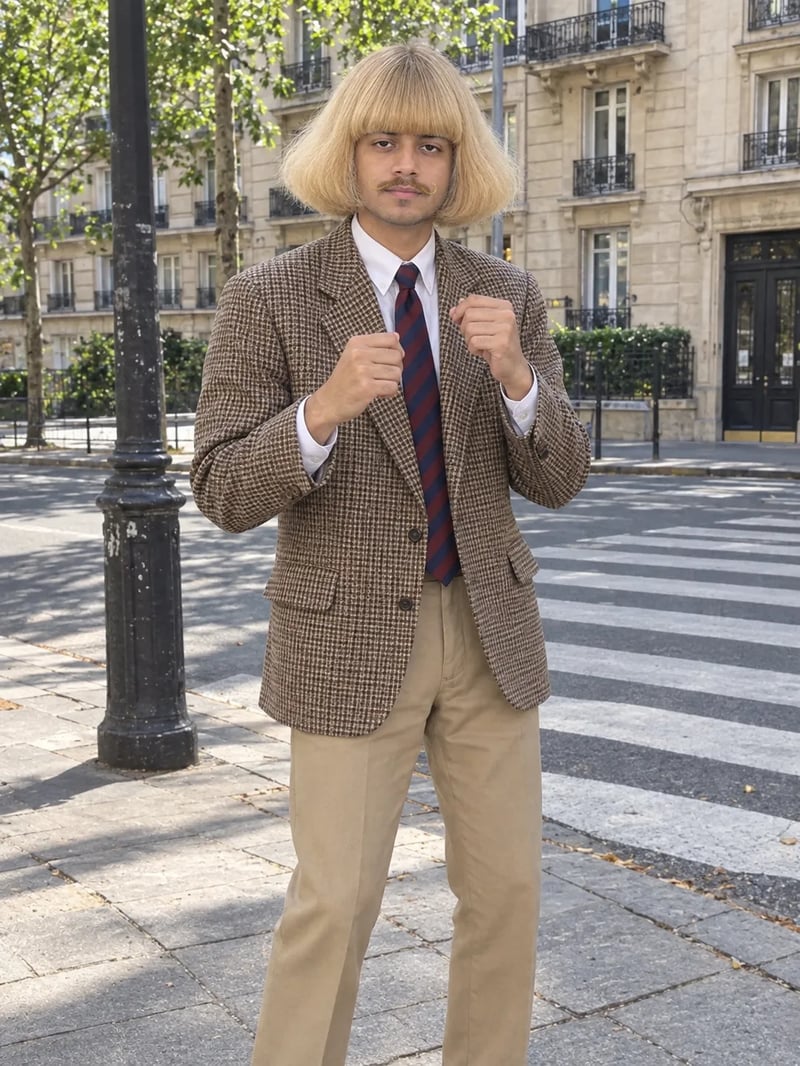
Each run picks one of three scenes: a café selfie, a street shadowbox or a studio portrait. These are first results on sample photos.
Your photo
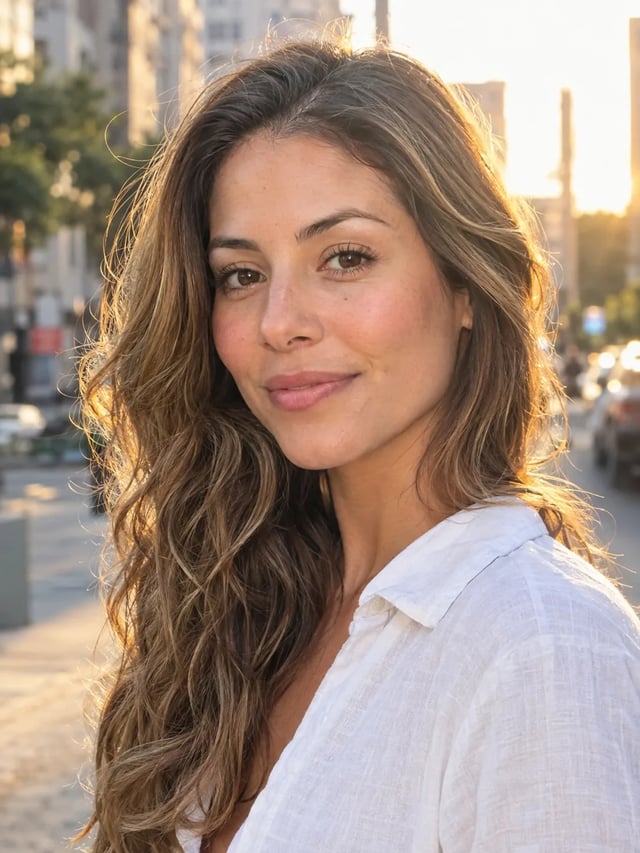
Café selfie
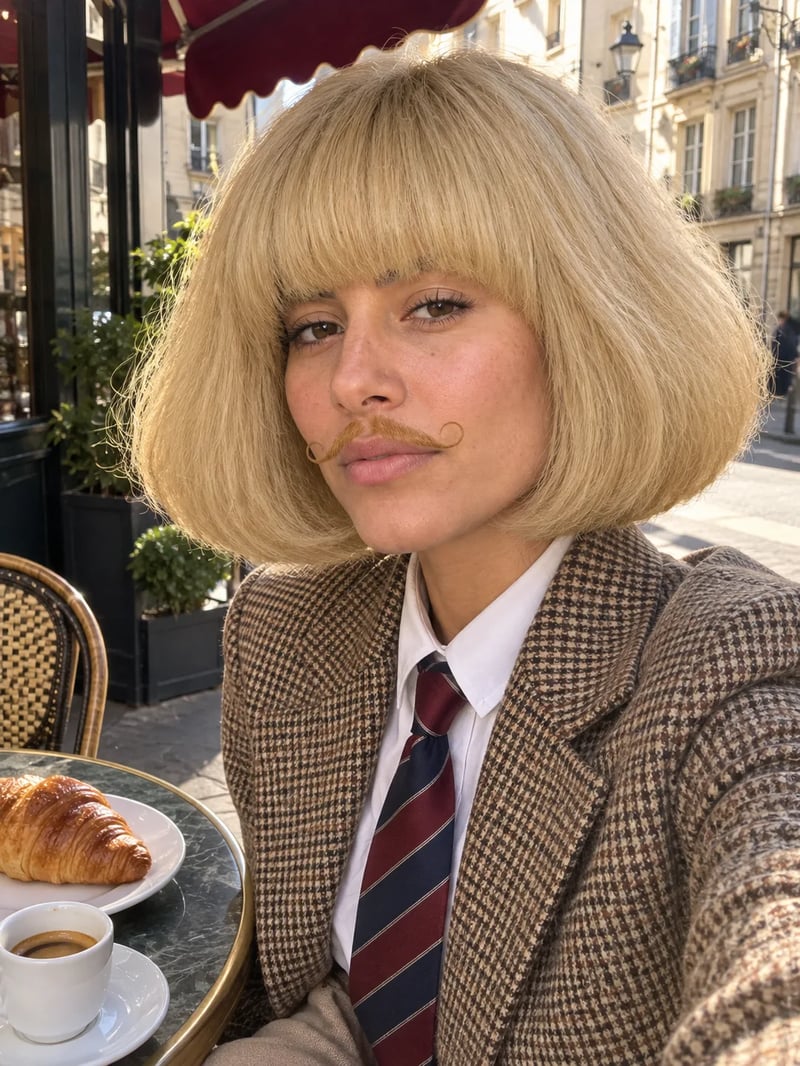
Scene
The café selfie: an arm's-length phone shot at a sidewalk café table on a sunny day, with a croissant and an espresso.
What the Jean Phil filter changes, and what it keeps
Hair, mustache, clothes and expression change. Your face does not.
Made to keep your face
The effect is built to keep your face shape, eyes, nose, jawline and skin tone as they are in your photo. The hair, the mustache, the clothes and the expression change, and any beard is shaved off so the mustache shows. The picture reads as you doing the Jean Phil look, not a stranger in a wig.
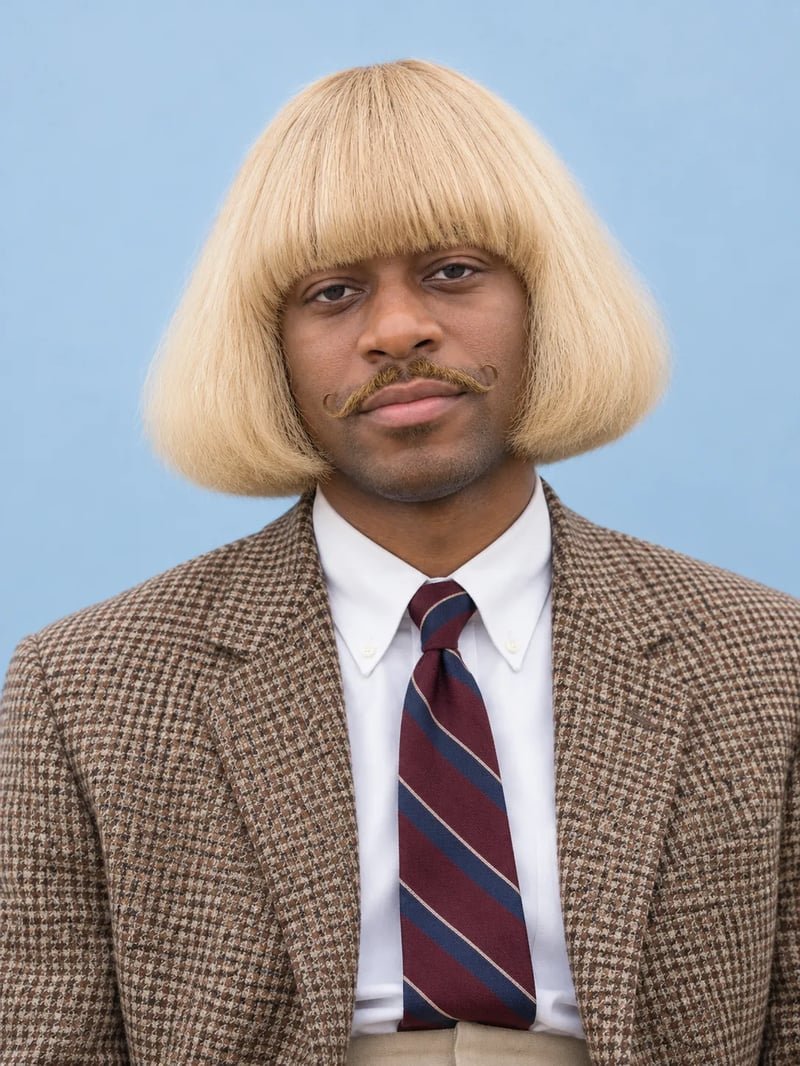
The haircut, done the Jean Phil way
The hair is what makes the look. The effect asks for a thick, pale buttery-blond bob with a smooth rounded top, a heavy straight fringe over the eyebrows, and sides that puff out soft and full, getting wider down to the chin. The strands stay straight: no waves, no curls, no flipped-out ends.
Pick the scene, or write your own
Leave the wishes box empty and each run picks the café selfie, the street shadowbox or the studio portrait. To steer it, write "café selfie" or "shadowboxing on the street". To go further, try "shadowboxing on a beach" or "in a red velvet suit"; the hair and mustache stay.
How to use the Jean Phil filter
Three steps, and the middle one is optional.
- 1
Upload a clear photo of yourself
One person, face toward the camera, good light, no sunglasses or hat. A plain selfie is enough; the effect builds the jacket and the rest of the body.
- 2
Add a wish, if you have one
Name a scene or a detail, such as "café selfie" or "shadowboxing in a park". Leave it empty to get one of the three scenes.
- 3
Generate, download and post
Your Jean Phil picture appears next to your upload. Download it and post it to TikTok, Instagram or your group chat.
Why a "blond bob" prompt rarely looks like Jean Phil
The details that make the haircut read as his.
Ask an AI image tool for "a blond bob and a mustache" and you often get a neat salon bob, a tight helmet or a short bowl cut. None of them looks like Jean Phil. The look depends on details a short prompt leaves out: very pale golden hair, a heavy fringe right over the eyebrows, and sides that puff out soft and wide toward the chin while the strands stay straight.
The mustache and the face matter too. The mustache is thin, with tips that curl up, and the expression is completely blank, with no smile. The Jean Phil filter asks for all of this every time, so you do not have to rewrite the prompt and run it again when the hair comes out too sleek or too curly.
Jean Phil filter FAQ
Price, your face and posting it.
New accounts get 10 free credits, enough for one Jean Phil picture. Each picture costs 10 credits. Pictures made before your first purchase carry a watermark; buy any plan or credit pack and it comes off those pictures too.
It is built to keep your face shape, features and skin tone the same. The hair, mustache, clothes and expression change, and any beard is shaved off. A clear, front-facing photo gives it the most to work with.
Yes. The curled mustache is part of the look, so the effect adds one to everyone, whatever their photo shows. The examples above include two women.
Yes. About one run in three picks the street scene with fists raised. To ask for it, write "shadowboxing on the street" in the wishes box. The result is a still photo, not a video.
The effect puts one person in each picture. For a pair, make one picture each and post them side by side or as a carousel.
No. It is an AI photo effect inspired by the viral Jean Phil look. AI Image Studio is not affiliated with or endorsed by Jean Philanthrope or TikTok. Every example above was made with this effect on generated sample people, not real people.
More AI effects and photo tools
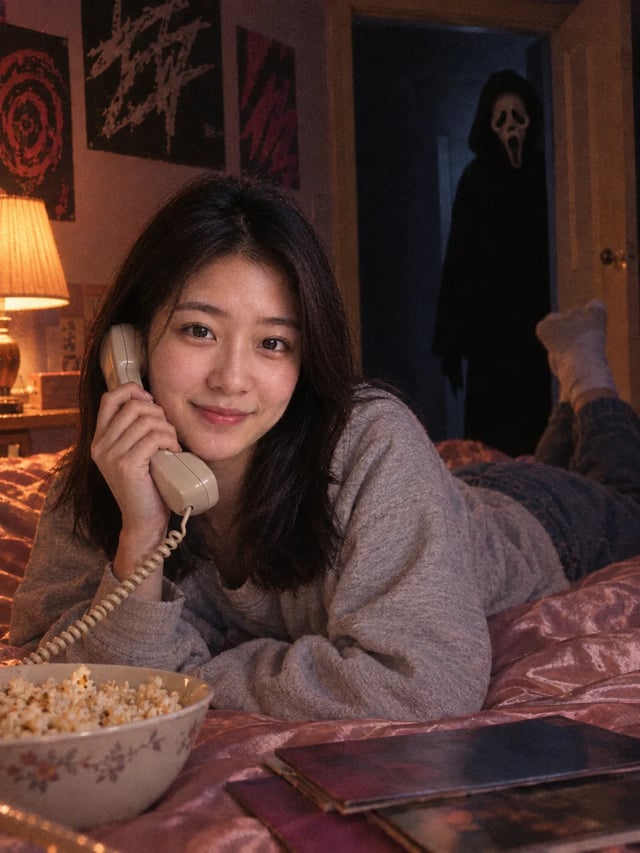
Ghostface AI Photo Generator
Put Ghostface behind you with one upload. There is no prompt to write: choose a photo of yourself and get a late-90s horror still with your own face in it.
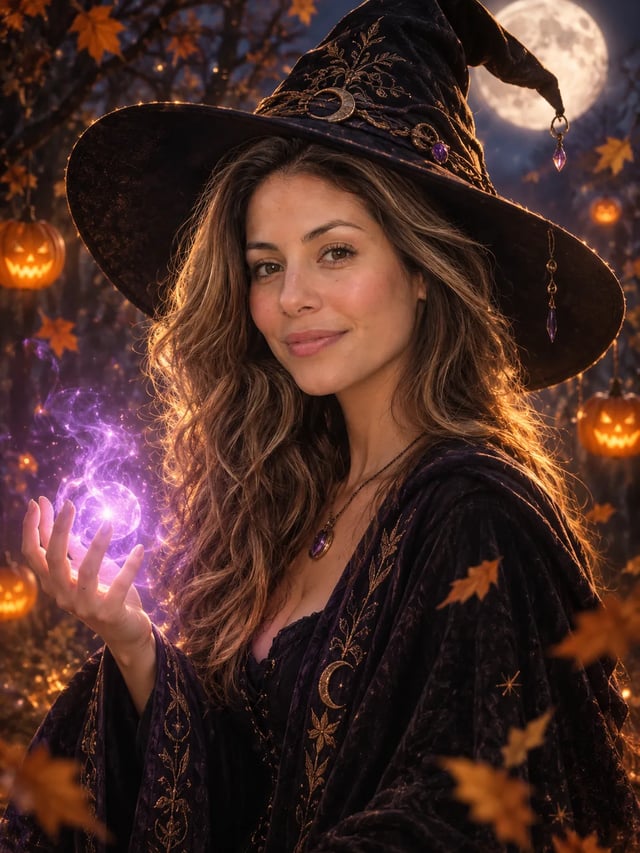
AI Halloween Costume Generator
Try a Halloween costume on your own photo before the party. Pick a costume, upload one photo and get a finished portrait with your face in it. There is no prompt to write.
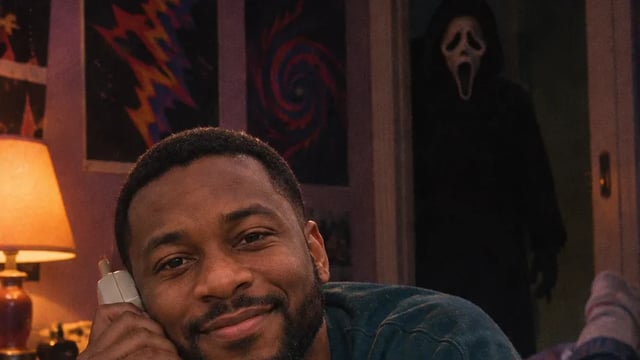
AI Effects
Pick an effect, upload one photo and get the result. There is no prompt to write: each AI effect already knows the look, from a Ghostface horror still to an action figure box or a short clip of you waving.
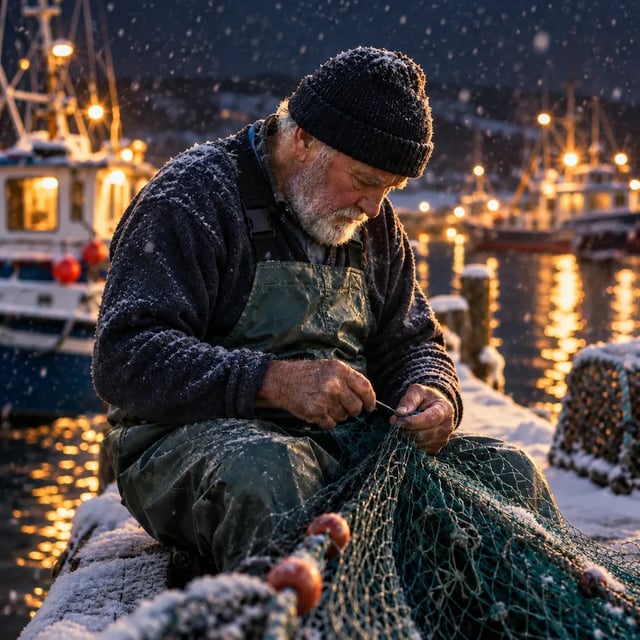
AI Image Editor
Upload a photo and type what should change: a new background, a different color, an object gone, or several photos combined into one. Pick from ten image models, and start free.
Get the Jean Phil look
One photo, no prompt. The bob, the mustache and the jacket are on us; the straight face is up to you.