

Nano Banana 2.1
Google 為 Nano Banana 2 推出的更新版,支援一句提示詞或最多 14 張參考圖,以 1K、2K 或 4K 生成與編輯圖片。Google 表示,它更能遵循提示詞,多次編輯時的角色更一致,並可做出最高 8:1 的無接縫全景圖。
生成預覽
Nano Banana 2.1 實測範例
其中五張來自與 GPT Image 2.5 Flare 使用相同提示詞的比較測試,都是 Nano Banana 2.1 以 1K 第一次生成的結果。山景全景圖則以 8:1、2K 生成。
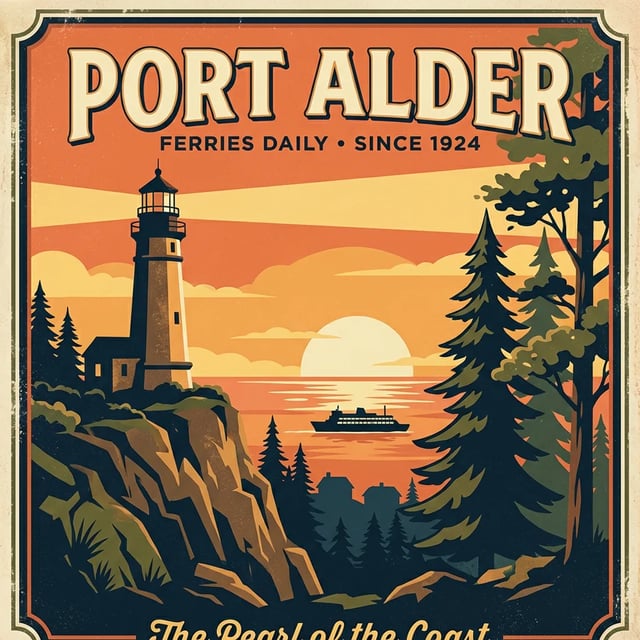
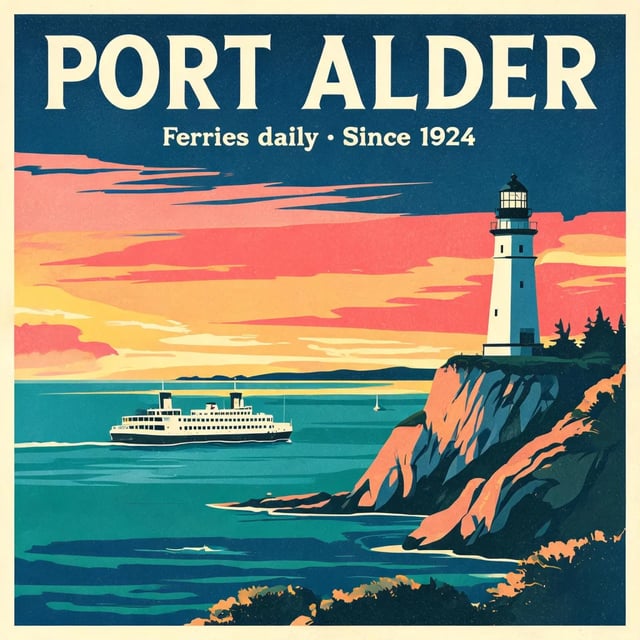
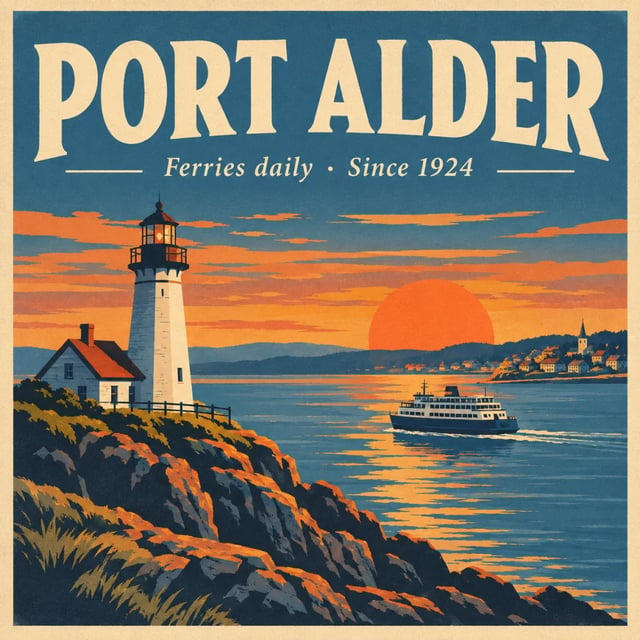
文字生圖 · 1K 海報:兩行字都拼對了,卻多了一行沒要求的文字
提示詞
A vintage travel poster for a coastal town called "Port Alder". Big headline "PORT ALDER", a smaller line "Ferries daily · Since 1924", a lighthouse at sunset, flat screen-print style.
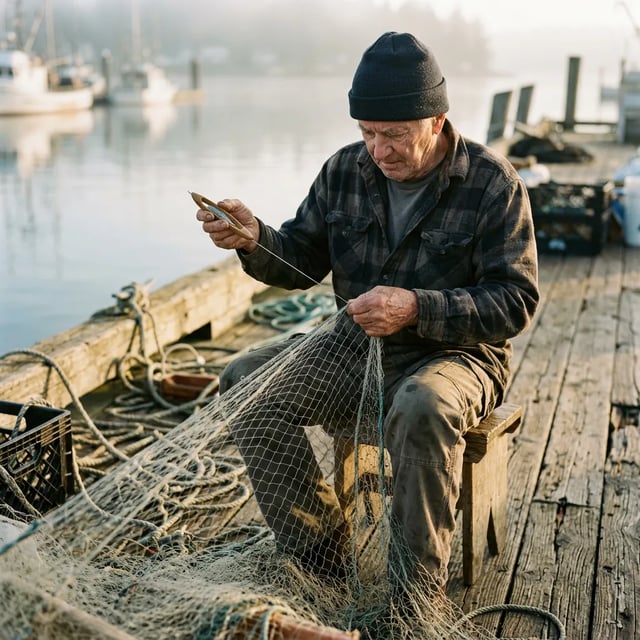
文字生圖 · 1K 人像:自然、有薄霧的清晨場景
提示詞
A candid photo of an elderly fisherman mending a net on a wooden dock, early morning light, shallow depth of field, shot on a 50mm lens.
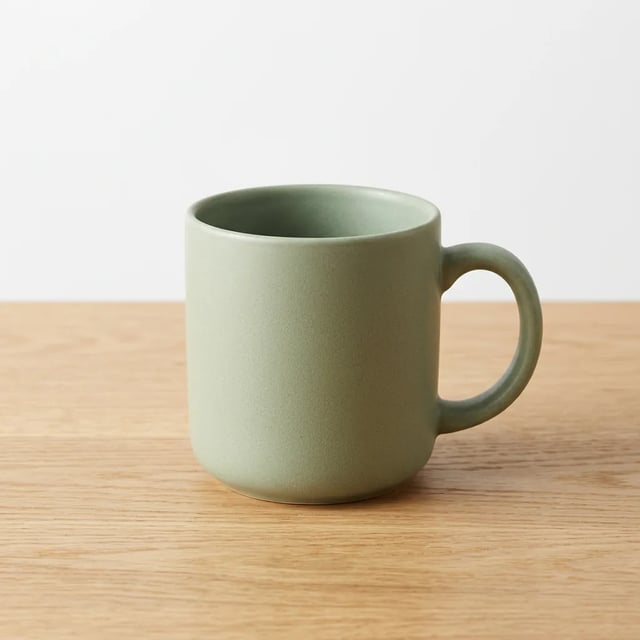
文字生圖 · 1K 商品照:乾淨的馬克杯,沒有多餘標誌
提示詞
Studio product photo of a matte ceramic coffee mug in sage green on a light oak table, soft window light from the left, plain white background, no logos.
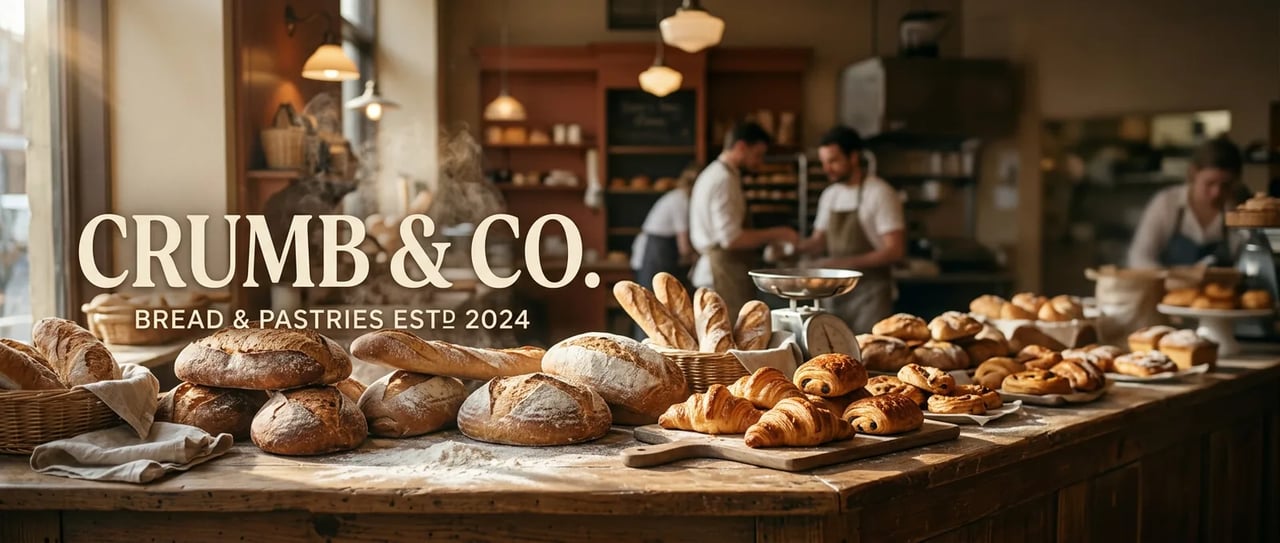
文字生圖 · 1K · 21:9 寬橫幅:店名拼對了,卻多了一行字,原本要留白的一側也被填滿
提示詞
A wide website hero banner for a bakery called "Crumb & Co.": a long wooden counter with fresh loaves and croissants, warm morning light. The name "CRUMB & CO." in large letters on the left, empty space on the right.
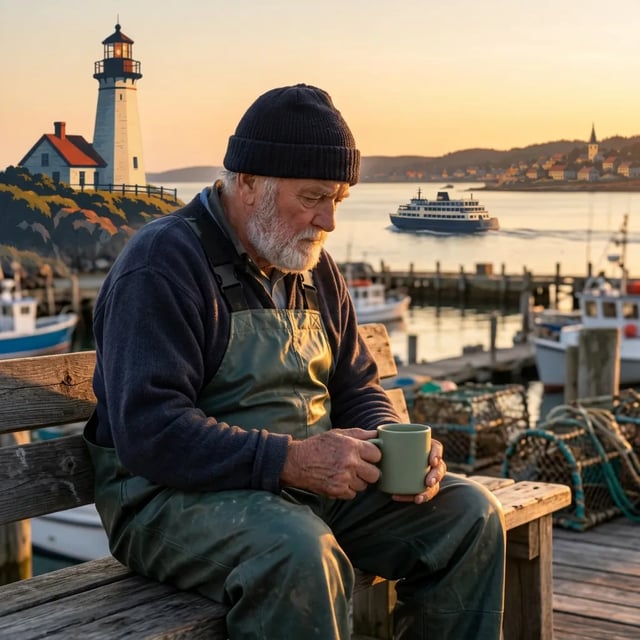
圖生圖 · 1K 合成三張照片:人物、馬克杯與燈塔都保留下來
提示詞(已上傳人像、海報與馬克杯照片)
Combine the three reference images: the fisherman from the photo sits on a bench in the harbour town from the poster, holding the sage green mug. Keep his face, the mug and the lighthouse recognisable. Natural photo, golden hour.

文字生圖 · 2K · 8:1 2K、8:1 全景圖:從左到右,場景連貫無斷裂
提示詞
An ultra-wide panoramic photo of a mountain ridge at sunrise, one continuous scene from left to right: a still lake in the foreground, a pine forest, snowy peaks, soft pink morning light. No text.
Nano Banana 2.1 是什麼?
Nano Banana 2.1 的 Google 官方名稱是 Gemini Nano Banana 2.1,於 2026 年 10 月 6 日推出,是 Nano Banana 2 的更新版。相較於高階 Nano Banana Pro,Google 將它定位為高效率的日常模型,並建議新專案採用。在 AI Image Studio,你可以用它文字生圖或圖生圖,選擇 1K、2K 或 4K。
Google 在 Nano Banana 2.1 改進了什麼
更好的畫質
1K、2K 與 4K 的畫質和寫實程度都有提升。
更貼近提示詞
比 Nano Banana 2 更能遵循指令。
多次編輯,人物更一致
經過多輪編輯後,角色仍能保持更一致的樣貌。最多可上傳 14 張圖片,其中可包含最多 4 位人物或角色。
文字與資訊圖表
文字與資訊圖表的排版更準確。不過仍要逐字檢查:我們的海報和橫幅測試中,它都加了一行沒有要求的文字。
無接縫的全景圖
Google 修復了 2K、4K 圖片在 1:4、4:1、1:8 和 8:1 比例下可能出現的接縫。上方的山景全景圖就是其中一例。
如何使用 Nano Banana 2.1
- 1
寫提示詞或上傳圖片
描述想要的畫面,或上傳最多 14 張圖片並說明要改哪裡。必須出現在圖中的文字,請用引號標出。
- 2
選尺寸與比例
先從 1K 開始;2K 和 4K 需要付費積分包或方案。圖片比例從 1:8 到 8:1 都可選。
- 3
生成後仔細檢查
逐字讀過圖中的文字,也要檢查要求留白的地方是否真的保留空間。
Nano Banana 2.1、Nano Banana 2 與 GPT Image 2.5 Flare 比較
三款最高都支援 4K。Nano Banana 2.1 與 Nano Banana 2 的尺寸、比例和 14 張上傳上限相同,但 2.1 較貴。GPT Image 2.5 Flare 更便宜、可上傳更多圖片,比例從 9:16 到 21:9。我們另有專頁,展示 2.1 與 Flare 的六項並排測試。
| 本頁模型Nano Banana 2.1Google使用 Nano Banana 2.1 | Nano Banana 2Google | GPT Image 2.5 FlareOpenAI查看六項測試 | |
|---|---|---|---|
| 每張圖所需積分 | 1K:8、2K:15、4K:20 | 1K:8、2K:15、4K:20 | 1K:6、2K:10、4K:16 |
| 圖片比例 | 1:8 至 8:1 | 1:8 至 8:1 | 9:16 至 21:9 |
| 每次修改可上傳的圖片數 | 最多 14 張 | 最多 14 張 | 最多 16 張 |
Nano Banana 2.1 常見問題
不是。新帳號會拿到 10 免費積分,而 Nano Banana 2.1 生成一張 1K 圖片需 8 積分。免費積分足夠用前一代 Nano Banana 2 生成一張 1K 圖片,可以先到首頁生成器試試這個系列。要用 2.1,或生成 2K、4K 圖片,請購買積分包或方案。免費方案的圖片帶有浮水印。
2.1 是 Google 為 Nano Banana 2 推出的更新版,Google 列出的改進如上所述。在這裡,兩款的尺寸、比例和 14 張圖片上傳上限都相同,2.1 每張需要更多積分。
Google 將 2.1 定位為相對於 Nano Banana Pro 的高效率選項,並建議新專案採用。兩款在工作室都能用:到首頁生成器分別選取模型,輸入同一句提示詞,再保留你喜歡的結果。
不能。要求它生成透明背景貼紙時,它把灰色棋盤格直接畫進了不透明的圖片裡。需要真正透明的 PNG,請到首頁生成器選 GPT Image 2.5 Flare,並將「背景類型」設為「透明」。
可選 1K、2K 或 4K,沒有更小的 512 px 設定。比例從 1:8 到 8:1。我們以 2K 生成的 8:1 全景圖,實際尺寸是 5856 × 704 像素。
Google 會在這款模型生成的每張圖片中加入不可見的 SynthID 浮水印。本站免費方案的圖片另外帶有可見浮水印。
用 Nano Banana 2.1 試做全景圖
複製範例中的山景提示詞,或寫下自己的需求,再選擇 1:8 至 8:1 之間的比例。