

AI Image Prompts with Real Examples, Tested Across Models
Browse AI image prompts with real examples, each run on top models like Nano Banana Pro and GPT Image 2. Copy any prompt, swap the placeholders, and generate in one click.

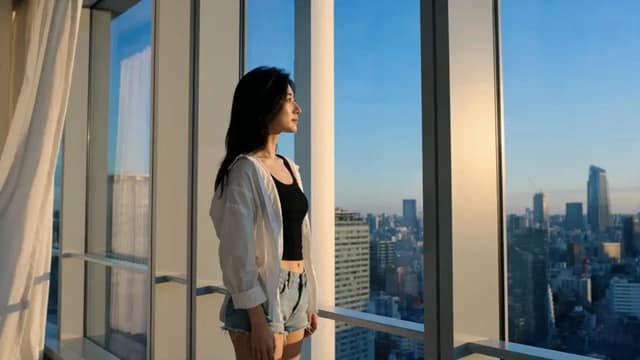
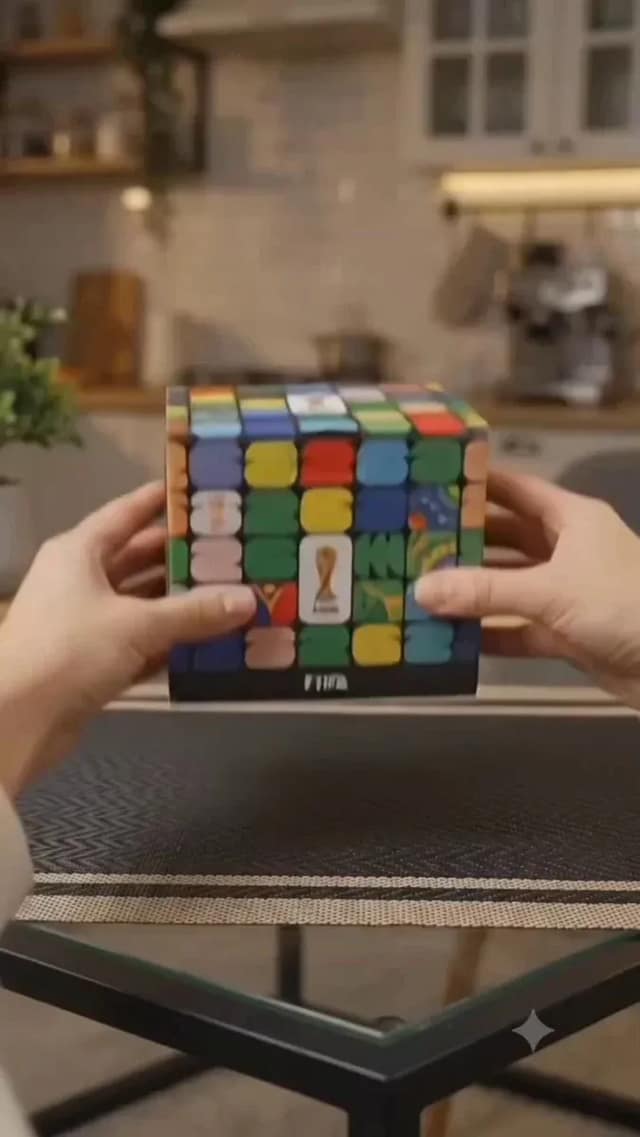
![[Product type]: [perfume / sunscreen / sports drink / cushion compact / other]
[](/cdn-cgi/image/format=auto,width=640,quality=72/https://cdn.ai-image.studio/__shared__/showcase/image/bento/ben-213-product-stage-campaign/0-eba506a49e36c2e9.webp)
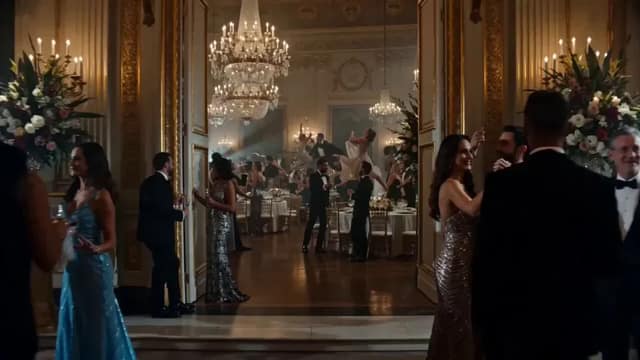
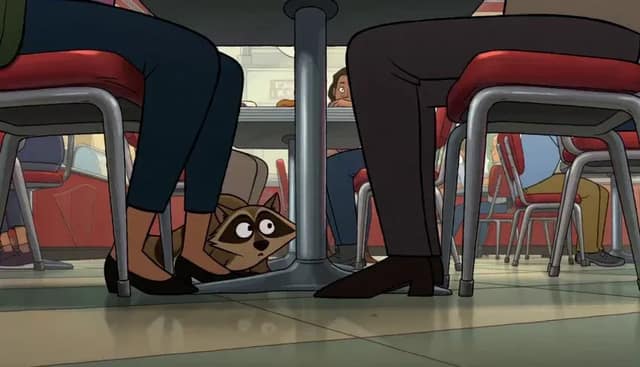
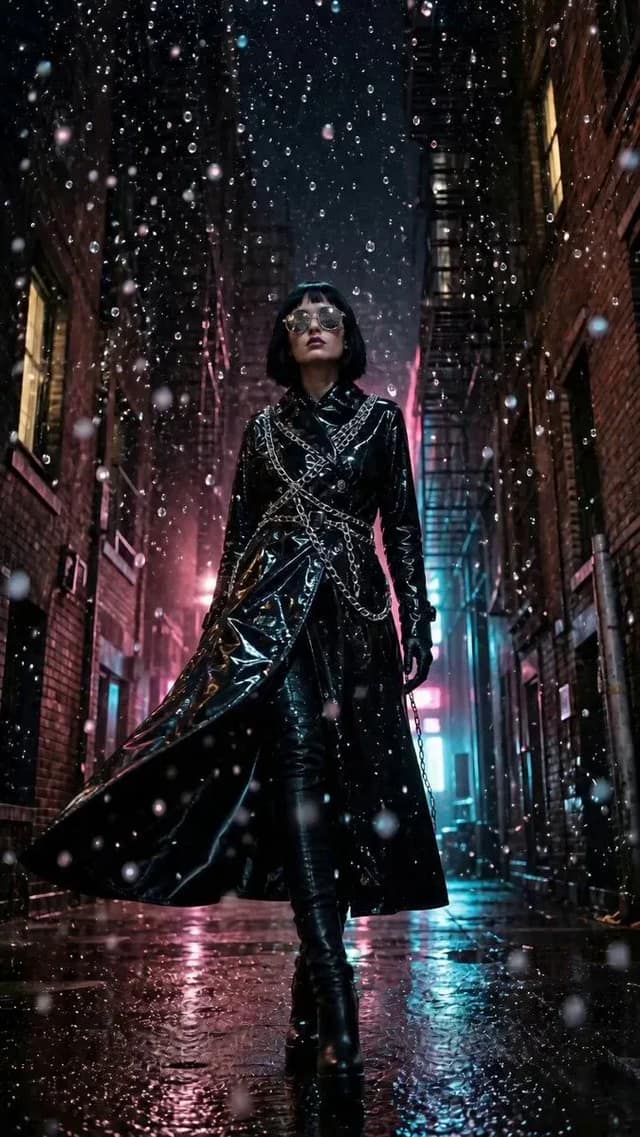

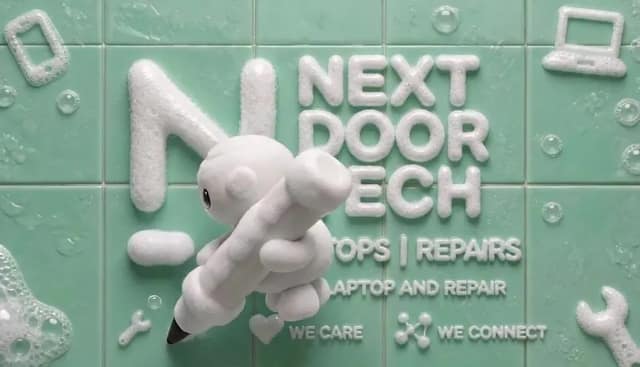
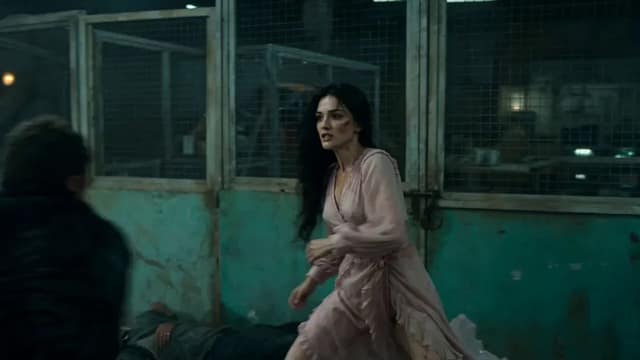
![[Magic Pen Street-Magic Vlog · 15 seconds · vertical 9:16]
[Style] Live-Action](/cdn-cgi/image/format=auto,width=640,quality=72/https://cdn.ai-image.studio/__shared__/showcase/image/x/2077032531636125758/0-72999981f6ce5257.webp)
How AI image prompts work across every model in AI Image Studio
What is the AI image prompts library
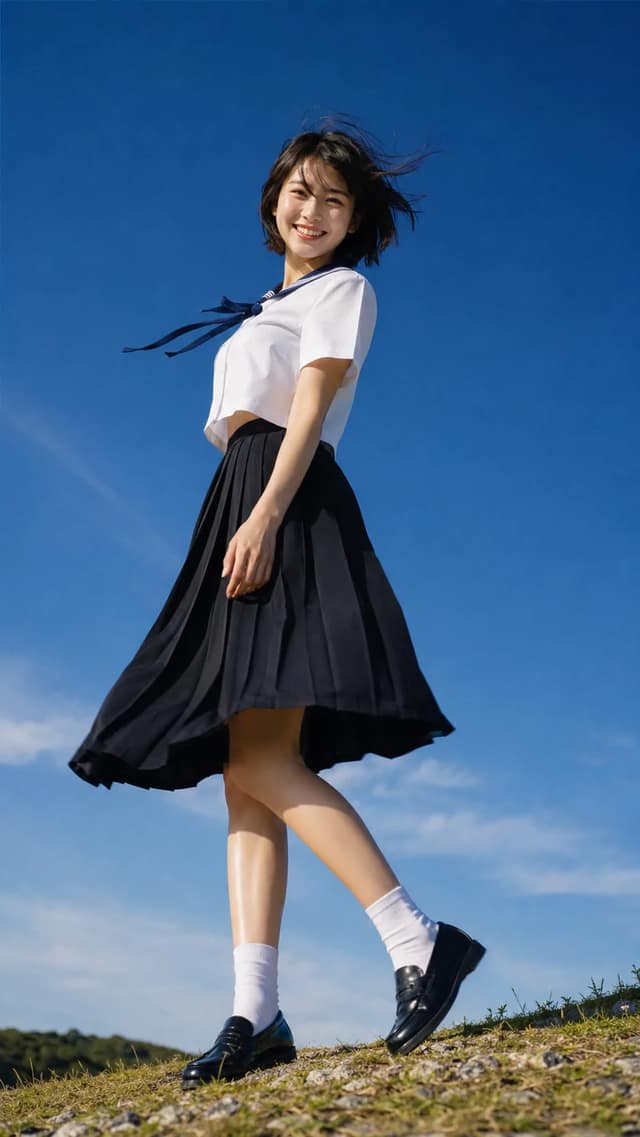
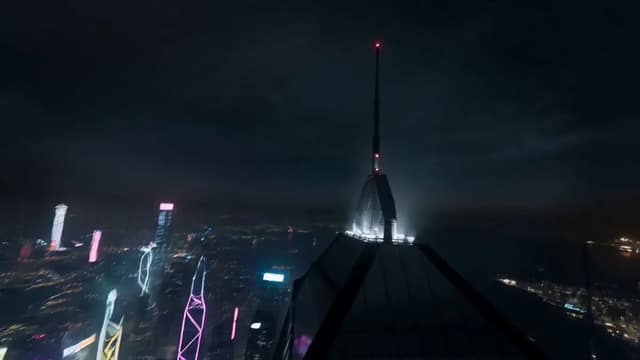
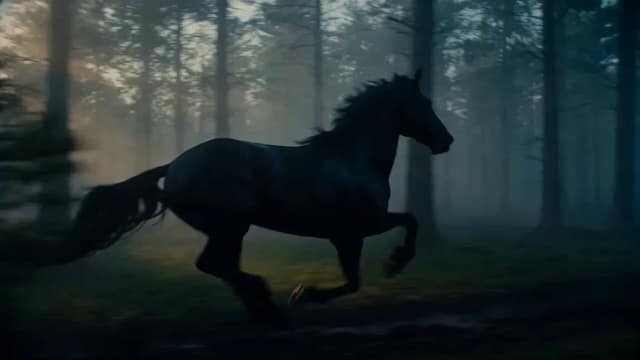
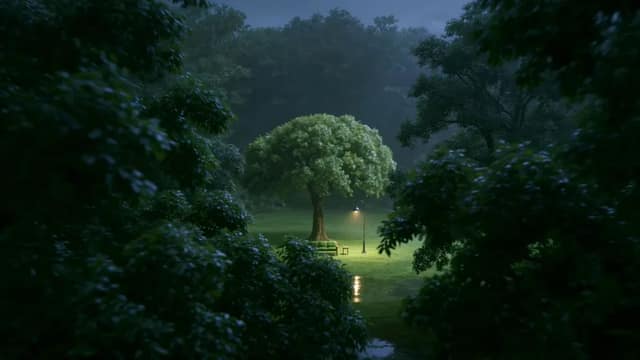
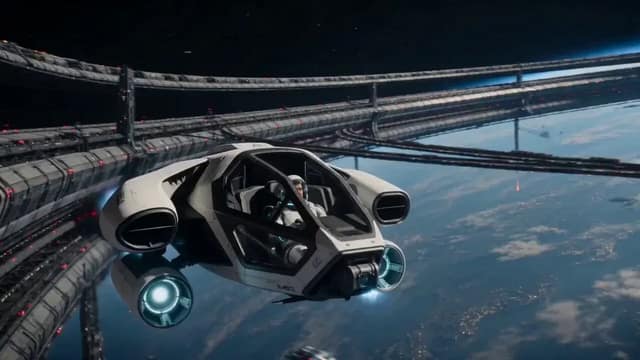
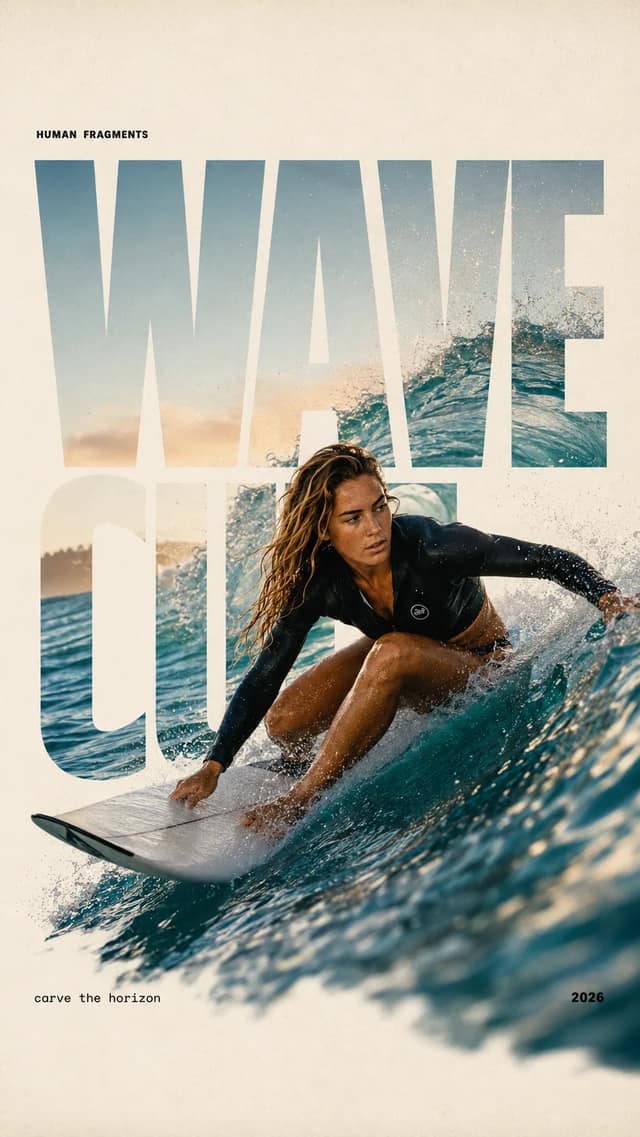
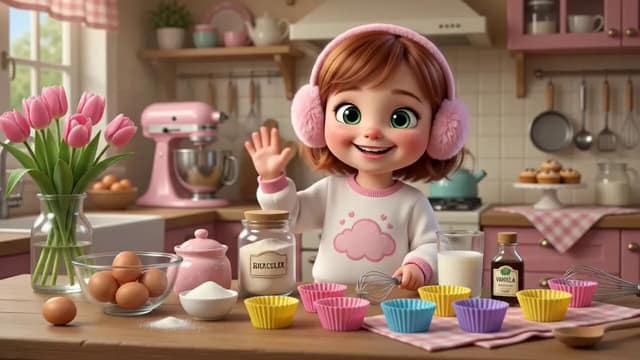
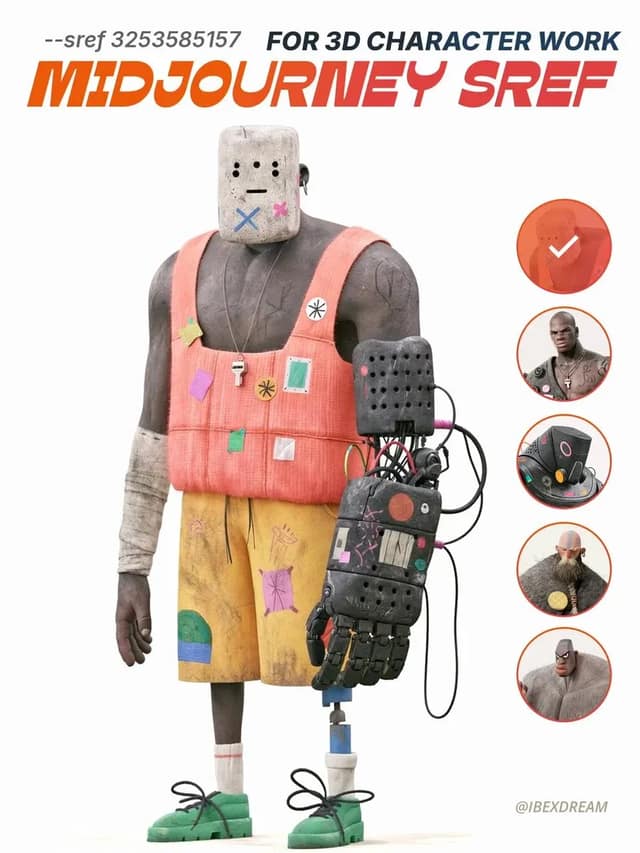
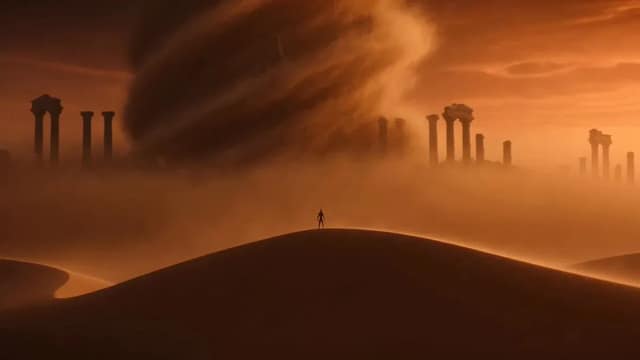
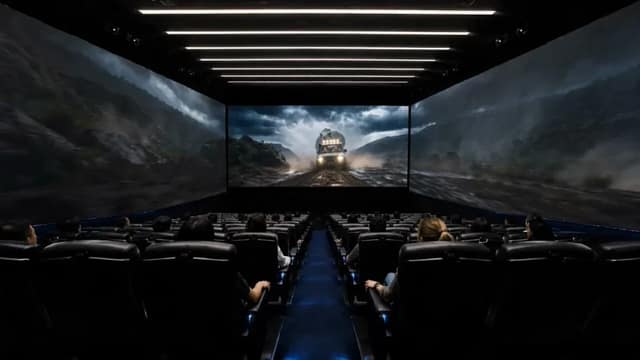
It is a curated library of AI image prompts that have already produced studio-quality results — each one shown with the exact image it generated, the model that ran it, and its source attribution. Nothing here is a mock-up: every AI image prompt is a working example you can load into AI Image Studio's multi-model generator and reproduce. Browse by media type, model, or trending order.
How to use these AI image prompts
Open any card to read the full prompt, copy it to your clipboard, hit Use this prompt to load it into the generator with its original settings, or hit Use as reference to start an image-to-image edit from the source. Tokens in square brackets like [PRODUCT NAME] are placeholders — swap in your own subject and the proven structure does the rest.
Run one AI image prompt across multiple models
AI Image Studio's edge is the model picker: load an AI image prompt once, then run the same wording through Nano Banana Pro, GPT Image 2, Seedream, Grok, and more to see which model renders your idea best. The library shows which model produced each example, so you can start from the engine that already nailed a similar look instead of guessing.
What you can create from an AI image prompt
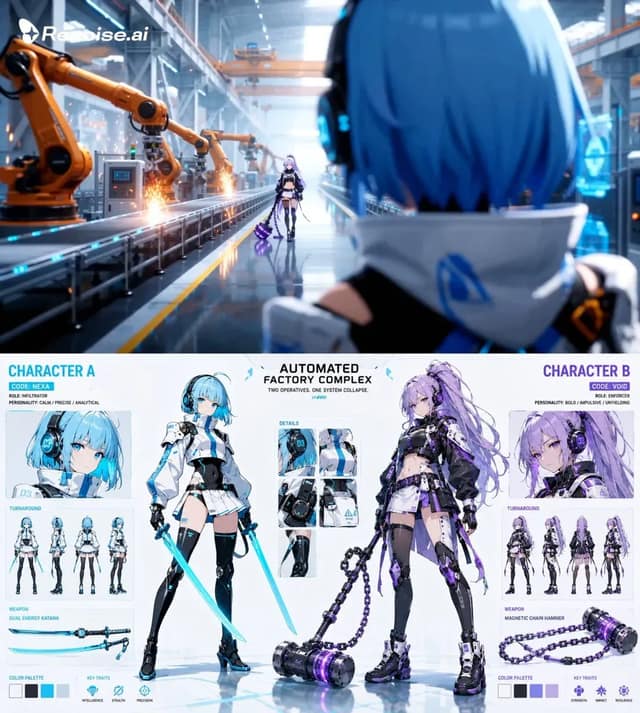
These AI image prompts span photoreal portraits, product and packaging shots, brand mockups, isometric scenes, anime keyframes, and architectural renders — each generated on one of the image models AI Image Studio runs today. Match a result to the look you want, swap the placeholders, and the first render usually lands in well under a minute.
AI image prompts for product and ecommerce shots
Sellers use these AI image prompts to turn one reference into clean packshots, lifestyle scenes, and seasonal variants. Swap the [PRODUCT] and [BACKGROUND] placeholders, pick the model that handled a similar product best, and generate a consistent catalog set without a studio booking.
AI image prompts for characters and portraits
Illustrators and game artists pull character-focused AI image prompts to keep a face, outfit, and lighting consistent across a set. Use a portrait prompt as the scaffold, change the subject placeholders, and compare two or three models to lock the rendering style you want before committing a full batch.
AI image prompts for social and marketing visuals
Marketers grab AI image prompts for thumbnails, ad creative, and campaign mockups on a deadline. Start from a prompt that already produced the look, substitute your brand and message placeholders, and ship a batch of on-brand visuals in one click instead of writing prompts from scratch.
Are these AI image prompts free?
Browsing the library, viewing every result, and copying any AI image prompt is free with no account. Running a prompt through the generator follows AI Image Studio's normal plans — the same plans that govern the rest of the multi-model studio.
Which models do these AI image prompts work on?
Every AI image prompt here is plain text, so it runs on any model in the picker. Each example lists the model that generated it, and Use this prompt reproduces the shown result most faithfully on that one — but switching models is a single click if you want a different render.
How do the bracketed placeholders work?
Anything in square brackets like [PRODUCT NAME] or [SETTING] is a slot you fill before generating. You keep the structure, composition, and lighting of the original AI image prompt and only change the part that makes the image yours.
How often are new AI image prompts added?
New AI image prompts are added as creators share results worth reproducing, and the trending sort floats the prompts people actually load into the generator. Check back regularly to catch the freshest, most-used ones.
What makes a good AI image prompt?
A strong AI image prompt is specific about subject, composition, lighting, and style, and it ships with a real generated image so you see the outcome before you spend a render. Every prompt in this library is a working example with source attribution and the model that produced it — not a cherry-picked thumbnail.